User Reviews and Ratings


Introduction
Trust in software doesn’t come from features alone—it comes from the firsthand experiences of everyday users and professionals. Office 2024 Professional Plus is marketed as Microsoft’s most advanced, reliable, and intuitive productivity suite ever.
1. Real User Ratings: Quick Statistical Overview
Across major review aggregators and e-commerce platforms, Office 2024 Professional Plus consistently achieves good overall scores. Typical user-reported ratings:
Platform / SourceUser Rating (5.0 scale)Number of Reviews/ScopeBest Buy4.5 – 4.74,000+ reviews (all Office 2024)Judge.me (various e-tailers)3.3 – 3.7Small-volume (10–50 verified)Amazon4.4 – 4.8Thousands of global ratingsSoftwareG.com.au3.6 (Pro Plus LTSC)50+ reviewsPCMag EditorialEditors’ ChoiceProfessional reviewUser ForumsMixed to positiveDozens of upvoted threadsSummary:
The suite is widely regarded as more stable, feature-rich, and user-friendly than previous perpetual Office versions, but some buyers report isolated activation, support, or licensing confusion—common themes across all major productivity software reviews.
2. What Users Love (and Hate) About Office 2024 Professional Plus
Most Praised Features and Benefits
One-time purchase and perpetual license: No subscriptions, no recurring billing, and full lifetime access are repeatedly applauded by users who dislike annual fees.
User-friendly design and modern UI: Customers say the interface is cleaner, faster, and easier for both new and experienced users.
Easy installation and migration: Positive feedback on the digital download and straightforward setup process.
AI-powered features and performance: Fans highlight Office 2024’s smart suggestions in Word, new Excel functions, better data handling, and “live” PowerPoint improvements.
Smooth integration with Windows 11/10: Seamless compatibility for most modern users.
Reliable help/support (when bought from a trusted vendor): Many praise responsive reseller support during activation.
“Installation was straightforward, and the tools provided are more than sufficient for everyday needs. Overall, I’m very satisfied… well-designed, practical solution that meets my expectations and makes everyday tasks more efficient.”
— Verified Best Buy Reviewer
Common Criticisms and Complaints
Expensive for single-device use: Some buyers complain about the cost, especially compared to cloud alternatives or older perpetual editions.
No continuous feature updates: Unlike Microsoft 365, users only receive security updates—no upgrades to major new features.
Cloud defaults and OneDrive push: Customers note frustration with cloud storage as the default save location.
Activation and licensing confusion: Mixed reviews about product key activation, and some negative experiences from buyers with unverified vendors.
Limited device allowance per license: Users owning multiple PCs must buy additional licenses—or upgrade to Microsoft 365.
“They assume everybody NEEDS to be on the cloud, so they default to saving things there. It results in a lot of aggravation as you try to make it do what you want and not surprise you.”
— Best Buy Review Excerpt
3. Insights from Major Retailers and Review Aggregators
Best Buy
With over 4,000 reviews for Office 2024 versions, verified buyers report:
Ease of use and “plug-and-play” format.
One-time purchase value, much-preferred to subscriptions.
Consistent, stable performance for Word, Excel, PowerPoint.
Praise for customer support during install and troubleshooting.
Sample Score:
4.5/5.0 (average for Best Buy Office 2024 purchases)
Judge.me, SoftwareG.com.au, and Amazon
Office 2024 Professional Plus averages 3.3–3.7/5.0 on Judge.me, notably pulled lower by buyers misled by unauthorized sellers.
Amazon features numerous positive ratings on ease of activation, legacy compatibility, and “worth the money—if you need it for the long haul.”
PCMag, TechRadar, and GeeksForGeeks
Tech industry outlets declare Office 2024 a top choice for users who want a perpetual license and all core productivity tools on Windows or Mac:
PCMag: “Class-leading, user-friendly office productivity—remarkable for those who want to avoid subscriptions.”
GeeksForGeeks: “A top-tier productivity suite … feature-rich, essential for daily tasks, and reliable if purchased from a reputable digital retailer.”
4. In-Depth: Expert Editorial and Tech Industry Reviews
PCMag Review Highlights
Perpetual access: “No surprise renewals, no risk of losing access—your license lasts forever.”
Class-leading reliability: “The fastest, most resilient version of Office yet.”
Drawbacks: “Expensive for casual or single-device users. No access to Microsoft 365 cloud upgrades or file recovery beyond what comes bundled.”
Brytesoft & Keytive Editorials
Faster app start-up and improved UI consistency.
New Excel functions, recording studio in PowerPoint, live commenting, and better accessibility.
“Stable and productive work environment,” ideal for professional and small business use.
TechRadar & DirectDeals
AI-enabled features: Enhanced auto-correct, grammar, data analysis.
Collaboration upgrades: Best for teams sharing content across OneDrive, SharePoint, and local devices.
5. Reddit and Community Feedback: Upvoted Opinions
Reddit threads provide unfiltered, real-world voices—here’s what’s trending:
Users of Office 2016/2019 hesitate to upgrade without feature mandates: “The differences are minimal. I recommend holding off for now; even 2016 remains adequate since the DOCX format hasn't changed.”
Excel and Access power users welcome new functions, but say casual Word users see little improvement.
General consensus: If you need the latest tools for business, the perpetual license is worth it. For home users, Microsoft 365 may offer better value if you want updates and multi-device access.
6. Strengths, Weaknesses & Who Benefits Most
Strengths
Trusted, reliable core apps—Word, Excel, PowerPoint, Outlook, Access, and more
One-time cost for lifetime use
Modern, consistent UI and smart workflow features
Fast startup, robust compatibility
Ideal for businesses, professionals, freelancers, and students who dislike subscriptions
Weaknesses
No automatic feature updates (security patches only)
Higher up-front price (esp. for one device)
One PC/Mac per license (unless buying 3-PC keys from select retailers)
No live chat or file recovery beyond bundled basics
Best For:
Users wanting a perpetual license instead of a recurring bill
Those working offline or with local file needs
Professionals requiring advanced data, presentation, or email tools
Anyone who values direct ownership and long-term stability.
Differences & Limitations to Understand
Versus Microsoft 365 (Subscription)
Office 2024: One-time purchase, fixed features, paid once.
Microsoft 365: Subscription, continuous feature updates, cloud services, device flexibility. PCWorld
If you rely heavily on cloud, mobile or ALWAYS need the latest features, Microsoft 365 may be better.
Versus Previous Office Versions (2019/2021)
Office 2024 brings UI refresh, performance gains, Excel enhancements and accessibility updates. But in many ways the evolution is incremental, not revolutionary.
Feature Update Cut-Off (Perpetual Model)
Unlike subscription versions, the perpetual version will not receive major new features after release—only security/bug-fix updates.
Edition & Compatibility Notes
The “Professional Plus” edition via volume licensing may differ from consumer editions in rights, activation and device count.
Some features previously bundled (e.g., Publisher, Teams) may not appear or may require separate install.
Installation, Support & Lifecycle
System Requirements & Deployment
According to Microsoft documentation, Office LTSC/2024 editions support Windows 10 and Windows 11, require 4 GB+ RAM, 4 GB disk space and a 1.1 GHz dual-core CPU minimum. If you are upgrading from older versions, check for compatibility of add-ins, macros and organisational policies.
Activation, Updates & License Management
Once installed and activated, you should verify your product status under Account → Product Information. Ensure updates install correctly — this helps confirm your licence is valid and updates are not blocked. Keep your proof of purchase/invoice.
Support Lifecycle
Office LTSC 2024 (and by extension many perpetual versions) receive mainstream support for ~5 years, after which extended support may not be offered. This differs from subscription models which evolve continuously.
Training & Adoption
With UI refinements and new features, users may benefit from short training sessions covering:
The new Fluent UI
New Excel functions and workflow
Mobile device picture insertion
Accessibility ribbon enhancements
Real-World Use Cases & Business Value
Small Business / Office Setup
A small consultancy running 5 desktops upgraded to Office 2024 Professional Plus. Benefits: one-time cost, consistent UI across users, offline stability, and familiar tools for docs, spreadsheets and presentations. Training time minimal because the interface is familiar.
Educational Institution
A university lab purchased volume licences for Professional Plus. They appreciated the ability to deploy consistently across lab machines, maintain offline functionality (labs sometimes air-gapped) and keep cost predictable.
Power User / Analyst Scenario
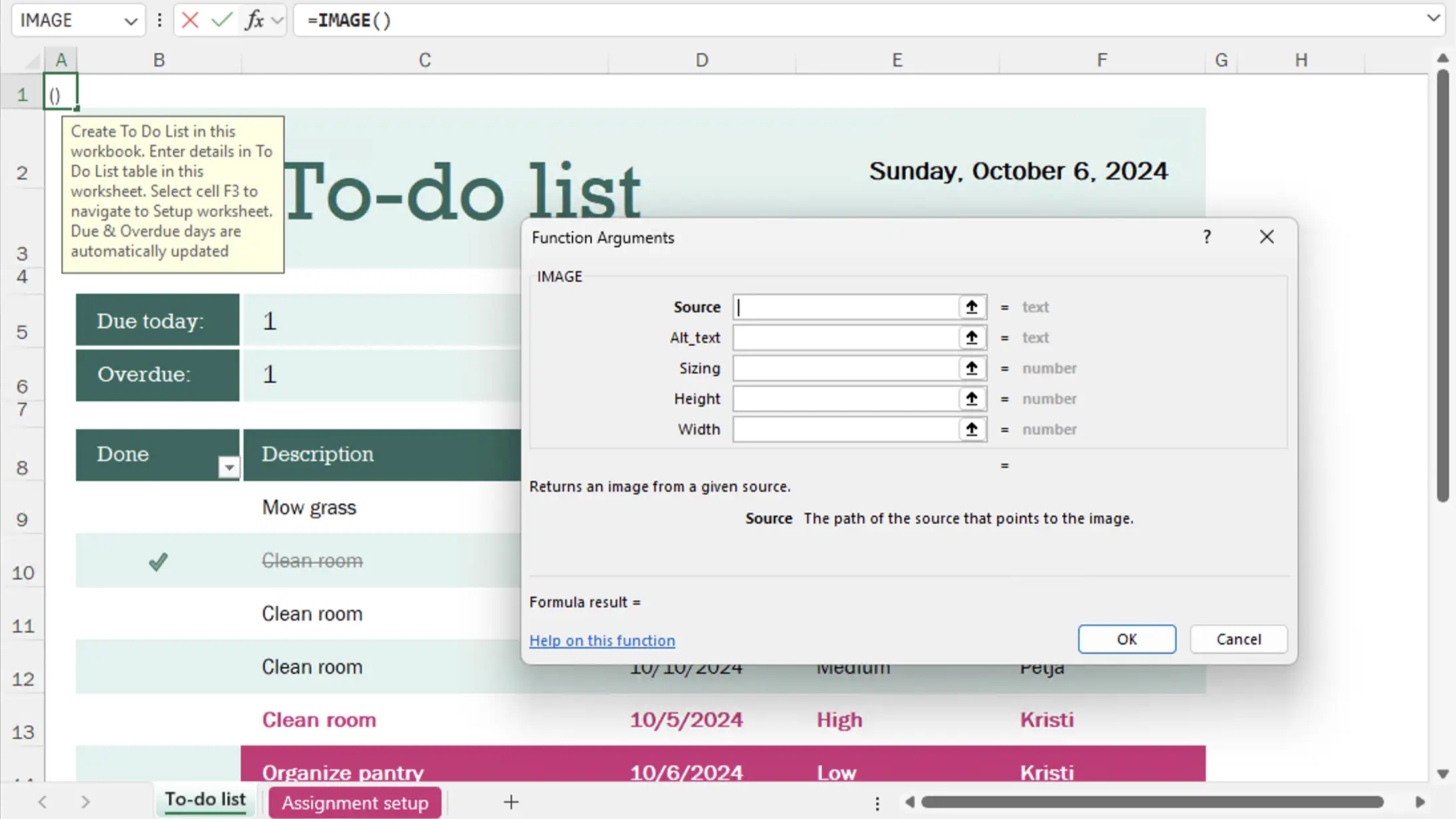
An analyst working in Excel-heavy workflows utilized the new dynamic array functions and faster workbook performance in Office 2024. The improved Excel functions (e.g., IMAGE function, dynamic charts) enabled more agile data insights.
Remote / Managed Devices
For users who travel or work offline (e.g., in field locations), Office 2024's offline install and use capability became a major advantage—without reliance on constant connectivity or cloud-only services.
Frequently Asked Questions (FAQs)
Yes, for power users, teams, or those who want an up-to-date, perpetual license with refreshed UX and latest functions. Those with only basic needs may find older versions adequate.
Cost per device and initial activation/installation hiccups, especially if not purchased from an official retailer.
Yes—no feature upgrades after purchase, smaller cloud storage, and no multi-device or family plans by default.
Very positive with official and top-rated resellers; mixed when using unknown third-parties or gray-market sellers.
Home office professionals, businesses, and users tired of recurring fees or needing guaranteed compatibility and support with their current PC.
Conclusion: Making the Most of Office 2024 Professional Plus
User reviews and ratings paint a clear picture: Office 2024 Professional Plus is a robust, modern, and productivity-focused suite that appeals most to those seeking a perpetual, subscription-free experience. While some users find little need to upgrade from earlier perpetual versions, business users and those craving the latest in performance and collaboration consistently report satisfaction.