

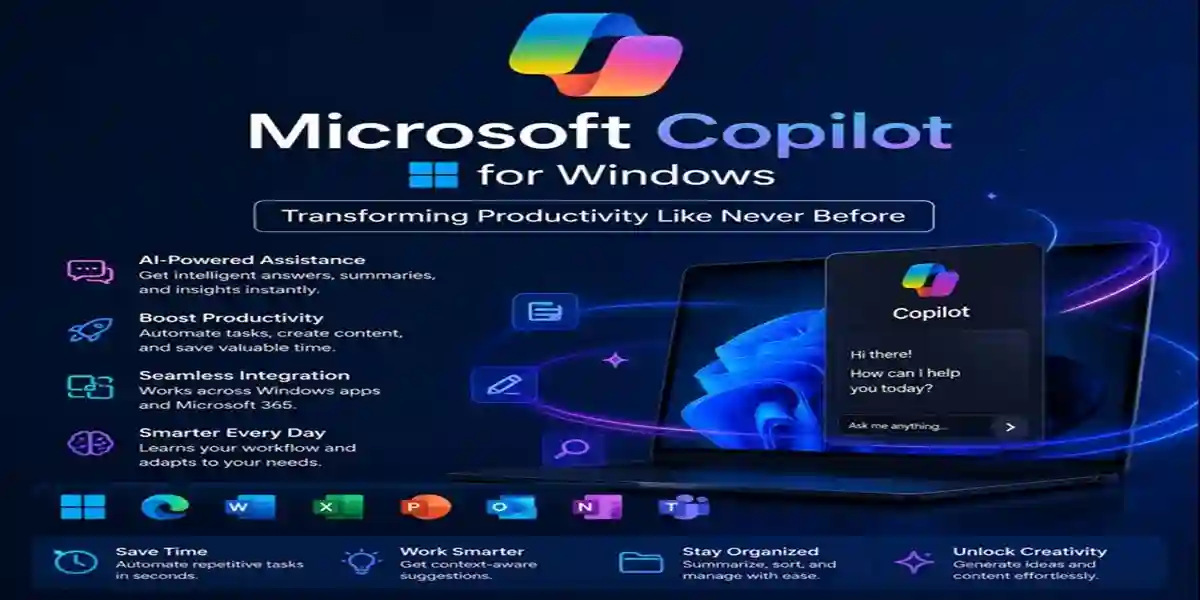
Microsoft Copilot for Windows | Transforming Productivity Like Never Before

Introduction
Artificial intelligence (AI) is transforming the way we interact with computers, and Microsoft Copilot is leading the charge. Integrated directly into Windows, Copilot makes your PC smarter, faster, and more intuitive—turning simple commands into powerful productivity actions.
While the next major Windows release, Windows 12, is expected around 2027, you don’t have to wait. Windows 11 already offers AI-powered tools that make Copilot accessible today.
What Is Microsoft Copilot?
Microsoft Copilot is an AI assistant built into Windows 11, Microsoft 365, Office apps, and Edge. Powered by the same advanced language models behind ChatGPT, Copilot understands your context and performs complex tasks with simple natural-language commands.
- Draft paragraphs, summarize reports, or organize files instantly.
- Adjust PC settings without navigating menus or typing long commands.
How Copilot Works in Windows 11
Copilot isn’t just another app—it’s embedded into the Windows experience:
- Smart System Commands: Say “Turn on Dark Mode,” “Free up storage,” or “Open File Explorer,” and Copilot executes instantly.
- Content Creation & Assistance: Enhance productivity in Word, Excel, and PowerPoint with AI-powered drafting, data analysis, and automation.
- Seamless App Integration: From Edge and Outlook to Teams, Copilot connects workflows, summarizes emails, extracts web insights, and helps compose messages in seconds.
Windows 11 vs Windows 12: Why You Don’t Need to Wait
Copilot is already available in Windows 11 through recent updates. It can summarize web pages, manage tasks, and optimize basic settings.
Windows 12 will expand AI further with predictive file access, real-time optimization, and intelligent personalization. But with a release expected in 2027, upgrading to Windows 11 now gives you immediate access to Copilot features.
Who Benefits from Microsoft Copilot?
- Everyday Users: Open apps, adjust settings, and summarize web content using simple commands.
- Professionals: Automate reports, draft emails, and manage Office data effortlessly.
- Gamers & Creators: Optimize system performance, manage background apps, and balance GPU usage for gaming and content creation.
Windows 11 Home offers a streamlined package for home users, while Pro editions deliver advanced features for professionals.
How to Prepare Your PC for Copilot
- Upgrade to Windows 11 today.
- Enable Windows Update for the latest Copilot features.
- Sign in with your Microsoft account for personalized AI experiences.
The Future of Windows Is AI-Driven
Microsoft Copilot marks a new era in Windows computing. Expect more automation, predictive performance tuning, and intelligent personalization as AI becomes integral to your PC.
With Windows 12 years away, the smartest choice is embracing AI now with Windows 11.
Experience Microsoft Copilot Today
Microsoft Copilot transforms your Windows workflow, making tasks faster, simpler, and smarter. Windows 11 Pro and Home editions are AI-ready, so upgrade now to experience Copilot’s benefits.
Why Buy from esoftwarestore?
- Verified Partners: Official keys at affordable prices.
- Instant Delivery: Get keys immediately.
- Live Support: 24/7 assistance for all users.
- Trusted by 100k+ Users: Over 1 million keys delivered worldwide.
Conclusion
Microsoft Copilot is redefining the way we use Windows, turning your PC into a smart, efficient assistant. From automating routine tasks to enhancing productivity across Office apps, Copilot simplifies both personal and professional workflows. With Windows 11 already AI-ready, there’s no need to wait for Windows 12. Upgrade today, experience the power of Copilot, and transform your Windows experience into a faster, smarter, and more intuitive environment.
Frequently Asked Questions (FAQ)
A: An AI assistant built into Windows 11 that performs tasks, manages settings, and boosts productivity using natural language.
A: Yes. Both Home and Pro editions receive Copilot updates.
A: No. Copilot is available now on Windows 11, while Windows 12 is expected in 2027.
- A: Microsoft hasn’t confirmed pricing yet; historically, major version upgrades are free for licensed users for a limited time.
A: Ensure the latest update is installed, then click the Copilot icon on your taskbar or press Windows + C.