

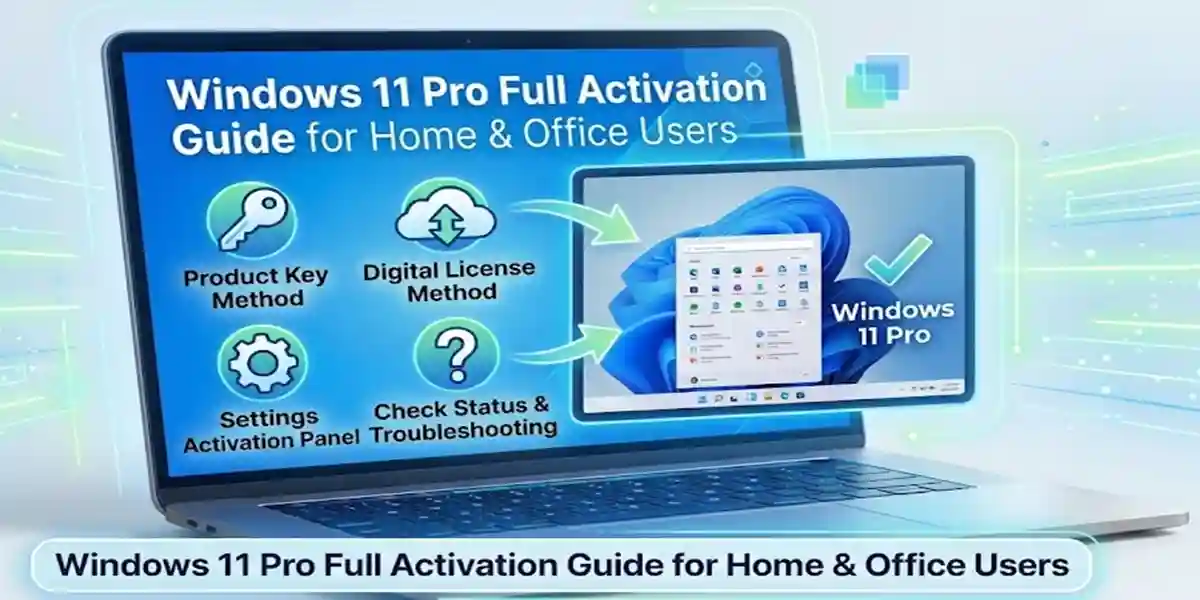
Windows 11 Pro Full Activation Guide for Home & Office Users

Introduction
Windows 11 Pro is a powerful and advanced operating system developed by Microsoft for both professional and home users who require enhanced performance, security, and system control. Unlike the Home edition, Windows 11 Pro is designed to support business environments, remote work setups, IT administration, and advanced productivity tasks.
It includes enterprise-level tools such as BitLocker encryption, Remote Desktop, Group Policy Editor, and Hyper-V virtualization, making it ideal for office users, developers, and power users who want more control over their system.
However, to unlock its full potential, proper activation is required. Activation ensures that the system is legally licensed, fully functional, and eligible for Microsoft updates and security patches. Without activation, users may experience restrictions such as limited personalization, disabled advanced features, and activation watermark issues.
Key Features of Windows 11 Pro
1. Advanced Security and Data Protection
Windows 11 Pro provides multiple layers of protection for devices, credentials, applications, and business data.
Key features include:
- BitLocker Drive Encryption – Encrypts supported drives to help protect data if a device is lost or stolen.
- Windows Security – Provides antivirus, firewall, and threat-protection capabilities.
- Secure Boot – Helps prevent unauthorized software from loading during the startup process.
- Windows Hello – Supports passwordless sign-in methods such as PIN, fingerprint, and facial recognition on compatible hardware.
- Credential Guard – Uses virtualization-based security to help protect certain authentication credentials.
2. Remote Desktop
Windows 11 Pro supports Remote Desktop, allowing users to connect to a Pro PC from another device over a network.
Common uses include:
- Remote work
- IT administration
- Accessing applications and files
- Managing a workstation from another location
The PC being remotely accessed must be configured to allow Remote Desktop connections.
3. Group Policy Management
The Local Group Policy Editor gives administrators granular control over many Windows settings.
It can be used to manage:
- User and computer policies
- Windows Update behavior
- Security settings
- Application restrictions
- Login and system policies
In business environments, domain-based Group Policy can provide centralized management through Windows Server and Active Directory.
4. Hyper-V Virtualization
Windows 11 Pro includes Hyper-V, Microsoft's virtualization platform, when supported hardware and Windows configuration requirements are met.
It can be useful for:
- Software testing
- Development environments
- Running Windows or Linux virtual machines
- Isolating test environments
- Learning and experimenting with different operating systems
5. Business and Device Management
Windows 11 Pro provides capabilities designed for organizational environments, including:
- Microsoft Entra ID integration
- Domain Join
- Mobile Device Management (MDM)
- Windows Information Protection capabilities where supported
- Assigned Access
- Advanced device and security management
These features can help organizations manage computers, user access, applications, and security policies.
Useful Windows 11 Pro Commands
1. Check Windows Edition
DISM /Online /Get-CurrentEdition
2. Check Windows Version and Build
winver
Or use PowerShell:
Get-ComputerInfo | Select-Object WindowsProductName, WindowsVersion, OsBuildNumber
3. Check Windows Activation
slmgr /xpr
For detailed licensing information:
slmgr /dlv
4. Check BitLocker Status
Open Command Prompt as Administrator:
manage-bde -status
For a specific drive:
manage-bde -status C:
5. Check Windows Firewall
Get-NetFirewallProfileTo view firewall rules:
Get-NetFirewallRule6. Check Hyper-V Availability
Get-WindowsOptionalFeature -Online -FeatureName Microsoft-Hyper-V-All
To enable Hyper-V:
Enable-WindowsOptionalFeature -Online -FeatureName Microsoft-Hyper-V -All
A restart may be required.
7. View Existing Hyper-V Virtual Machines
Get-VMStart a virtual machine:
Start-VM -Name "VMName"
Replace VMName with the actual virtual machine name.
8. Open Local Group Policy Editor
Press Win + R and enter:
gpedit.msc
9. Update Group Policy
Run Command Prompt as Administrator:
gpupdate /force
To view the resulting policy configuration:
gpresult /r
For a detailed HTML report:
gpresult /h "%USERPROFILE%\Desktop\GroupPolicyReport.html"
10. Enable Remote Desktop
On supported Windows 11 Pro systems, you can enable Remote Desktop through PowerShell:
Set-ItemProperty -Path "HKLM:\System\CurrentControlSet\Control\Terminal Server" -Name "fDenyTSConnections" -Value 0
Enable the required firewall rules:
Enable-NetFirewallRule -DisplayGroup "Remote Desktop"
Check the current Remote Desktop configuration:
Get-ItemProperty -Path "HKLM:\System\CurrentControlSet\Control\Terminal Server" -Name "fDenyTSConnections"
Why Activation is Important?
Activation of Windows 11 Pro ensures:
- Full access to premium features
- Security updates from Microsoft
- Removal of watermark restrictions
- Legal license compliance
- Improved system stability
Without activation, Windows runs in limited functionality mode.
Methods to Activate Windows 11 Pro
1. Product Key Activation
Steps:
- Open Settings
- Go to System > Activation
- Click “Change Product Key”
- Enter 25-character key
- Restart PC
2. Digital License Activation
Process:
- Sign in with Microsoft account
- System automatically verifies license
- Activation completes in background
3. CMD Activation Method
Commands:
Check activation status:
slmgr /xpr
Install key:
slmgr /ipk XXXXX-XXXXX-XXXXX-XXXXX-XXXXX
Activate:
slmgr /ato
View license:
slmgr /dlv
4. KMS Activation (Enterprise Method)
Steps:
- Connect to organization network
- System detects KMS server
- Automatic activation occurs
- Periodic renewal enabled
5. Troubleshooter Method
Windows built-in tool fixes activation issues automatically.
Common Errors and Fixes
Error 0xC004F074
Cause:
KMS server not reachable.
Fix:
- Check internet connection
- Sync system time
- Verify DNS settings
Error 0xC004C003
Cause:
Invalid product key.
Fix:
- Use genuine key
- Avoid reused keys
Error 0x8007232B
Cause:
DNS issue.
Fix:
- Use Google DNS
- Restart router
Activation Watermark Issue
Fix:
- Run slmgr /ato
- Re-enter product key
License Expiry Issue
Fix:
- Reconnect to network
- Renew activation
Licensing Overview
Windows 11 Pro licenses include:
- Retail License (single PC)
- OEM License (pre-installed systems)
- Digital License (Microsoft account linked)
Important Note:
Each license is valid for only one device unless specified otherwise.
Conclusion
Activating Windows 11 Pro is essential for unlocking its full power, security, and productivity features for both home and office users. Proper activation ensures access to BitLocker encryption, Remote Desktop, virtualization tools, and advanced system controls while maintaining system stability and security.
Whether you use product key activation, digital license, CMD commands, or enterprise methods, activation guarantees full functionality and legal compliance. It also removes limitations like watermarks and restricted settings, ensuring a smooth computing experience.
Frequently Asked Questions (FAQ)
It is used for professional, business, and advanced personal computing.
Yes, using digital license or enterprise activation.
It activates Windows online.
Due to invalid key or network issues.
Yes, it has more advanced features.