Mac or Windows: Which Operating System Reigns Supreme in 2026?

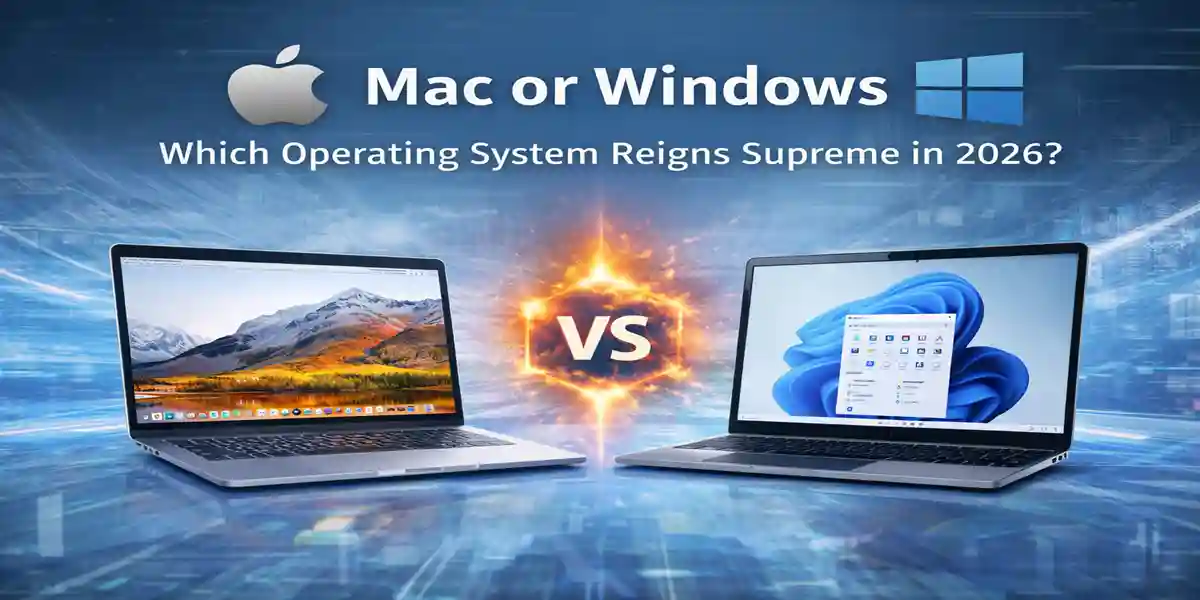
Choosing Between macOS and Windows: Which Operating System is Right for You?
The debate between macOS vs. Windows has been ongoing for years, and while both operating systems are powerful and widely adopted, they cater to different user needs and priorities. Whether you’re an individual user, business professional, or part of an IT team, the decision often boils down to flexibility, compatibility, and long-term value.
In this comparison, we will break down the key differences between macOS and Windows, highlighting why Windows is often the more versatile and widely used operating system. We’ll also explore how these operating systems can coexist on MacBooks and Windows-based laptops, offering users greater flexibility than ever before.
Which Operating System Should You Choose?
Choosing the right operating system depends on your unique priorities. Here’s a breakdown to help you decide:
Choose Windows If You:
Need maximum software compatibility across various applications and programs
Work in a business or enterprise environment requiring flexibility and scalability
Want affordable hardware options with various price points
Require long-term scalability and IT control over system configurations
Choose macOS If You:
Are fully invested in Apple’s ecosystem (iPhone, iPad, MacBook)
Prefer Apple’s design and streamlined workflow
Do not rely on software that is exclusive to Windows-only applications
For most users and businesses, Windows offers a more flexible and adaptable choice.
Key Takeaway:
macOS is built for users seeking control and consistency within the Apple ecosystem, while Windows prioritizes choice, compatibility, and broad hardware support.
Understanding the Core Differences Between macOS and Windows
1. Design Philosophy and Ecosystem
macOS operates within a closed ecosystem. Apple controls both the hardware and software, leading to tight integration but also limiting flexibility. This approach ensures a consistent user experience across Apple devices, which appeals to users who value design and ease of use.
Windows, on the other hand, is built for an open ecosystem. It runs on devices from a wide range of manufacturers, making it highly adaptable to different hardware configurations. This openness allows Windows to cater to personal users, businesses, and enterprises alike, offering maximum software compatibility and flexibility.
2. Hardware Compatibility
One of the biggest differences between macOS and Windows is the hardware they run on:
macOS is officially limited to Apple hardware, meaning you can only use macOS on MacBooks, iMacs, and other Apple devices.
Windows runs on a much broader range of hardware, including:
MacBooks and iMacs (via Boot Camp or virtualization)
Business laptops and desktops from various manufacturers
Custom-built PCs, as well as budget and high-performance devices
This flexibility allows users to select hardware that best fits their budget and performance needs, without being locked into a single manufacturer.
3. Customization and User Control
Windows provides far more customization options, allowing users and IT teams to adjust system configurations and hardware upgrades. This level of control is essential for businesses and power users who need to tailor their environment for specific tasks.
macOS focuses on simplicity and design consistency, which appeals to users who prioritize ease of use. However, this can feel restrictive for advanced users and organizations that require deeper system access or custom configurations.
Why Windows Has the Advantage for Most Users
While macOS certainly has its place, Windows consistently offers broader value across industries and use cases, making it the go-to operating system for many users. Here's why Windows remains the top choice for most individuals and businesses:
Broader Software Support
One of the key reasons Windows outshines macOS is its extensive software support. Windows is compatible with a wider range of applications, including:
Enterprise software and line-of-business applications
Engineering and CAD tools
Accounting and finance platforms
Industry-specific legacy applications
PC gaming and simulation software
Many applications are either Windows-only or perform better and have better support when used on Windows.
Hardware Choice and Cost Efficiency
With Windows, users have the freedom to choose from a wide variety of hardware options, making it easier to meet specific needs and budgets:
Entry-level laptops for basic tasks
Mid-range devices for professionals
High-performance systems for more demanding workloads
This range of hardware choices allows businesses to scale their hardware investments without overspending. Additionally, repairs and upgrades for Windows devices are generally more affordable and accessible compared to Apple devices, making it a more cost-effective option in the long run.
Enterprise and IT Readiness
Windows is deeply integrated into modern business infrastructure. It works seamlessly with:
Microsoft 365
Active Directory
Azure and cloud services
Endpoint management and security tools
For IT teams, Windows offers centralized management, easier deployment, and long-term support options that macOS struggles to match at scale, making it the preferred choice for businesses.
👉 Windows 11 Licensing Explained: Home vs Pro
Where macOS Excels (and Where It Doesn’t)
While macOS has its strengths, it’s important to acknowledge the areas where it outperforms Windows, as well as its limitations.
Strengths of macOS:
Optimized performance on Apple hardware
Popular among designers and creative professionals
Clean interface and consistent user experience
Seamless integration for users already invested in Apple’s ecosystem
Limitations of macOS:
However, macOS comes with notable trade-offs:
Limited hardware options
Higher upfront costs
Reduced compatibility with enterprise software
Fewer options for customization and system control
These limitations make macOS less practical for organizations that require flexibility or mixed hardware environments.
macOS and Windows Can Coexist on the Same Device
Choosing one operating system does not always mean you have to give up the other. Both macOS and Windows can coexist on the same device.
Running Windows on a MacBook
You can install Windows on Apple hardware through several methods:
Boot Camp (for Intel-based Macs)
Virtual machines such as Parallels or VMware
Windows on Apple Silicon using virtualization tools
This setup allows Mac users to run Windows-only applications without replacing their hardware.
Running macOS on Windows-Based Hardware
Some users explore running macOS on Windows-based laptops (commonly known as Hackintosh setups). However, these configurations are complex, unsupported, and not recommended for business or long-term use.
On the other hand, Windows is fully supported across both Apple and Windows-based hardware, reinforcing its position as the more practical cross-platform operating system.
Final Verdict: Windows Delivers Greater Freedom and Long-Term Value
While both macOS and Windows are capable operating systems, Windows stands out for its flexibility, compatibility, and ability to run across nearly all hardware platforms. Whether on a MacBook or a Windows-based laptop, Windows provides a consistent experience that scales from individual users to large enterprises.
For businesses, IT teams, and users who value choice and control, Windows remains the more practical operating system today.
Frequently Asked Questions (FAQs)
1. Which operating system is better for gaming, Windows or macOS?
Windows is generally considered the better choice for gaming. It supports a wide range of games, gaming platforms, and drivers. Many game developers design their titles with Windows compatibility in mind. macOS has fewer gaming options and does not support the same level of optimization for games compared to Windows.
2. Can I run macOS on a Windows PC?
Running macOS on Windows-based PCs (also known as Hackintosh) is technically possible but not officially supported by Apple. It involves complex setup processes and is not recommended for business or long-term use. On the other hand, Windows is fully supported on both Apple and Windows-based hardware, making it the more practical cross-platform OS.
3. Is Windows more secure than macOS?
Both Windows and macOS have robust security features, but Windows tends to be a larger target for malware and cyberattacks due to its larger user base. However, Windows offers advanced security features such as Windows Defender, BitLocker, and regular security updates, making it a secure operating system when properly configured. macOS has strong security protocols as well, but the relative lower usage of the OS makes it less of a target for attacks.
4. Can I install Windows on a Mac?
Yes, Windows can be installed on a Mac using Boot Camp (for Intel-based Macs) or through virtualization software such as Parallels or VMware. For newer Apple Silicon Macs, you can use virtualization tools to run Windows.
5.Why is Windows the best choice for businesses?
Windows is widely used in business environments due to its compatibility with enterprise software, seamless integration with Microsoft 365, Azure, Active Directory, and more. It also offers centralized management for IT teams, easier deployment, and cost-effective hardware options. These factors make Windows the ideal choice for large-scale business operations.
6. What are the main differences between Windows 10 and Windows 11?
Windows 11 introduces a sleek new interface, better performance for gaming, improved security features, and a more integrated experience with Microsoft Teams. It also offers better support for newer hardware technologies like TPM 2.0. Windows 10 is more familiar to users and offers more extensive hardware compatibility, particularly for older systems.