Fusion vs AutoCAD | Which is Better for 3D Printing? A Detailed Comparison

Introduction:
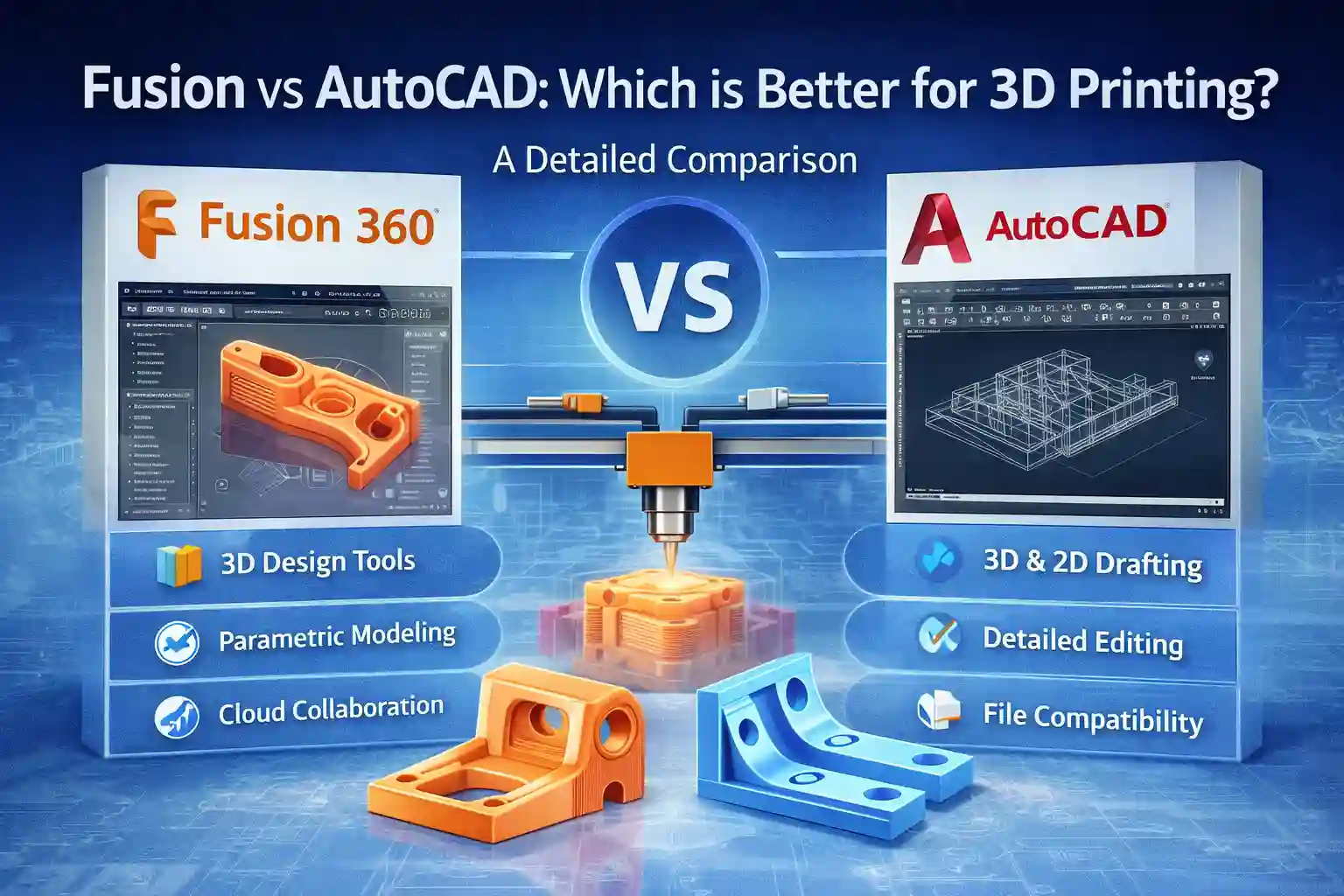
When it comes to 3D printing, the choice of software plays a significant role in the quality of your designs and the efficiency of your workflow. Fusion 360 and AutoCAD are two of the most widely used tools in the design industry, both offering a range of features for 3D modeling. However, the question arises: which one is better suited for 3D printing?
In this comprehensive guide, we will compare Fusion 360 and AutoCAD, exploring their strengths and weaknesses, the different versions available, and their compatibility with 3D printing. We’ll also walk you through the activation methods and highlight the importance of obtaining genuine licenses to ensure smooth functionality and security.
Key Features of Fusion 360 and AutoCAD for 3D Printing:
Fusion 360 Features:
Integrated 3D Design and Simulation: Fusion 360 allows users to design, simulate, and test their models within the same software, making it ideal for 3D printing and prototyping.
Parametric and Direct Modeling: Fusion 360 supports both parametric and direct modeling, allowing flexibility in design processes.
Cloud-Based Collaboration: With cloud storage, users can collaborate in real time, making it perfect for teams working remotely or across different locations.
Advanced Tools for 3D Printing: Fusion 360 has specific tools that help in preparing models for 3D printing, including mesh editing and support structure generation.
AutoCAD Features:
2D and 3D Modeling: AutoCAD is known for its robust 2D drafting capabilities and has powerful 3D modeling tools, though it’s often seen as more of a 2D-focused tool for engineering.
Precision and Accuracy: AutoCAD offers high precision in drawing, ideal for architectural plans, which is important in 3D printing when accuracy is key.
Customization and Automation: AutoCAD allows for deeper customization through its scripting and automation tools, which can be beneficial for 3D printing tasks.
Extensive File Compatibility: AutoCAD is highly compatible with a variety of file formats, including those used in 3D printing (like STL, STEP, and IGES)
Versions of Fusion 360 and AutoCAD:
Fusion 360 Versions:
Fusion 360 for Personal Use: Free for individuals working on non-commercial projects, ideal for hobbyists and makers.
Fusion 360 for Startups: Free for eligible startups generating less than $100,000 per year.
Fusion 360 for Commercial Use: Paid subscription for professional users with advanced features and additional tools for team collaboration and cloud storage.
AutoCAD Versions:
AutoCAD for Students: Free, offering full functionality for students and educators.
AutoCAD for Professionals: Paid subscription offering access to AutoCAD’s full range of tools.
AutoCAD LT: A more affordable version with limited 2D functionality, suited for those who don’t require full 3D modeling tools.
Methods of Activation and Genuine Licenses:
Fusion 360 Activation:
Personal Use: Fusion 360 can be activated for free for personal use by creating an Autodesk account and verifying your identity.
Commercial Use: For commercial use, you’ll need to purchase a subscription via Autodesk or an authorized reseller. Activation occurs through your Autodesk account.
AutoCAD Activation:
Student Version: Free activation is available for students, educators, and academic institutions through Autodesk Education Community.
Professional Version: Requires a paid subscription. After purchasing, activate AutoCAD via the Autodesk account portal using the product key provided.
AutoCAD LT: A more budget-friendly version that offers fewer features but can be activated with the same method as AutoCAD Professional.
Important Note: Always ensure you are obtaining genuine licenses for Fusion 360 and AutoCAD to avoid issues with software performance, updates, and security. Purchasing software from unauthorized sources may lead to activation problems, malware, or outdated versions.
Conclusion:
Both Fusion 360 and AutoCAD are powerful tools, but when it comes to 3D printing, Fusion 360 is generally the better choice. It offers an integrated solution that includes 3D modeling, simulation, and cloud collaboration features that make it ideal for 3D printing workflows. AutoCAD, while excellent for precision and engineering drawing, lacks some of the advanced tools needed for preparing models specifically for 3D printing.
Choosing the right software depends on your specific needs. If you are working on detailed, high-precision architectural models and require 2D drafting, AutoCAD may be your go-to tool. However, for complete 3D printing projects that demand advanced design capabilities and real-time collaboration, Fusion 360 is a far more suitable option.
Frequently Asked Questions (FAQs)
Yes, Fusion 360 is designed with 3D printing in mind, providing tools for model preparation, mesh editing, and support generation.
While AutoCAD supports 3D modeling, it is not as feature-rich in 3D printing preparation tools as Fusion 360.
Fusion 360 is built with a focus on BIM and 3D printing, offering better integration for prototyping. AutoCAD, on the other hand, is more suited for precision drafting and traditional engineering workflows.
You can activate Fusion 360 through your Autodesk account by purchasing a subscription.