

Nitro PDF Pricing: Plans, Costs, and the One-Time License

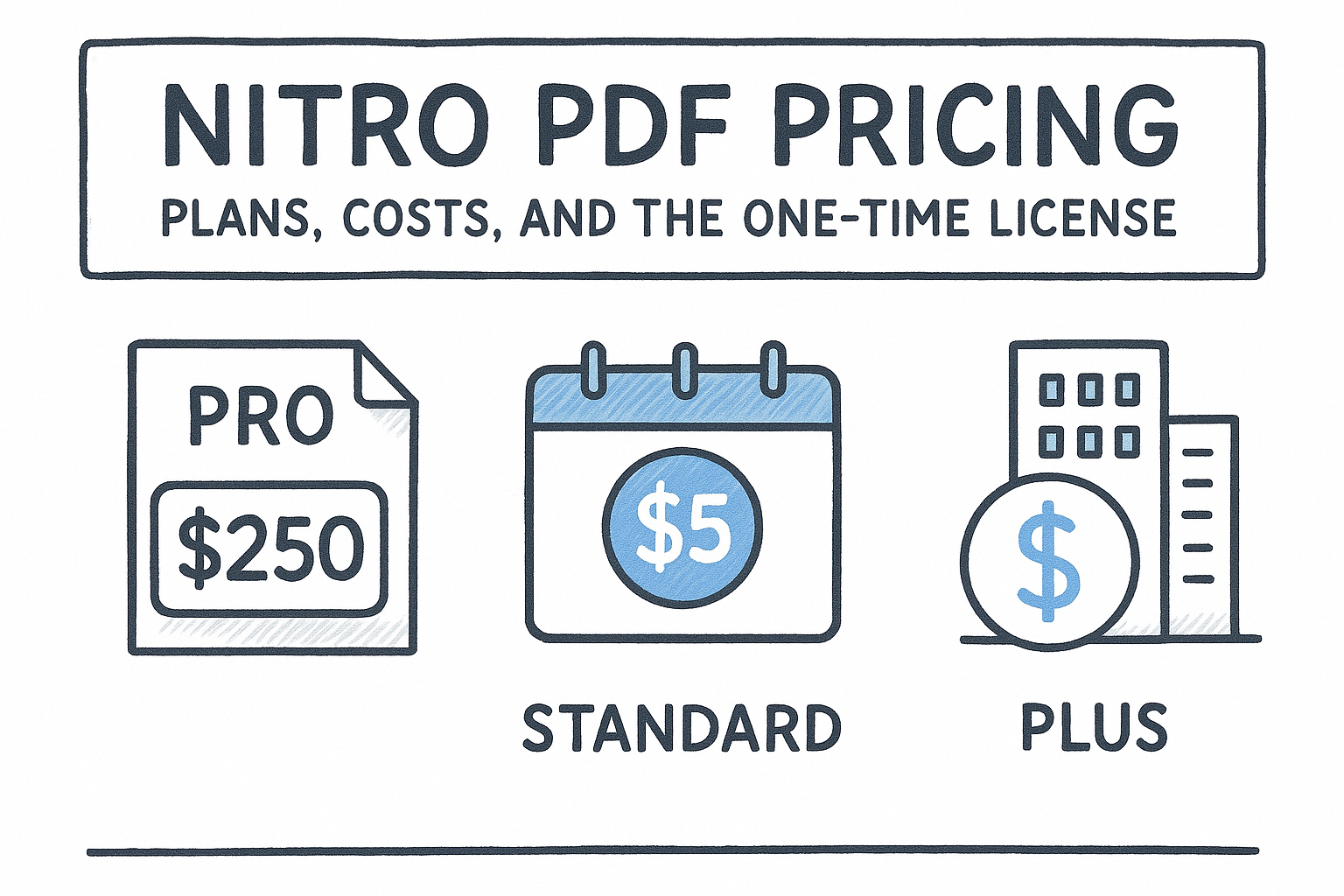
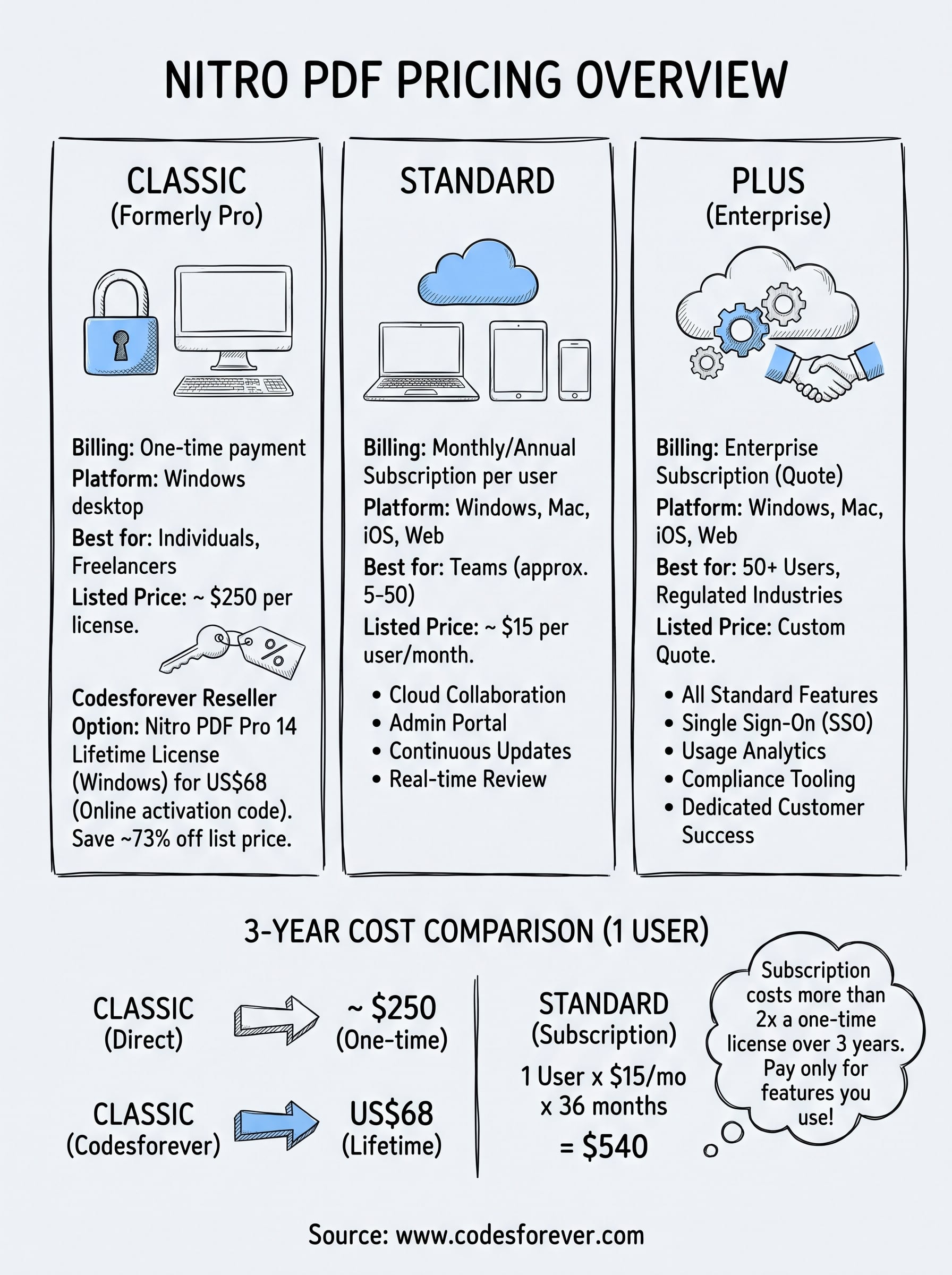
Nitro PDF pricing comes down to three plans. Nitro PDF Pro, now sold as Classic, is a one-time Windows license that third-party listings put at about $250. Nitro PDF Standard is a subscription listed at about $15 per user per month. Nitro PDF Plus is an enterprise subscription priced by quote. In short, you pay once, pay monthly, or ask sales for a number.
The confusion comes from renamed products and mixed billing models. The same editor has been sold as a perpetual license and as a subscription, and the cost of Nitro PDF depends on how long you keep it and how many people use it. This article explains why the numbers differ between sources, shows how to compare plans over a fixed period, and spells out what the one-time purchase covers.
Codesforever sells software license keys, including a Nitro PDF Pro 14 lifetime license, so we included the reseller route as well. Prices change, so confirm the current figure on Nitro’s own pricing page before you pay.
Why Nitro PDF pricing looks inconsistent
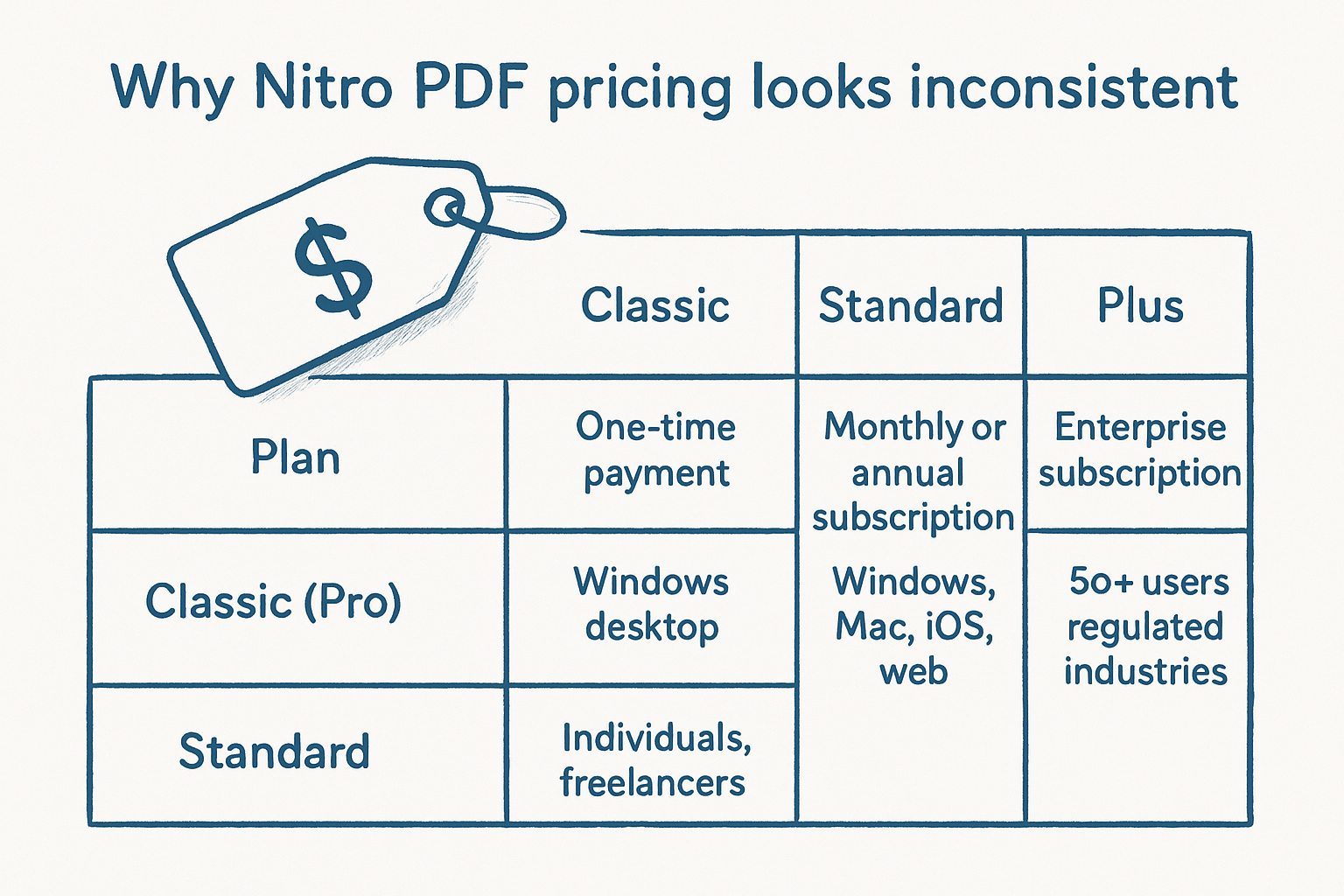
Nitro PDF pricing looks inconsistent because one product line has carried several names and billing models. Nitro PDF Pro is now called Classic, and a subscription (Standard) and an enterprise tier (Plus) sit beside it. Price lists from different sites mix all three.
The three plans side by side
This table combines what Nitro describes for each plan with the prices that software directories list. Treat the prices as guides, not quotes.
| Plan | Billing | Platform | Best for | Listed price |
|---|---|---|---|---|
| Classic (formerly Pro) | One-time payment | Windows desktop | Individuals, freelancers | About $250 per license |
| Standard | Monthly or annual subscription per user | Windows, Mac, iOS, web | Teams of roughly 5 to 50 | About $15 per user per month |
| Plus | Enterprise subscription | Same as Standard, plus SSO and analytics | 50+ users, regulated industries | Custom quote |
Standard and Plus add cloud collaboration, an admin portal, and continuous updates. Plus adds single sign-on, usage analytics, compliance tooling, and a dedicated customer success manager.
Why the same plan shows different prices
List price, seat discounts, and billing period all change the number you see. A directory shows the public list price. Nitro’s sales team sets team and volume pricing. Annual billing usually costs less per month than month-to-month billing. Currency and regional versions add more variation.
Nitro sells three plans, and the cheapest-looking number is rarely the whole bill.
Free trials and Nitro Sign
Nitro advertises free trial options on its pricing page, but the full desktop editor is a paid product. Nitro Sign, the e-signature tool, is priced separately. Its Standard tier is listed at €16.64 per user per month billed annually, about €200 a year. You only need it if you want Nitro’s own e-signing workflow on top of the editor.
How to work out which Nitro PDF plan costs less
Multiply each plan’s price by how long you will use the software and how many people need it. The cheapest plan is the one with the lowest total over your real time horizon, after you check that it covers your platform and collaboration needs.
Compare the total cost over three years
Follow these steps:
- Count the people who will edit PDFs.
- Pick a period. Three years works because it matches Nitro’s own license term for Classic.
- For a subscription, multiply users by the monthly price by 36.
- For a one-time license, multiply users by the license price.
- Add any feature that only a subscription gives you, such as Mac support or shared review.
Here are the figures at the listed prices:
| Option | 1 user, 3 years | 5 users, 3 years |
|---|---|---|
| Standard at $15/user/month | $540 | $2,700 |
| Pro at $250 one-time | $250 | $1,250 |
| Pro 14 key from Codesforever at US$68 | $68 | $340 |
For a five-person Windows team, the subscription costs $1,450 more than buying Pro licenses at list price. The gap is real money, but the Standard plan also includes things the licenses do not.
Over three years, a subscription costs more than twice as much as a one-time license, so you should pay it only for features you will use.
When a subscription is the better buy
Choose Standard when anyone on the team uses a Mac or mobile device, or when you need real-time review and shared comments. Nitro’s Standard plan also gives you a central admin portal for licenses and permissions. Monthly billing helps for short projects too. A three-month project costs $45 per user, far less than a license you will not reuse.
Choose Plus only when compliance or reporting is a requirement. Regulated teams in healthcare, finance, or legal work are the typical fit, because Plus adds SSO, analytics, and compliance tooling. Smaller teams usually pay for features they never open.
When the one-time license wins
A one-time license wins for a solo user on Windows who edits, converts, merges, and secures PDFs, and who works offline. You pay once and skip the renewal reminder. If your needs are that simple, the subscription’s cloud features go unused, and you pay for them every month.
What the Nitro PDF Pro one-time purchase includes
The Nitro PDF Pro one-time purchase gives you a Windows desktop editor with no recurring fee. You can create PDFs from other files, edit text and images, convert to Word and Excel, merge and split documents, add passwords and encryption, and sign. It works without an internet connection.
Perpetual or three years? Check before you buy
Sources describe the term differently. Nitro’s own plan guide describes Classic as a 3-year Windows license that expires and needs renewal. Software directories and older documentation call Pro 14 a one-time purchase with no annual fee. Both can be true of different versions and sales channels.
Before you pay, confirm three things in writing: the version you are buying, whether the license has an end date, and whether updates are included. A key sold as a lifetime license for Nitro PDF Pro 14 activates that version. A newer major version usually means a new purchase.
A one-time price is only a bargain if you know the license term and the version you are getting.
What you give up with a perpetual license
Pro and Classic are Windows-only. They do not include cloud collaboration, mobile access, or the automatic updates that come with subscription plans. If a colleague uses a Mac, a license key will not help them. In that case Standard is the plan that covers everyone.
Cheaper ways to get Nitro PDF Pro or a similar editor
The cheapest route to the Nitro PDF Pro editor is a reseller key for the Pro 14 version, which is far below the $250 list price. If you do not need Nitro specifically, a few low-cost editors cover the same basic tasks.
Buying a Nitro PDF Pro 14 license key
Codesforever lists a Nitro PDF Pro 14 lifetime license with an online activation code at US$68, for Windows. Against a $250 list price, that is about 73% less. Keys arrive by email, and most products arrive within 5 minutes.
Check the policies and what other buyers say before you buy. Codesforever accepts reports of key problems within 7 days and offers a replacement or a full refund when troubleshooting fails. It does not refund purchases made by mistake or products that are incompatible with your device. Confirm that you run Windows first.
Low-cost PDF editors to compare
For a general PDF editor, these options are listed on Codesforever:
- Nuance Power PDF Advanced V2.1: €17 for one Windows 10 or later device. It edits, converts, secures, fills, and signs PDFs.
- SwifDoo PDF for Mac: US$48 lifetime license for one user. It suits Mac users, since Nitro’s one-time license is Windows-only.
Match the editor to your operating system first, then compare prices.
Compare Nitro PDF Pro 14 with PDF 2027 Pro
If you only need everyday PDF work, the PDF 2027 Pro offline PDF editor costs far less than any Nitro plan. It merges, splits, compresses, converts, runs OCR, redacts and signs PDFs, and it works fully offline with files stored only on your device.
Nitro Standard Nitro PDF Pro 14 key PDF 2027 Pro Price About $15 per user per month US$68 US$18 Term Subscription Lifetime 1 year Platforms Windows, Mac, iOS, web Windows Windows, Android Works offline Partly, with cloud features Yes Yes Licence Per user 1 PC 1 device, 1 user Choose PDF 2027 Pro if you want the lowest price and a one-year license is enough. Choose the Nitro PDF Pro 14 key if you want a license with no end date and Nitro’s interface. Choose Standard only if you need Mac, mobile or shared review. Mac, iPad and iPhone versions of PDF 2027 Pro are not out yet.
Both keys arrive by email with an activation code. You can buy PDF 2027 Pro here or buy the Nitro PDF Pro 14 key.
Picking the plan that fits
Nitro PDF costs about $250 for the one-time Pro license, about $15 per user per month for Standard, and a quote for Plus. For one Windows user, the one-time license is cheaper than a subscription. For mixed devices or shared review, Standard earns its price. Confirm the license term before you buy, because sources describe Classic and Pro 14 differently.
If a Windows license fits your needs, the Nitro PDF Pro 14 lifetime license from Codesforever is the lowest-cost route covered here.