

Nitro PDF Pro Coupon Code: 5 Ways to Save in 2026

No single Nitro PDF Pro coupon code works for everyone, and many of the codes you find online have expired. The most reliable way to pay less is to skip the code hunt and buy a discounted lifetime key, which costs €61 at Codesforever. If you would rather buy direct from Nitro, test codes at checkout and look for the vendor’s current sales first.
Coupon pages make this harder than it should be. They list the same product with headline discounts anywhere from 20% to 90%, hide codes behind a “reveal” button, and rarely say whether a code covers Pro, Standard, or a yearly plan. You can open ten tabs and save nothing.
Below are five ways to cut the price, ordered from most to least predictable. Each one covers how it works, what it costs, and who it suits. We sell license keys, so our own option comes first, and we tell you where it does not fit.
1. Buy a discounted Nitro PDF Pro 14 lifetime key
How it works
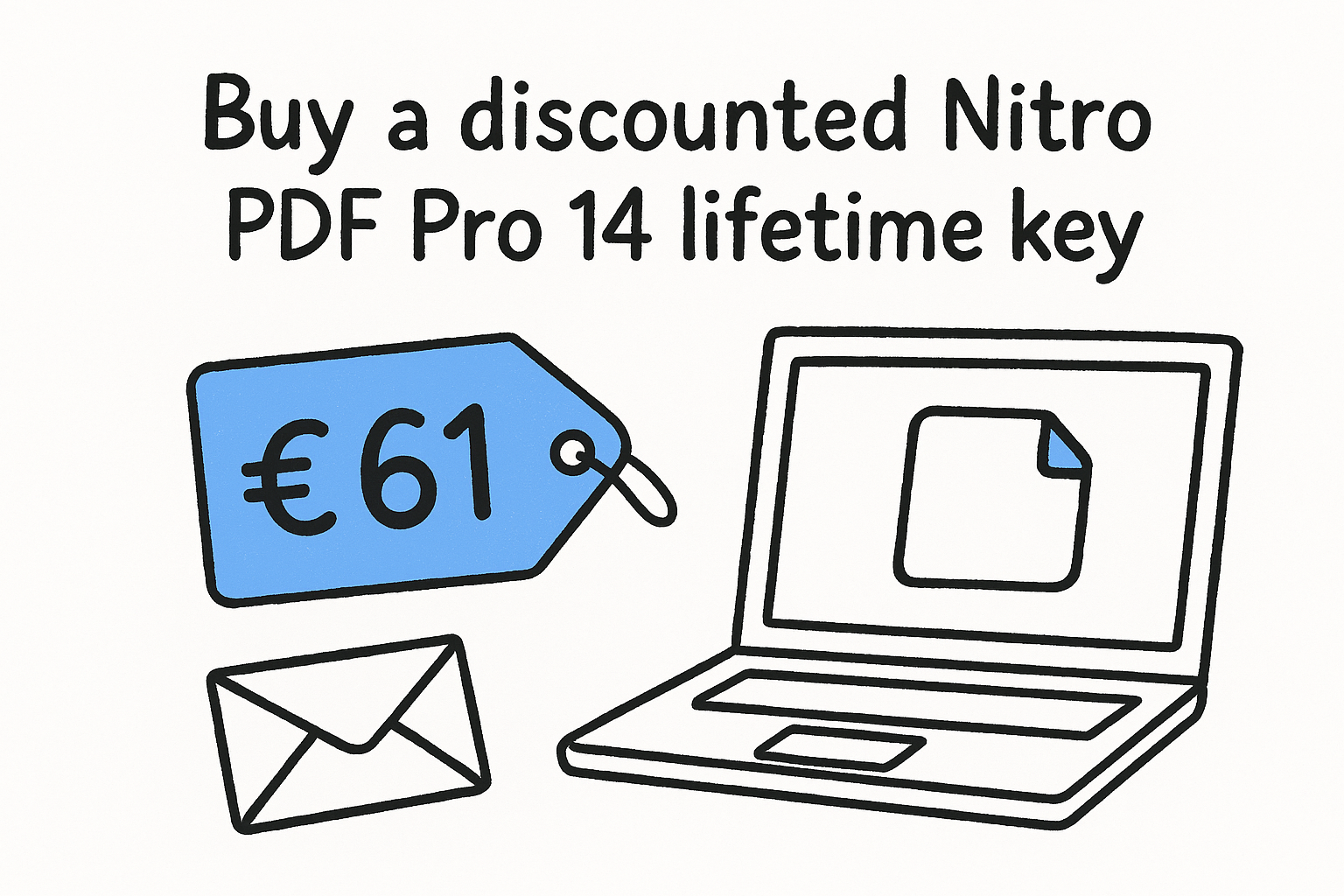
Codesforever sells a Nitro PDF Pro 14 lifetime license with an online activation code. The discount is built into the price, so there is no coupon box to fill in. The process has three steps:
- Order the key and pay at checkout.
- Receive the key by email. Most products arrive within 5 minutes, and a select few within 24 hours.
- Install Nitro PDF Pro 14, then activate it online or over the phone with your key.
A discounted lifetime key replaces the coupon hunt, because the saving is already in the price.
What it costs
The key costs €61 once, with no renewal and no extra fees at checkout. Check the Nitro PDF Pro 14 product page for the current price before you buy.
Codesforever offers a 100% money-back guarantee. Report a problem with your key within 7 days and you get troubleshooting steps within 24 hours. If that fails, you get a replacement key or a full refund. Refunds do not cover products that are incompatible with your hardware or software, so confirm you run Windows first.
Who it suits
This option fits Windows users who want a one-time purchase instead of a yearly subscription. Freelancers, students, and small offices are the typical buyers. It does not fit Mac users, because this Nitro license is for Windows. You can read what other buyers say on the reviews page.
2. Check Nitro’s own sales and sign-up offers
How it works
Software vendors usually run time-limited sales around holidays and product launches, and some reward newsletter sign-ups. Start at Nitro’s official pricing page and look for a banner or a promo field in the cart. An official offer applies automatically or through a code that Nitro itself publishes.
What it costs
Official pricing depends on the plan, the term, and your region, so confirm the figure on Nitro’s site rather than trusting a number from a third party. Sale discounts are normally a percentage off one specific plan. Read the terms, because a promotion for a yearly subscription will not lower a different plan.
An official offer is the safest discount, but you can only use it when Nitro is running one.
Who it suits
This route suits buyers who need a vendor invoice, a business account, or direct vendor support, and who can wait for a sale. If you need the software this week, it is the least predictable of the five options.
3. Test coupon codes from deal sites before you pay
How it works
Deal sites collect codes from many sources, so a portion of them are expired or limited to one plan. Many listings show masked codes such as “TRI*****”, and the same product appears with percentages from 10% to 90%. Treat every code as unproven until the cart accepts it. Use this checklist:
- Enter the code at Nitro’s checkout, not on the deal site.
- Confirm it applies to Pro, not Standard.
- Check the term: yearly subscription or one-time license.
- Compare the final total, not the percentage.
- Walk away from any page that asks for a survey, an app install, or a “free activation” download.
What it costs
Trying a code is free, and your cost is a few minutes. The plausible offers on deal sites run 10% to 30%. A 30% code on a plan that lists at US$150 (a round figure for illustration) saves US$45 and leaves US$105, which is still above the €61 lifetime key.
A big percentage means little until you compare the final total with a lifetime price.
Who it suits
Buyers who want to stay with Nitro’s own checkout and have five minutes to spare can try this. Reddit threads work the same way, since an old comment can point to a dead code. Two warnings apply. There is no legitimate way to activate Nitro PDF Pro for free, and cracked installers of old versions such as Nitro Pro 7 carry malware risk. Discord Nitro codes are a different product and will not work here.
4. Ask about multi-license or team pricing
How it works
Buying several seats can lower the price per seat. Ask whether Nitro’s business plans or sales team offer a discount for your seat count, and compare the answer with the total for individual lifetime keys.
What it costs
If each seat needs its own key at €61, the cost scales in a straight line:
| Seats | Total at €61 each |
|---|---|
| 1 | €61 |
Any quoted team price should be compared with these totals, and with whether it recurs each year.
For teams, compare the total cost per seat over three years, not the first-year discount.
Who it suits
Small offices, IT administrators, and freelancers who share a workflow with a partner or assistant benefit most. A single user gains nothing here, so skip to the other options.
5. Switch to a cheaper PDF editor
How it works
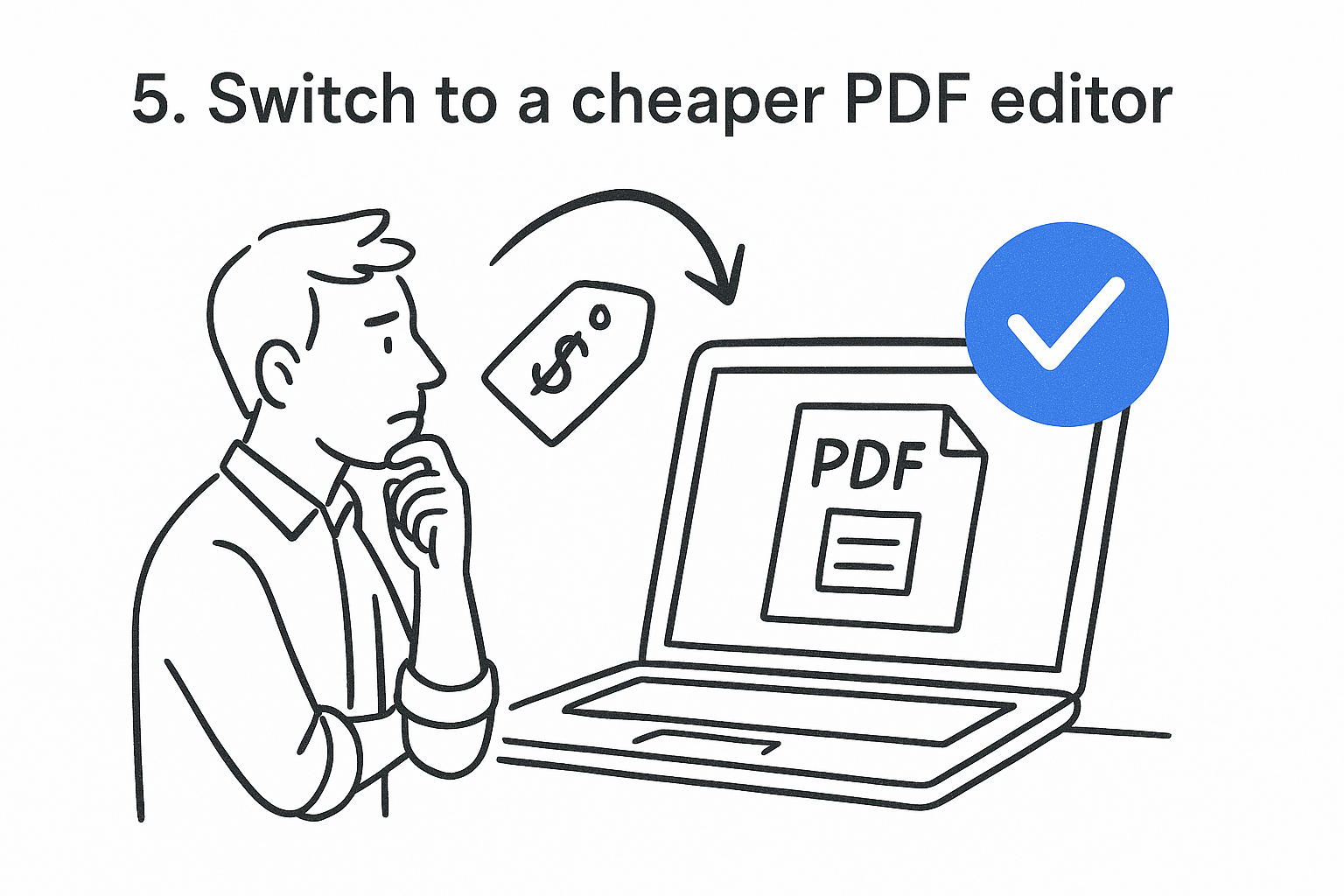
If a coupon cannot get Nitro PDF Pro within budget, a different PDF editor might. Codesforever lists two alternatives next to Nitro. Check that each covers the features you actually use before you switch.
| Editor | Price | Platform | License |
|---|---|---|---|
| Nitro PDF Pro 14 | €61 | Windows | Lifetime |
| PDF 2027 Pro | US$18 | Windows, Android | 1 year, 1 device, 1 user |
| Nuance Power PDF Advanced V2.1 | €17 | Windows 10 and later, 1 PC | One device only |
| SwifDoo PDF for Mac | US$48 | Mac, 1 user | Lifetime |
What it costs
Prices in the table come from the Codesforever listings, and the Nuance product is priced in euros. Nuance Power PDF Advanced edits, converts, secures, fills, signs, and shares PDFs. SwifDoo PDF for Mac is a lifetime activation code for one user.
If your PDF needs are simple, the cheapest editor that covers them beats the biggest discount on a bigger one.
Who it suits
Mac users cannot use Nitro’s Windows license, so SwifDoo fits them. Windows users who only edit, sign, and convert occasionally may find Nuance enough. Choose Nitro when you want its feature set and have confirmed the other tools lack something you need.
If price matters most, look at the PDF 2027 Pro offline PDF editor. At US$18 for a one-year license, it costs less than a third of the Nitro key. It merges, splits, compresses, converts, runs OCR, redacts and signs PDFs, and it works fully offline with files kept on your device. The trade-off is the term: it lasts one year, while the Nitro key has no end date. Mac, iPad and iPhone versions are not out yet. You can buy PDF 2027 Pro here and receive the activation code by email.
Where to start saving
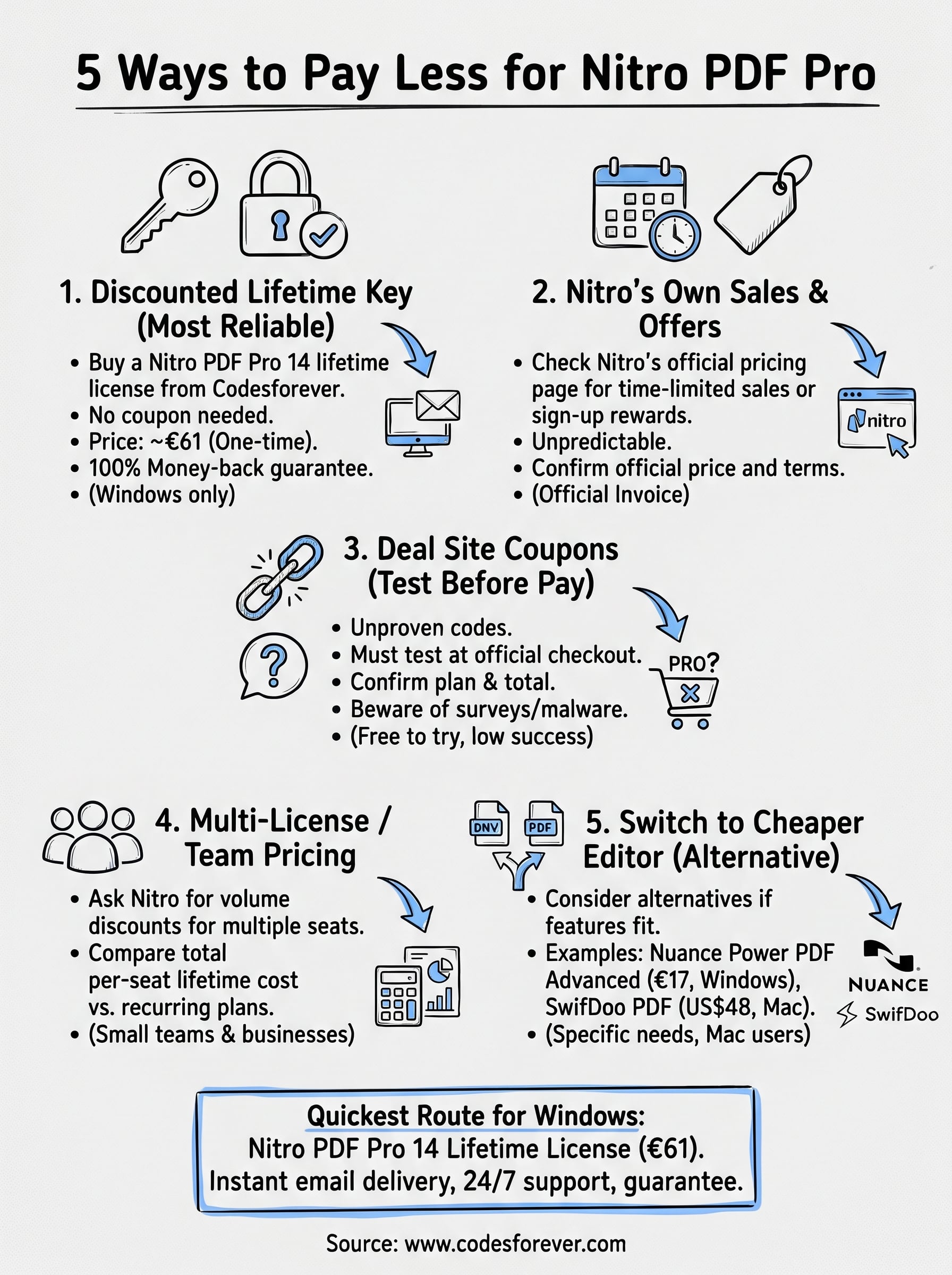
A working Nitro PDF Pro coupon code is real but unpredictable. Official sales and deal-site codes can cut 10% to 30%, and only if you test them at checkout and compare the final total. A discounted lifetime key gives you a known price today, and a cheaper editor can beat both if your needs are simple.
For most Windows users, the quickest route is the Nitro PDF Pro 14 lifetime license. It costs €61, arrives by email, and comes with free 24/7 activation support and a money-back guarantee.