

Autodesk Vault Basic is a powerful data management tool that enables design teams to securely store, manage, and collaborate on CAD files. Whether you’re working on AutoCAD, Inventor, or other Autodesk software, Vault Basic offers seamless integration and file version control. Improve your workflow with this affordable solution, offering easy access to your project files while keeping them secure. Perfect for small to medium-sized teams, Vault Basic ensures that your designs stay organized and protected.”
-74%
Autodesk Vault Basic | Securely Store and Collaborate on Your CAD Files
Original price was: Rs 16,086.Rs 4,107Current price is: Rs 4,107.
50
Items sold in last 3 minutes
6 in stock
473
People watching this product now!
Description
Reviews (10)
10 reviews for Autodesk Vault Basic | Securely Store and Collaborate on Your CAD Files
1-5 of 10 reviews
Add a review
Currently, we are not accepting new reviews
Must Read Before Purchasing
📋 Product Overview: Autodesk Subscription (1-Year)
- Duration: 1-Year Subscription
- Device Limit: 1 Device Only
- Compatibility: Version years 2023 through 2027 for all Autodesk products (AutoCAD, Revit, 3ds Max, etc.).
- Edition Type: Educational version with full functionality and all features unlocked.
- No brand name watermark and no educational wording on output documents.
- Delivery Method: Digital delivery via Email Only (takes 0 to 24 hours maximum, usually much faster).
- Older Versions Available: Support for editions like 2020, 2021, 2022, 2024, or 2025. Contact via WhatsApp or email at [email protected].
⭐ Why Choose This Offer?
- 100% Genuine License: Authentic Autodesk subscription.
- Official Download: Secure, direct download straight from the official Autodesk website (no sketchy third-party links).
- Elite 24/7 Support: Free, expert technical assistance available 7 days a week.
- Top-Rated Reliability: Backed by a stellar 4.9/5 average rating from thousands of satisfied users.
- Certified Expertise: Official partner for global giants (Microsoft, McAfee, Parallels, Kaspersky, etc.many more).
- Unbeatable Pricing: Legally reselling verified, "pre-owned" licenses in compliance with the CJEU ruling of 3 July 2012.
🛠️ How to Choose Your AutoCAD Edition (2024–2027)
- Match Your Hardware:
- Older Systems: Choose AutoCAD 2024 for smooth, optimized performance without lag.
- Modern Workstations: Select AutoCAD 2025, 2026, or 2027 to leverage enhanced processing speeds and advanced features.
- Check Feature Updates: Review Autodesk’s official release notes to find smarter workflows, cloud integrations, and toolsets matching your daily tasks.
- Coordinate with Your Team: Confirm requirements with clients, subcontractors, or collaborators to prevent file compatibility friction across shared projects.
🚀 Getting Started in 3 Easy Steps
- Purchase: Complete your order.
- Receive Email: Wait for your digital delivery details.
- Start Designing: Select your edition, Download, log in, and activate instantly.
❓ Frequently Asked Questions (FAQ)
- How will I receive my license after purchase?
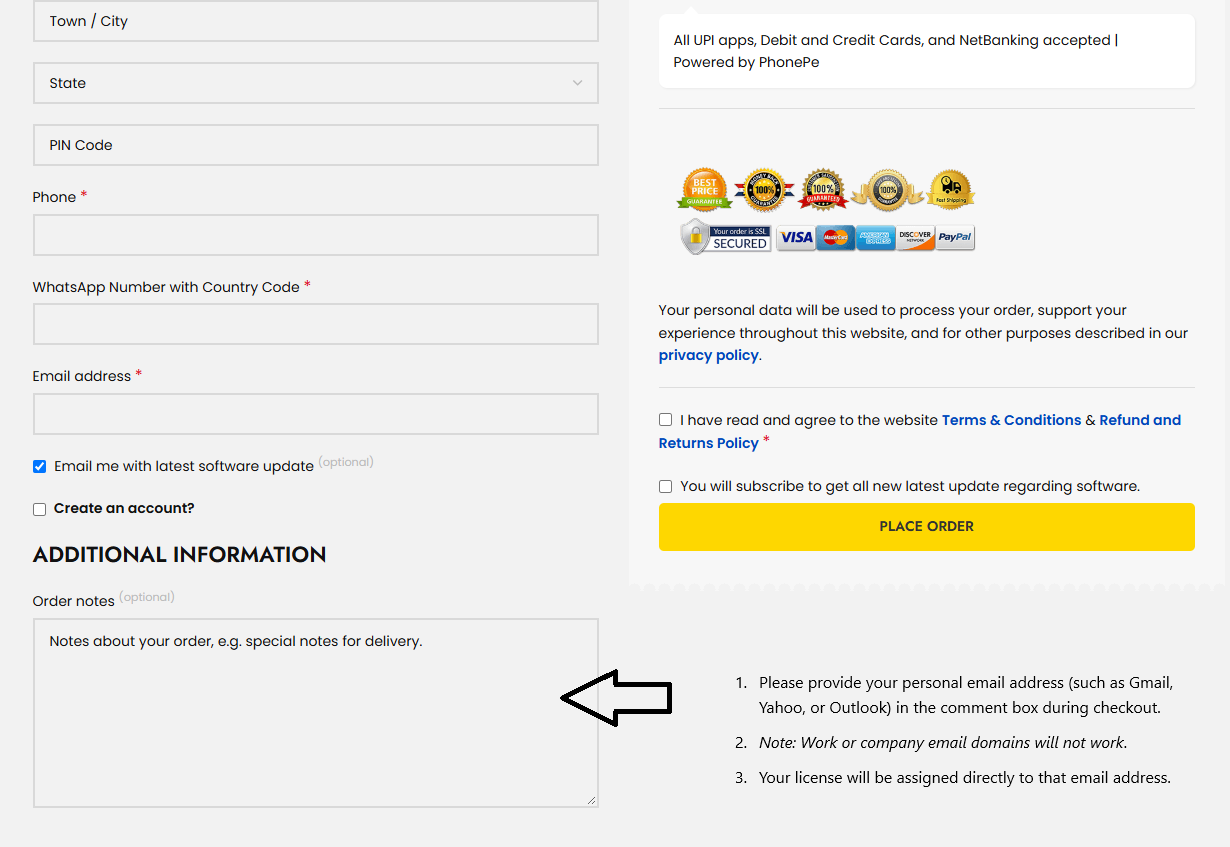
- Enter your email at checkout: Provide a personal email address (e.g., Gmail, Yahoo, Outlook) in the additional information - Order note box. (Note: Work or company email domains will not work).

- License assignment: Your license will be assigned directly to that email address.
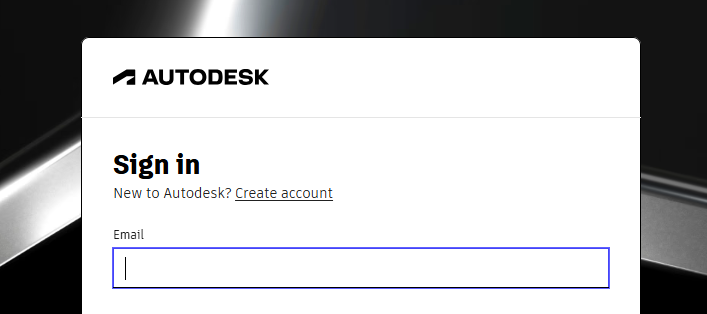
- Access software: Log in to the official Autodesk website using the same email to download and install.
- Tip: If you do not have an Autodesk account with that email, visit autodesk.com, click Login, and select Sign Up to create a new account.
- What should I do if I run into activation issues?
- Contact the free technical support team with a quick description and screenshots of the issue for a fast resolution.
- Can I buy a permanent (perpetual) Autodesk license?
- No. Autodesk has permanently transitioned to a subscription-only model (monthly, annual, or multi-year terms) to ensure ongoing access to security patches, feature updates, cloud services, and technical support. please note : Special term and condition applicable to this product . this product is non returnable , non refundable , non transferable under any situation. if you buy still buy this product it means you agree with this term and condition
For Commercial Version Click here - https://codesforever.com/autodesk-commercial/
Frequently bought together
-74%
Autodesk Vault Basic | Securely Store and Collaborate on Your CAD Files
Original price was: Rs 16,086.Rs 4,107Current price is: Rs 4,107.
-95%
Microsoft Office 2024 Professional Plus License for Windows ( 1 User, Lifetime Validity )
Original price was: Rs 11,588.Rs 588Current price is: Rs 588.
-88%
Nuance Power PDF Advanced V2.1 | 1PC -1User | windows (Edit, Convert, Secure, Fill, Sign and Share)
Original price was: Rs 8,470.Rs 998Current price is: Rs 998.
-74%
Autodesk Vault Basic | Securely Store and Collaborate on Your CAD Files
Original price was: Rs 16,086.Rs 4,107Current price is: Rs 4,107.
-98%
Power BI Desktop | 1PC 1 User 1 Year License
Original price was: Rs 84,709.Rs 1,800Current price is: Rs 1,800.
Related products
-88%
Autodesk 3DS MAX for Windows
Original price was: Rs 12,664.Rs 1,540Current price is: Rs 1,540.
Select options
This product has multiple variants. The options may be chosen on the product page
-88%

Autodesk AutoCAD | Download | Windows | Multilanguage | 1 Year – Student Version
Original price was: Rs 12,664.Rs 1,540Current price is: Rs 1,540.
Select options
This product has multiple variants. The options may be chosen on the product page
-84%
Autodesk AutoCAD Architecture for Windows | Download | Windows | Multilanguage | 1 Year – Student Version
Original price was: Rs 9,412.Rs 1,540Current price is: Rs 1,540.
Select options
This product has multiple variants. The options may be chosen on the product page

-84%

Autodesk Inventor Pro | For windows | 1 year Student License | Digital Delivery
Original price was: Rs 9,412.Rs 1,540Current price is: Rs 1,540.
Select options
This product has multiple variants. The options may be chosen on the product page
-83%
Autodesk Maya LT | Download | Windows | Multilanguage | 1 Year – Student Version
Original price was: Rs 9,241.Rs 1,540Current price is: Rs 1,540.
Select options
This product has multiple variants. The options may be chosen on the product page
-86%
Autodesk Navisworks Manage | For Windows | 1year student License
Original price was: Rs 11,380.Rs 1,540Current price is: Rs 1,540.
Select options
This product has multiple variants. The options may be chosen on the product page
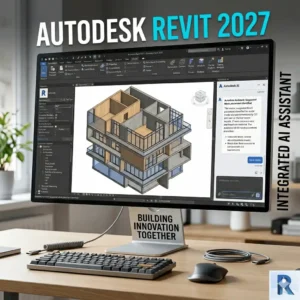
-88%
Autodesk Revit | Download | Windows | Multilanguage | 1 Year – Student Version
Original price was: Rs 12,835.Rs 1,540Current price is: Rs 1,540.
Select options
This product has multiple variants. The options may be chosen on the product page
-97%

Autodesk Robot Structural Analysis Professional | Windows – 365 days – Student Version
Original price was: Rs 47,060.Rs 1,540Current price is: Rs 1,540.
Super fast response from the support team. Everything was resolved immediately!
The quality far exceeds the price. It’s hard to believe how much it can do for such a low cost.
Superb service. The team took care of my issue promptly and professionally.
This software is simple to use, but it still offers powerful features.
Everything is laid out perfectly. I found what I needed almost immediately.