

CorelDRAW Graphics Suite 2025 | Professional Graphic Design Software for Vector Illustration, Logo Design & Creative Projects

Introduction
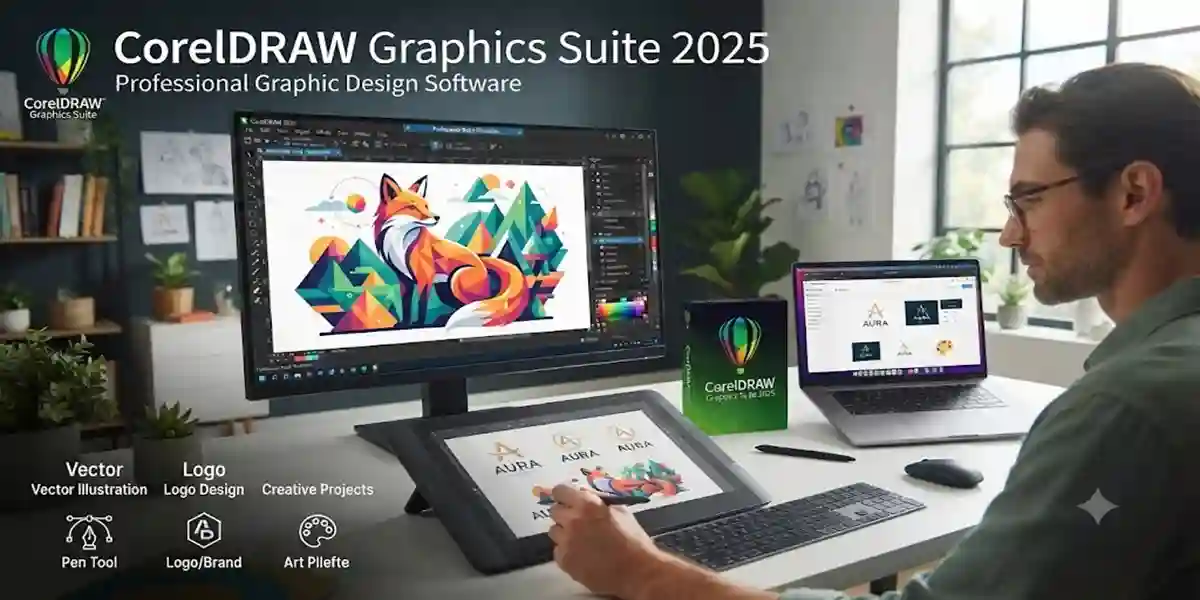
Corel Corporation CorelDRAW Graphics Suite 2025 is one of the most powerful professional graphic design solutions available for designers, businesses, and creative professionals. It provides a complete set of tools for vector illustration, page layout, photo editing, typography, branding, and digital artwork creation. From designing logos and marketing materials to creating professional illustrations and print-ready graphics, CorelDRAW 2025 helps users transform creative ideas into high-quality visual designs.
To access the complete range of features, users need to properly activate CorelDRAW Graphics Suite 2025 with a valid license. Activation verifies your software license, unlocks premium tools, enables updates, and ensures a secure and stable design experience.
Many users face confusion during the activation process due to incorrect license details, account login problems, internet connectivity issues, or software configuration errors. This detailed guide explains everything about how to activate CorelDRAW Graphics Suite 2025, including installation preparation, activation methods, common errors, troubleshooting solutions, and frequently asked questions.
Whether you are a beginner installing CorelDRAW for the first time or a professional upgrading from an older version, this complete activation guide will help you understand the correct process and get started with your creative projects.
What is CorelDRAW Graphics Suite 2025?
CorelDRAW Graphics Suite 2025 is a professional creative software package designed for creating vector graphics, illustrations, layouts, and visual designs. It combines multiple applications into one complete design ecosystem, helping users manage different creative tasks efficiently.
The suite includes powerful tools for:
- Vector illustration
- Logo and branding design
- Page layout creation
- Photo editing
- Typography and font management
- Web graphics
- Marketing materials
- Print production
- Digital artwork
CorelDRAW 2025 is suitable for:
- Graphic designers
- Freelancers
- Marketing agencies
- Printing businesses
- Illustrators
- Students
- Creative professionals
Key Features of CorelDRAW Graphics Suite 2025
1. Professional Vector Illustration Tools
CorelDRAW 2025 provides advanced vector design tools that allow users to create scalable graphics without losing quality. Designers can create detailed illustrations, icons, logos, and artwork with precision.
Key benefits:
- Accurate curve and shape editing
- Advanced node control
- Custom vector effects
- Professional drawing tools
2. Advanced Layout Design
The software provides professional page layout capabilities for creating:
- Brochures
- Posters
- Flyers
- Business cards
- Magazines
- Advertisements
Users can easily arrange text, images, and graphics to create visually appealing designs.
3. AI-Powered Design Features
CorelDRAW Graphics Suite 2025 includes intelligent features that improve workflow efficiency.
AI-based improvements help users with:
- Faster editing
- Smart adjustments
- Better design productivity
- Automated creative assistance
4. Professional Photo Editing
With integrated photo editing capabilities, users can enhance images, remove imperfections, adjust colors, and create professional-quality visuals.
Features include:
- Image correction
- Background adjustments
- Effects and filters
- Digital enhancements
5. Typography and Font Management
Typography plays an important role in professional design. CorelDRAW 2025 provides powerful text tools for creating attractive designs.
Users can:
- Manage fonts easily
- Apply creative text effects
- Adjust spacing and alignment
- Create custom typography designs
6. Wide File Format Compatibility
CorelDRAW supports various file formats, making it easier to collaborate with different platforms.
Supported formats include:
- AI
- PSD
- SVG
- JPG
- PNG
- EPS
7. Improved Performance and Workflow
The latest version provides optimized performance for faster designing, smoother operation, and improved productivity.
Benefits include:
- Faster loading
- Better system response
- Efficient resource management
Improved stability
System Requirements Before Activation
Before activating CorelDRAW Graphics Suite 2025, ensure your computer meets the required specifications.
Recommended preparation:
- Stable internet connection
- Updated operating system
- Latest software installer
- Valid license information
- Active Corel account
Also make sure:
- Antivirus is not blocking activation
- Firewall settings allow software communication
- System date and time are correct
How to Activate CorelDRAW Graphics Suite 2025
Method 1: Activate Using a Product Key
This is one of the most common activation methods.
Steps:
- Install CorelDRAW Graphics Suite 2025 on your computer.
- Open the software after installation.
- Select the activation option.
- Enter your valid product key.
- Sign in with your Corel account.
- Verify your license information.
- Complete the activation process.
- Restart CorelDRAW.
After successful activation, all licensed features will become available.
Method 2: Activate Through Corel Account
Users with an online subscription can activate CorelDRAW through their account.
Steps:
- Launch CorelDRAW Graphics Suite 2025.
- Click on the sign-in option.
- Enter your registered email address.
- Enter your password.
- The software automatically checks your license status.
- Activation completes after verification.
This method is useful for users who purchased CorelDRAW through an online subscription.
Method 3: Subscription-Based Activation
For subscription users:
- Purchase an official CorelDRAW subscription.
- Download and install CorelDRAW 2025.
- Open the application.
- Log in using the subscribed account.
- The license automatically activates.
- Start using premium features.
Common CorelDRAW Graphics Suite 2025 Activation Errors and Fixes
1. Invalid Product Key Error
Problem:
The software does not accept the entered license key.
Possible Causes:
- Incorrect product key
- Typing mistakes
- Expired license
Fix:
- Verify the product key carefully.
- Ensure all characters are entered correctly.
- Confirm that the license is valid.
2. Unable to Connect to Activation Server
Problem:
Activation cannot connect with the server.
Causes:
- Poor internet connection
- Temporary server issue
- Firewall restrictions
Fix:
- Check your internet connection.
- Disable VPN temporarily.
- Allow CorelDRAW through firewall settings.
- Try activation again later.
3. Corel Account Login Failed
Problem:
Users cannot sign into their account.
Fix:
- Check email and password.
- Reset account password if required.
- Confirm internet availability.
4. Activation Limit Reached
Problem:
The license cannot activate because it is already used on another device.
Fix:
- Deactivate the previous installation.
- Review your license terms.
- Contact official support if required.
5. Software Running in Trial Mode
Problem:
CorelDRAW continues showing trial limitations.
Fix:
- Confirm successful activation.
- Restart the application.
- Sign in again with the licensed account.
6. Update Required Before Activation
Problem:
Older installation files create activation problems.
Fix:
- Install the latest CorelDRAW Graphics Suite 2025 updates.
- Restart your computer.
- Try activation again.
Benefits of Activating CorelDRAW Graphics Suite 2025
Proper activation provides several advantages:
Full Feature Access
Activated users can access all professional design tools without restrictions.
Regular Updates
Activation allows users to receive software improvements and security updates.
Better Performance
Licensed software provides a stable and reliable workflow.
Professional Usage
Businesses and designers can use activated software for commercial projects.
Technical Support
Licensed users can access official support resources.
Conclusion
CorelDRAW Graphics Suite 2025 provides a complete professional environment for creating exceptional graphic designs, illustrations, layouts, and digital artwork. However, proper activation is necessary to unlock its complete potential and enjoy uninterrupted access to premium features.
By following the correct activation methods, users can easily activate CorelDRAW 2025 using a valid license key, Corel account, or subscription plan. Activation ensures access to advanced tools, software updates, improved security, and reliable performance.
Common activation issues such as invalid keys, login problems, connectivity errors, and trial restrictions can usually be resolved by checking license details, updating the software, and following proper troubleshooting steps.
For designers, businesses, and creative professionals, using an activated version of CorelDRAW Graphics Suite 2025 provides a smooth and efficient workflow. Always choose official licensing methods to maintain software reliability and achieve the best creative experience.
Frequently Asked Questions (FAQ)
You can activate CorelDRAW 2025 by entering a valid license key or signing in with an account connected to an active subscription.
Yes, activation is required to unlock full features and use the software without limitations.
Activation may fail due to incorrect license information, internet problems, account issues, or outdated software.
Activation depends on your license agreement. Check your license terms for device limitations.
Check your internet connection, verify your license details, update the software, and sign in with the correct account.