Intuit QuickBooks Desktop Pro 2017 For Windows

(88 customer reviews)

Original price was: RsĀ 17,113.Current price is: RsĀ 8,728.

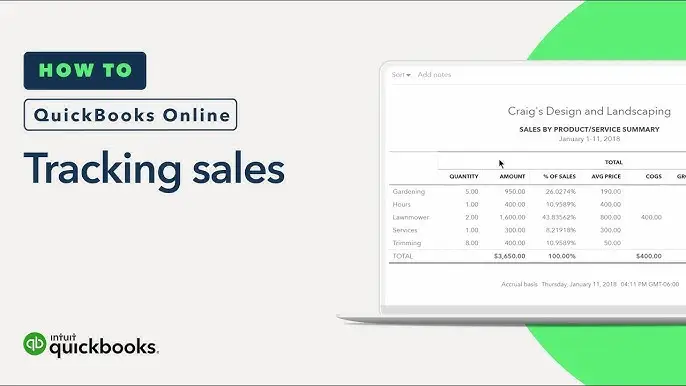
QuickBooks Desktop ProĀ helps you organize your business finances all in one place so you can be more productive. Simple to set up and use. Stay on Top of invoices, manage expenses, get reliable reports for tax time, and import your data from a spreadsheet.

22 Items sold in last 3 minutes
21 People watching this product now!
Description
Ā 

Enhance your money management using the Intuit QuickBooks Desktop Pro 2017 for Windows activation code and license key from Codesforever. This reliable program is specifically tailored for small and medium-sized enterprises requiring efficient management of invoicing, spending, payroll, and financial reporting. Upon purchasing from Codesforever, you receive a certified, authentic product supplied securely through digital download, enabling immediate account management. Optimize your business operations with a reliable, established accounting system and join the numerous enterprises that depend on QuickBooks to simplify their financial management.

Codesforever offers genuine software licenses accompanied by lifetime upgrades and professional assistance. Access our official website to examine our whole array of items and discover how our authentic activation codes will enhance your accounting procedures.

Ā 

QuickBooks Desktop

Features

Ā 

Intuit QuickBooks Desktop Pro 2017 is replete with functionalities that facilitate the management of all accounting facets with efficiency and precision.

Holistic Financial Administration
QuickBooks Desktop Pro 2017 encompasses all fundamental accounting functions. Effortlessly manage your daily transactions with tools that enable you to:

Monitor revenue and expenditures

Generate and dispatch formal invoices

Administer payroll operations

Reconcile financial statements from the bank
Consolidating all financial data facilitates bookkeeping and ensures your records remain current.

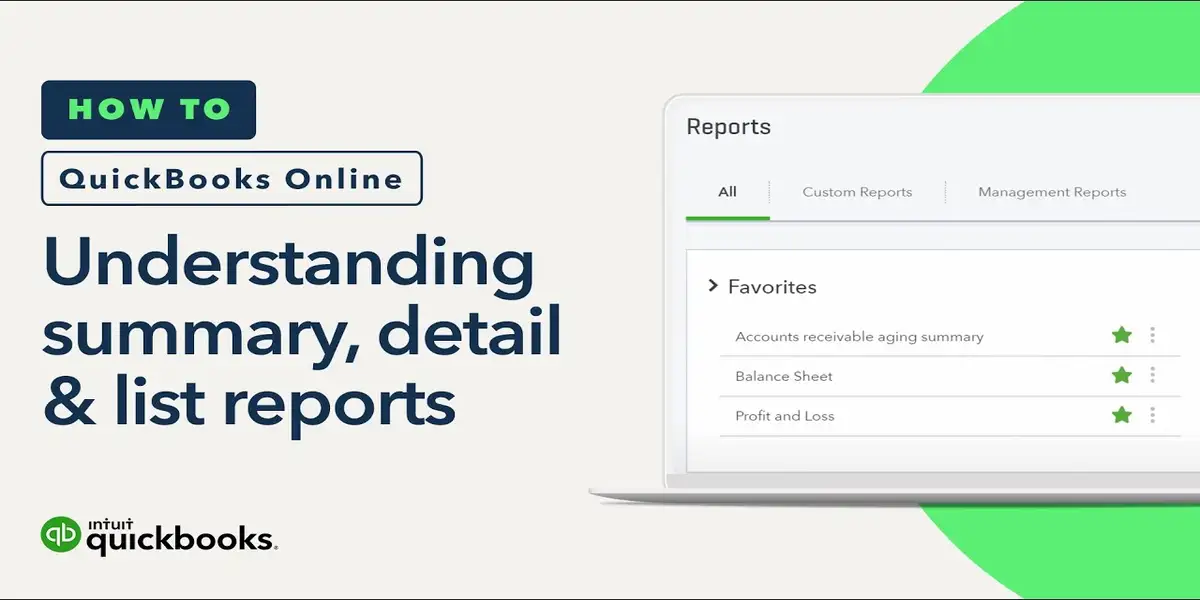
Comprehensive Reporting
The software provides robust reporting functionalities. Customizable financial reports, including profit and loss statements, balance sheets, and cash flow reports, can be generated. These insights enable you to:

Oversee financial performance in real time

Utilize data to inform decision-making

Strategically prepare for prospective expansion
For additional reporting advice, consult Investopedia’s manuals.

Intuitive User Interface
QuickBooks Desktop Pro 2017 boasts an intuitive design that reduces the learning curve.

Concise menus and dashboards facilitate swift navigation of the software.

On-screen instructions assist you in navigating routine activities.

Users with minimal accounting background can proficiently navigate the UI.

Safeguarded Data Administration
Safeguarding your financial information is essential. QuickBooks Desktop Pro 2017 comprises:

Automated backup and recovery solutions to protect data.

Comprehensive security measures to thwart unauthorized access.

Assurance that your company data remains perpetually secure.
Acquire additional information regarding data security on our Support page.

Flawless Integration
Integrate QuickBooks with other vital business applications:

Integrate with CRM systems and payment channels.

Minimize manual data entry and reduce errors.

Optimize your process across several platforms.
Consult Intuit's official website for information on integration functionalities.

Scalability for Expanding Enterprises
Whether you're just starting or expanding, QuickBooks Desktop Pro 2017 adapts to your needs:

It supports additional users as your team grows.

Engineered to accommodate heightened transaction volumes.

Maintains reliability and efficiency as your enterprise expands.For other business insights, consult Forbes.

Ā 

Quickbooks

Installation Guide


Installing QuickBooks Desktop Pro 2017 on your Windows computer is uncomplicated. Adhere to these explicit instructions to commence:

Step 1: Acquire the Installer
Access the Codesforever download center and proceed to the QuickBooks Desktop Pro 2017 product page. Obtain the installer file that is compatible with your Windows version. Verify that your system complies with the minimal specifications mentioned in the documentation.

Step 2: Execute the Installation Wizard
Execute the installer file to initiate the installation wizard. Adhere to these uncomplicated procedures:

Select your desired installation directory.

Consent to the terms and conditions.

Permit the wizard to assist you in the configuration procedure.
For further assistance, consult our Installation Guide.

Step 3: Initiate Your Software
Upon completion of the installation, initiate QuickBooks Desktop Pro 2017. Upon request, input your activation code and license key supplied by Codesforever. This step confirms your acquisition and activates complete functionality.

For additional assistance with activation, please contact Intuit Support.

Step 4: Configure Your Company Information
Utilize the setup wizard to establish your corporate profile:

Provide your company information.

Import pre-existing financial data if accessible.

Establish a new company file if you are initiating the setup for the first time.
This customization procedure ensures that the software aligns with your specific business needs.

Step 5: Confirm the Installation
Prior to the complete move to the new system, do many test transactions:

Generate sample invoices.

Produce a test report.

Verify that all functionalities are operating properly. Should you encounter any difficulties, our Support page is accessible for resolution assistance.

Why Choose Codesforever?

Installing QuickBooks Desktop Pro 2017 on your Windows computer is uncomplicated. Adhere to these explicit instructions to commence:

Step 1: Acquire the Installer
Access the Codesforever download center and proceed to the QuickBooks Desktop Pro 2017 product page. Obtain the installer file that is compatible with your Windows version. Verify that your system satisfies the minimum specifications mentioned in the manual.

Step 2: Execute the Installation Wizard
Execute the installer file to initiate the installation wizard. Adhere to these straightforward instructions:

Select your desired installation directory.

Consent to the terms and conditions.

Permit the wizard to assist you in the configuration procedure.
For further assistance, consult our Installation Guide.

Step 3: Initiate Your Software
Upon completion of the installation, initiate QuickBooks Desktop Pro 2017. Upon request, input your activation code and license key supplied by Codesforever. This step authenticates your purchase and activates complete functionality.

For additional assistance with activation, please contact Intuit Support.

Step 4: Configure Your Company Information
Utilize the setup wizard to establish your corporate profile:

Provide your company information.

Import existing financial data, if accessible.

Establish a new company file if you are initiating the setup for the first time.
This customization procedure ensures that the software aligns with your specific business needs.

Step 5: Confirm the Installation
Prior to the complete move to the new system, do many test transactions:

Generate sample invoices.

Produce a test report.

Verify the proper functionality of all functionalities. If you encounter any problems, our Support page is accessible for resolution assistance.

FAQ

How do I install QuickBooks Desktop Pro 2017?

Download the installer from our Codesforever website, run the installation wizard, and follow the instructions. Enter your activation code when prompted.

Ā 

Is this activation code for a lifetime license?

Yes, the activation code provides a lifetime license, including ongoing updates and support.

Can I use the license on multiple devices?

This license is intended for use on a single device as specified in the purchase details. For multi-device or network licensing, please contact our sales team.

Ā 

What should I do if I encounter installation issues?

Visit our Support page for troubleshooting guides, or contact our customer service team for personalized assistance.

Investing in Intuit QuickBooks Desktop Pro 2017 For Windows from Codesforever means choosing a reliable, powerful accounting solution that helps you streamline your financial management. With its comprehensive financial tools, advanced reporting capabilities, secure data management, and user-friendly interface, QuickBooks Desktop Pro 2017 is an essential tool for any business looking to enhance efficiency and accuracy in accounting.

Codesforever guarantees genuine, verified software delivered securely and promptly. Our competitive pricing, lifetime updates, and excellent customer support make us the preferred choice for purchasing software licenses. Don’t let outdated accounting tools hold your business back—buy your QuickBooks Desktop Pro 2017 activation code today and take a decisive step towards smarter financial management. For more details, visit our official website or explore our blog for the latest updates and insights.

Reviews (88)

88 reviews for Intuit QuickBooks Desktop Pro 2017 For Windows

1-5 of 88 reviews
  1. The team provided great support throughout the setup process. I couldn’t be happier!

  2. This is by far the best software I’ve used in this category. Highly recommend it.

  3. This software runs smoothly, has great features, and makes my job so much easier.

  4. The response time was fast, and my issue was resolved in minutes.

  5. I feel like I’m getting a high-end product for a very reasonable price.

Add a review
Currently, we are not accepting new reviews
Must-Read Before Purchasing Our Software

If you have any questions, feel free to contact us by WhatsApp or Write to us at: [email protected]

  • It’s a Digital Download means an Activation Code and Download link sent via Email Only.
  • Activation Code will be send to you .
  • No CD/DVD/USBĀ has been physically shipped to you
  • The key is for one (1) device only.
  • This is a 100 % Intuit QuickBooks Desktop Pro 2017
  • The product key will activate the full version of Intuit QuickBooks Desktop Pro 2017
  • It’s compatible with PCs running WindowsĀ only.
  • It may take up to 24 hrs to deliver the product by email or WhatsApp But usually, we deliver in a few hrs
  • Please read our refund and return policy at given bottom of the page.
  • Please be sure before buying the product, that no exchange will be considered.
  • Make sure you know how to import data or open backup files from previous version to this version, if you don't know please don't buy , we wont consider refund if you fail to operate product or any product incompatibility issue.