


Intuit QuickBooks | All Version – Activation Code
Price range: US$88 through US$166
Get all versions of QuickBooks for simple money management! It is perfect for companies of all sizes because of its sophisticated features, which include intelligent automation, improved reporting, and excellent security. Don’t hesitate; get your licence from Codesforever right away for incomparable prices and prompt delivery. Secure your genuine key now to avoid the dangers of cracked versions!
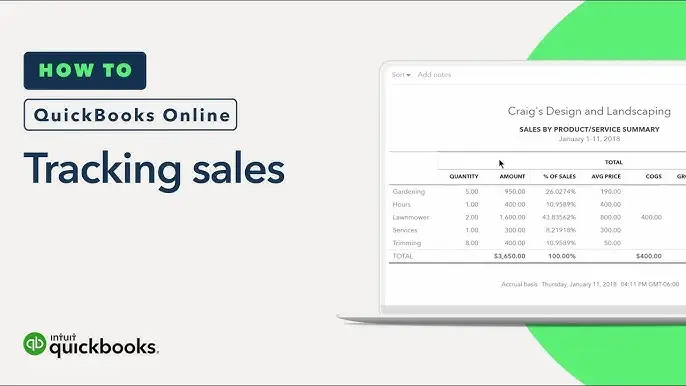
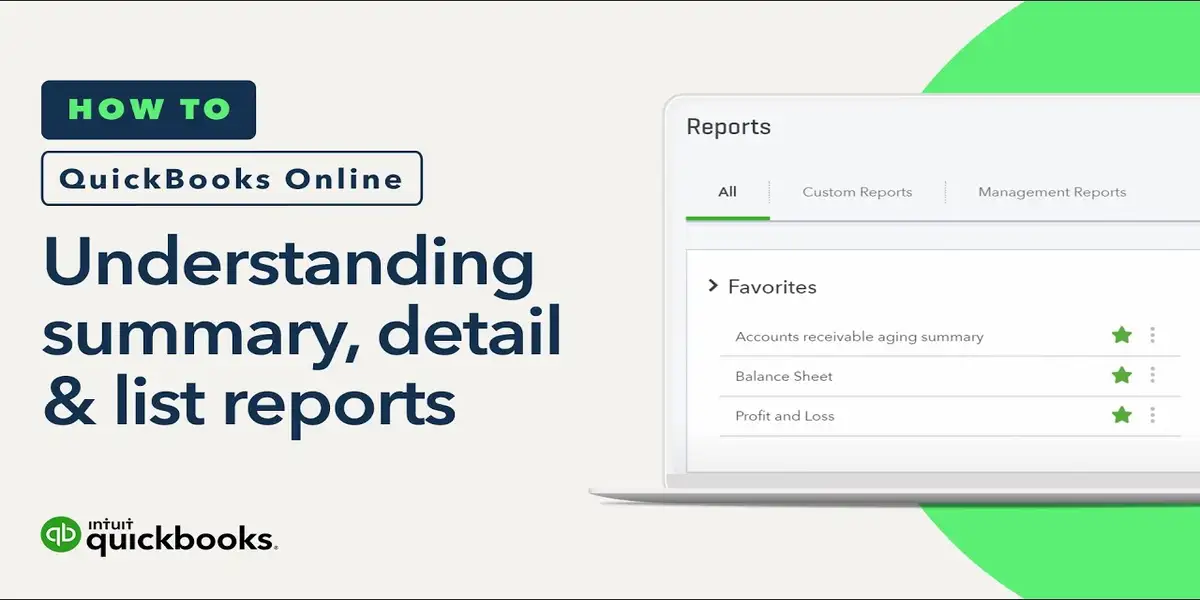
Master Guide to Intuit QuickBooks: All Versions, Activation Codes, and License Management
Managing your small business finances efficiently requires robust accounting tools, and Intuit QuickBooks remains the global industry standard. Whether you are setting up legacy builds or upgrading to the latest QuickBooks Desktop release, understanding how license numbers, product codes, and activation processes work is crucial for seamless operations.
This comprehensive guide explores everything you need to know about QuickBooks versions, locating your activation and validation codes, troubleshooting registration errors, and keeping your accounting ecosystem running smoothly.
1. Overview of QuickBooks Editions & Versions
Intuit offers several iterations tailored to different business sizes, deployment preferences, and operational complexities:
QuickBooks Desktop Pro Plus: Ideal for small businesses requiring offline capabilities, robust inventory tracking, invoicing, and expense . offline edition
QuickBooks Desktop Premier Plus: Tailored for industry-specific needs (contractors, manufacturing, wholesale, non-profits, professional services) with specialized reporting .
QuickBooks Desktop Enterprise: A powerhouse solution designed for scaling enterprises, advanced inventory management, granular role-based permissions, and multi-location tracking.
QuickBooks Online & Advanced: Cloud-native accounting solutions providing real-time data access, automated bank feeds, receipt capture, and seamless collaboration with accountants from anywhere.
2. Understanding QuickBooks License & Activation Codes
When you purchase a desktop version of QuickBooks, your software package relies on specific alphanumeric strings to verify authenticity and unlock full functionality.
The Key Components:
License Number: A unique multi-digit code tied to your specific product edition and permitted user count. It serves as your primary proof of purchase.
Product Number: A code that identifies the exact year and edition of the software (e.g., distinguishing between Pro, Premier, and Enterprise variants).
Validation Code / Activation Code: A security token generated by Intuit’s servers during the final registration step. It ensures that your software is legally licensed .
3. How to Find Your QuickBooks Activation Details
If you are reinstalling your software or migrating to a new workstation, you will need your original license data. You can locate these details through several methods:
Confirmation Email: Check the original inbox used to purchase the software. Reseller sends the license and product numbers directly in the receipt email.
4. Step-by-Step: Activating QuickBooks Desktop on a New Computer
Moving QuickBooks to a new hardware setup requires clean installation practices to prevent activation lockouts:
Download and Install: Run the official installer corresponding to your exact edition (ensuring compatibility with modern operating systems like Windows 11 or Windows Server).
Input Credentials: During the setup wizard, carefully type in your License Number and Product Number. Avoid typos, as incorrect digits will flag a verification failure.
Follow the user manual: follow step by step user manual instruction guide.
5. Troubleshooting Common QuickBooks Activation Errors
Users occasionally run into speed bumps during the registration process. Here is how to resolve the most common activation barriers:
Validation Code Not Received: If you request a code and it doesn’t arrive, check your spam or junk folders. Ensure your email address matches the one registered on your Intuit profile. Avoid spamming the “Resend” button, as multiple rapid requests can invalidate older pending codes.
Incorrect License/Product Mismatch: Double-check that the numbers you are entering match the exact release year and tier you downloaded. Pro codes will not activate Premier or Enterprise variants.
Firewall and Security Restrictions: Aggressive third-party antivirus software or corporate firewalls can block QuickBooks from communicating with Intuit’s activation servers. Temporarily whitelist the application or run the installer as an Administrator.
Windows Date & Time Discrepancies: An incorrect system clock on your PC can break SSL handshakes required for server verification. Go to Windows Settings, enable Set time automatically, and restart your machine before trying again.
Conclusion
Keeping your financial records accurate starts with a clean, legally licensed software setup. By keeping your product credentials secure in your Intuit CAMPs portal and understanding how validation codes work, you can bypass installation hiccups and focus on what matters most: growing your business. Always source your licenses directly from Intuit or certified partners to ensure uninterrupted updates, security patches, and full technical support.
| Select Country | CA, US |
|---|---|
| Select Quickbooks Products | Desktop Pro, Enterprise Accountant, Enterprise Solution, Premier Accountant Edition, Premier Edition |
| Select QuickBooks Version | 2016, 2017, 2018, 2019, 2020, 2021, 2022, 2023, 2024 |
10 reviews for Intuit QuickBooks | All Version – Activation Code
If you have any questions, feel free to contact us by WhatsApp or Write to us at [email protected].
- It’s a digital download, which means an activation code and download link are sent via email only.
- No CD/DVD/USB has been physically shipped to you
- The key is for one (1) device only.
- This is a 100 % Intuit QuickBooks Desktop
- The product key will activate the full version of Intuit QuickBooks Desktop
- It’s compatible with PCs running Windows only. For Mac, kindly contact us.
- It may take up to 24 hrs. to deliver the product by email or WhatsApp. But usually, we deliver in a few hrs.
- Please read our refund and return policy at the given bottom of the page.
- Make sure you know how to import data or open backup files from the previous version to this version; if you don't
know please don'tbuy it, we won't consider a refund if you fail to operate the product or have any product incompatibility issues. It is not the cloud version. - This product is for 1 device only, and it is a lifetime version.
Related products

Best Price for QuickBooks Pro 2019 For Windows
Intuit Quickbooks Desktop Premier Accountant 2024 CA

Intuit QuickBooks Desktop Pro 2016 For Windows

Intuit QuickBooks Desktop Pro 2018 For Windows
Intuit QuickBooks Desktop Pro 2020 For Windows
Intuit QuickBooks Desktop Pro 2024
Intuit Quickbooks Plus Pro 2024

I had a minor issue, but the support team took care of it quickly and professionally.
Very helpful support team. They answered all my questions and made everything clear.
The interface made purchasing quick, and I received my product key almost immediately.
The software is worth far more than what it costs. Excellent value.
The team provided great support throughout the setup process. I couldn’t be happier!