No. Essentials doesn’t include Hyper-V rights. For VMs, consider Windows Server 2019 Standard (internal).
Windows Server 2019 Essentials
Rated 5.00 out of 5 based on 100 customer ratings
(100 customer reviews)US$ 120 Original price was: US$ 120.US$ 48Current price is: US$ 48.
Windows Server 2019 Essentials includes the new hardware support and features and improvements like Windows Server 2019 Standard, including Storage Migration Services, System Insights, and many more.
23
Items sold in last 3 minutes
653 in stock
206
People watching this product now!
Description
Introduction
Looking for an affordable and reliable server operating system for your business? Windows Server 2019 Essentials is the perfect solution for small businesses, startups, and remote teams that need secure and efficient server management without high infrastructure costs.
This powerful server edition includes essential features like file sharing, remote access, encrypted backups, user management, and advanced security, helping businesses streamline operations and protect critical data. Designed for easy deployment and smooth performance, Windows Server 2019 Essentials delivers the reliability and scalability modern organizations need.

Features
File & Print Sharing: Centralise printers and documents with this core server feature.
Remote Access: Use Remote Desktop or a VPN to connect from any location.
Automatic Backups: Your data is protected by integrated scheduling.
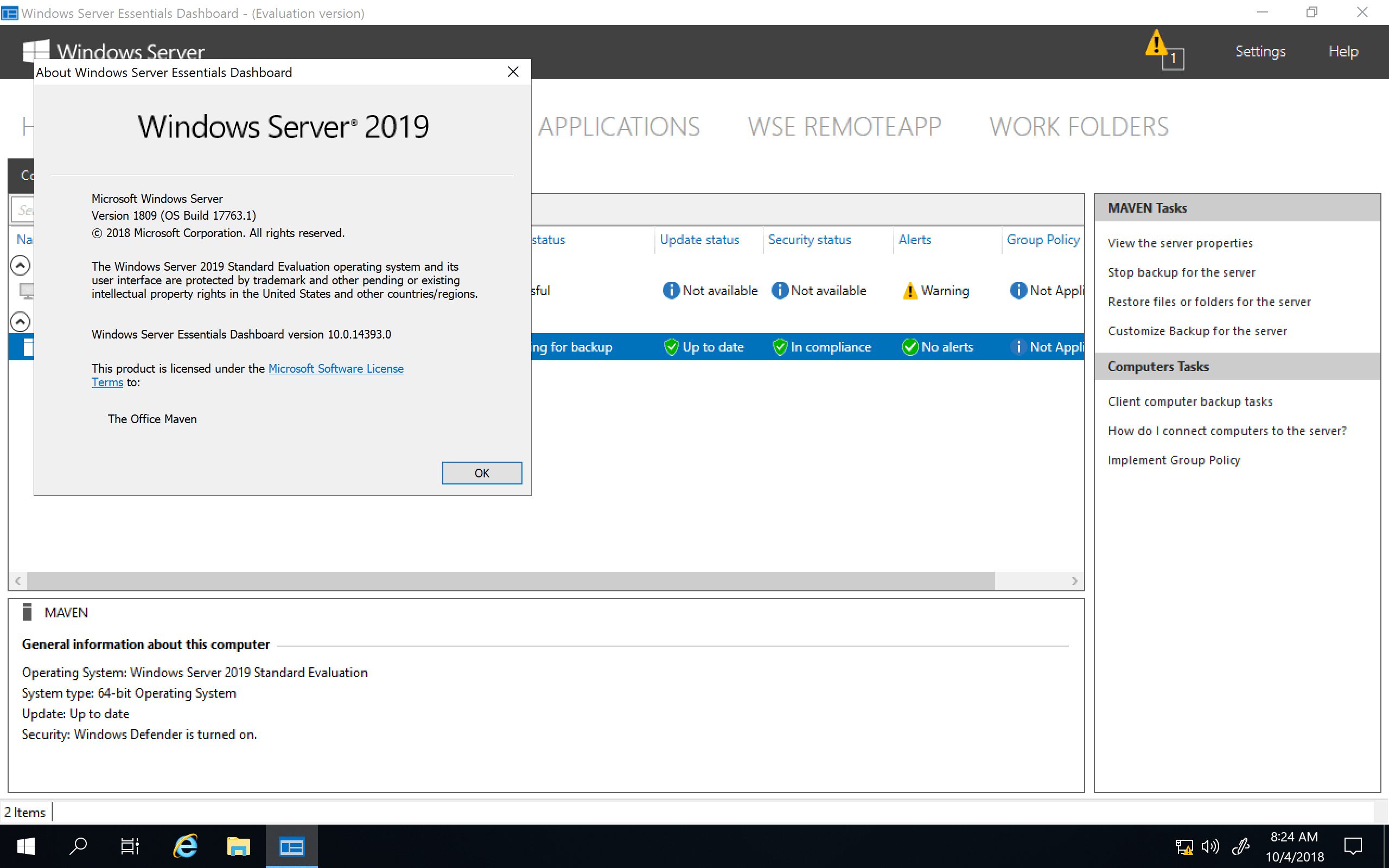
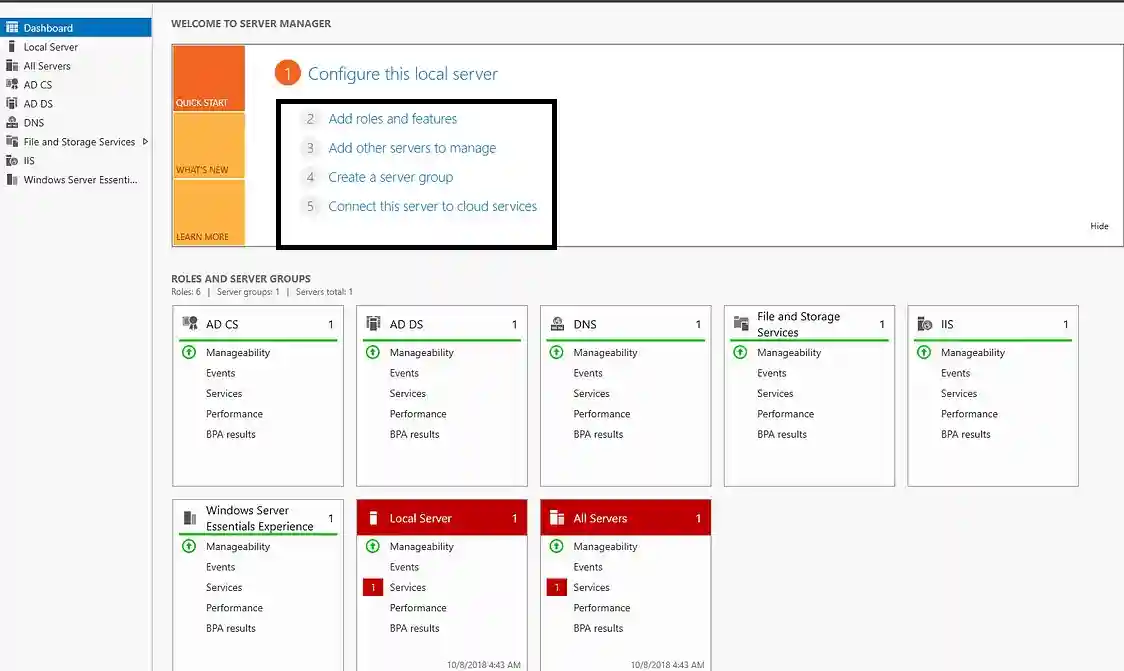
A single pane view of people, devices, and storage characterises the Simplified Management Dashboard Console.
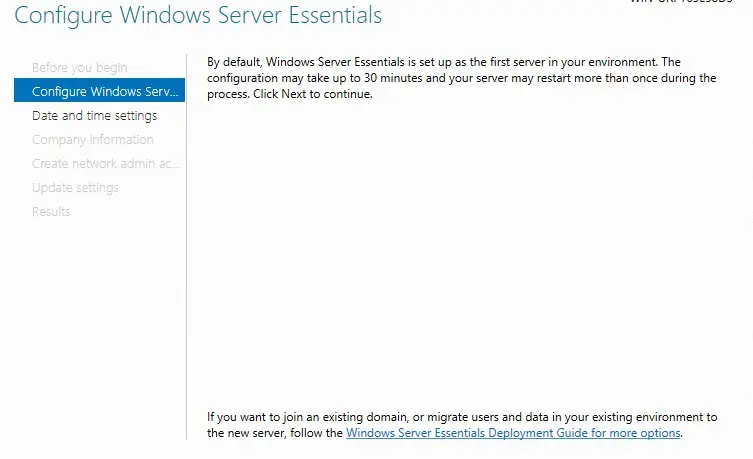
Simple Setup: Rapid deployment using a wizard-driven install.
Integration: Easily integrates with Office 365 and Azure.
Updates & Security
Windows Defender: Protection from threats in real time.
Frequent Patches: Update your system with security patches every month.
Manage who has access to what on your network with role-based access.

Installation Guide
Get the ISO
Visit Microsoft's official website to get Windows Server 2019 (external).
Use your Microsoft account to log in.
Make Boot Media
To burn the ISO to a USB drive, use Rufus or the Microsoft USB tool.
Install the key and press it.
Use a USB to boot up your server.
Enter your Codesforever Windows Server 2019 Essentials license key when prompted.
First Configuration
Finish the setup process for Server Essentials.
Set up network configuration and create your first administrative user.
Turn on and update
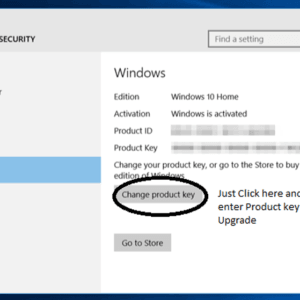
Verify your key by going to Settings → System → Activation.
To obtain the most recent patches, run Windows Update.
Why Choose Codesforever?
Completely Genuine Keys
All licenses are obtained from distributors approved by Microsoft.
Instant Delivery of Emails
No more downtime—get your code in a matter of minutes.
Guaranteed Best Price
Locate a valid key at a lower cost. We'll either match or surpass it.
PCI-compliant secure checkout for payments made using a card, PayPal, or cryptocurrency.
Professional technical support from our internal staff, step-by-step.
FAQ
Can I upgrade from Essentials to Standard?
Yes. You can purchase an upgrade license. See Microsoft’s guide here (external).
How many users/devices are supported?
Essentials supports up to 25 users and 50 devices
Is virtualization allowed?
What if I lose my key?
Contact us with your order number. We’ll resend your code free.
Conclusion
Stop wasting time on unreliable or suspicious key sellers. With Codesforever, you can get a genuine Windows Server 2019 Essentials license key quickly, securely, and at an affordable price. Designed for small businesses and remote teams, this powerful server operating system provides essential features like file sharing, remote access, encrypted backups, and advanced network management without recurring subscription costs.
Enjoy instant digital delivery, secure checkout, lifetime access, and expert customer support when you purchase your authentic Windows Server 2019 Essentials activation code from Codesforever. No hidden fees, no memberships—just a trusted Microsoft server solution built to improve productivity, strengthen security, and simplify business infrastructure management.
Upgrade your server environment today and power your business with a secure, reliable, and scalable Windows Server operating system.
Introduction
Looking for an affordable and reliable server operating system for your business? Windows Server 2019 Essentials is the perfect solution for small businesses, startups, and remote teams that need secure and efficient server management without high infrastructure costs.
This powerful server edition includes essential features like file sharing, remote access, encrypted backups, user management, and advanced security, helping businesses streamline operations and protect critical data. Designed for easy deployment and smooth performance, Windows Server 2019 Essentials delivers the reliability and scalability modern organizations need.

Features
File & Print Sharing: Centralise printers and documents with this core server feature.
Remote Access: Use Remote Desktop or a VPN to connect from any location.
Automatic Backups: Your data is protected by integrated scheduling.
A single pane view of people, devices, and storage characterises the Simplified Management Dashboard Console.
Simple Setup: Rapid deployment using a wizard-driven install.
Integration: Easily integrates with Office 365 and Azure.
Updates & Security
Windows Defender: Protection from threats in real time.
Frequent Patches: Update your system with security patches every month.
Manage who has access to what on your network with role-based access.

Installation Guide
Get the ISO
Visit Microsoft's official website to get Windows Server 2019 (external).
Use your Microsoft account to log in.
Make Boot Media
To burn the ISO to a USB drive, use Rufus or the Microsoft USB tool.
Install the key and press it.
Use a USB to boot up your server.
Enter your Codesforever Windows Server 2019 Essentials license key when prompted.
First Configuration
Finish the setup process for Server Essentials.
Set up network configuration and create your first administrative user.
Turn on and update
Verify your key by going to Settings → System → Activation.
To obtain the most recent patches, run Windows Update.
Why Choose Codesforever?
Completely Genuine Keys
All licenses are obtained from distributors approved by Microsoft.
Instant Delivery of Emails
No more downtime—get your code in a matter of minutes.
Guaranteed Best Price
Locate a valid key at a lower cost. We'll either match or surpass it.
PCI-compliant secure checkout for payments made using a card, PayPal, or cryptocurrency.
Professional technical support from our internal staff, step-by-step.
FAQ
Can I upgrade from Essentials to Standard?
Yes. You can purchase an upgrade license. See Microsoft’s guide here (external).
How many users/devices are supported?
Essentials supports up to 25 users and 50 devices
Is virtualization allowed?
What if I lose my key?
Contact us with your order number. We’ll resend your code free.
Conclusion
Stop wasting time on unreliable or suspicious key sellers. With Codesforever, you can get a genuine Windows Server 2019 Essentials license key quickly, securely, and at an affordable price. Designed for small businesses and remote teams, this powerful server operating system provides essential features like file sharing, remote access, encrypted backups, and advanced network management without recurring subscription costs.
Enjoy instant digital delivery, secure checkout, lifetime access, and expert customer support when you purchase your authentic Windows Server 2019 Essentials activation code from Codesforever. No hidden fees, no memberships—just a trusted Microsoft server solution built to improve productivity, strengthen security, and simplify business infrastructure management.
Upgrade your server environment today and power your business with a secure, reliable, and scalable Windows Server operating system.
Reviews (100)
100 reviews for Windows Server 2019 Essentials
1-5 of 100 reviews
Sorry, no reviews match your current selections
Add a review
Currently, we are not accepting new reviews
Must-Read Before Purchasing Our Software
If you have any questions, feel free to contact us by WhatsApp or Write to us at: [email protected]
- Its a Digital Delivery which means Activation Code and Download link sent to via Email Only.
- No CD/DVD/USB has been physically shipped to you
- The key is for one (1) device only.
- This is a 100 % Original Microsoft Windows Server 2019 Essentials Product Key
- The product key will activate the full version of Windows Server 2019 Essentials.
- There will be no expire date, the Windows Server 2019 Essentials Product Key will have a lifetime duration.
- The Windows Server 2019 Essentials will activate the multilingual language version. Any language version is supported. For example English, Spanish, German, French .
Related products
Authentic Middle East Combo Windows 10 Professional + Office 365 for 1 year | 1User 1PC – MAC/PC/Android
Rated 5.00 out of 5
(64)
AutoCAD Map 3D by Autodesk | Advanced GIS & Mapping Software for Professionals
Rated 5.00 out of 5
(10)
Autodesk Commercial License all Products | 1 Year Subscription
Rated 5.00 out of 5
(28)
US$ 218 – US$ 1,808Price range: US$ 218 through US$ 1,808
Select options
This product has multiple variants. The options may be chosen on the product page
Windows 10 Professional
Rated 5.00 out of 5
(35)
Windows 10 Professional | Multilingual | lifetime | 1 User 1 PC | Special Offer
Rated 5.00 out of 5
(91)
Windows 11 Enterprise | 1PC | Lifetime License | digital delivery
Rated 5.00 out of 5
(23)
Windows 11 Pro N | 1PC | Lifetime License | Digital Delivery
Rated 5.00 out of 5
(20)
Windows Server 2016 Data Center Edition
Rated 5.00 out of 5
(93)


Yo soy de España ! Estoy comprando en codesforever desde hace mucho tiempo, nunca tuve una experiencia amarga. Les compraste un producto de 4 $ o un producto de 300 $. Siempre excelente servicio, entrega oportuna y equipo de soporte altamente capacitado z, buenos chicos.
Producto de alta calidad. Entrega a tiempo. Gracias.
Excellent support
Timely delivered , working product
I needed good CAD at a good price and found these guys, Then managed to make a mistake on ordering but got in touch and was sorted out very kindly by the team which takes time and patience on their side to end up with the right product. I have not been with them before so can honestly say they are very good.