How to Activate Autodesk AEC Collection: A Complete Step-by-Step Guide

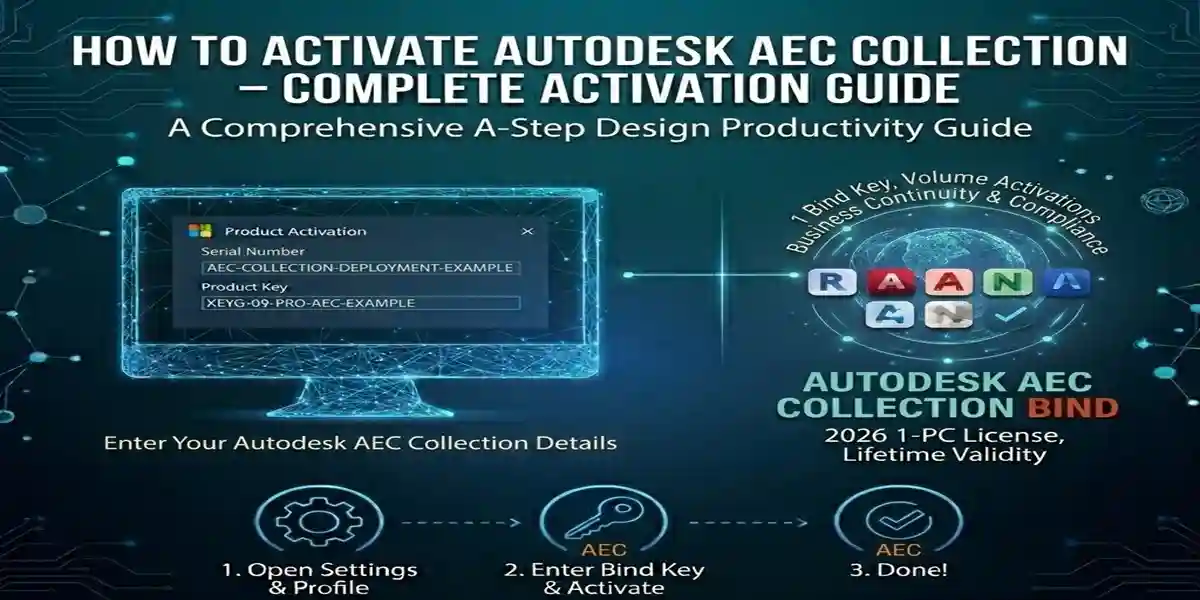
Introduction:
The Autodesk AEC Collection offers professionals in architecture, engineering, and construction a complete set of design and modeling tools. From AutoCAD for 2D drafting to Revit for Building Information Modeling (BIM), the AEC Collection is packed with essential software to streamline workflows and enhance collaboration. However, activating the Autodesk AEC Collection can sometimes be a challenge for new users.
In this blog, we’ll walk you through the activation process for Autodesk AEC Collection 2026, explain common errors and fixes, and provide solutions to make sure you’re ready to work with this powerful suite of tools.
Features of Autodesk AEC Collection 2026:
Comprehensive BIM Tools:
The AEC Collection includes Revit, Navisworks, and InfraWorks—all integrated into one powerful suite. This allows for better collaboration on building design, engineering, and construction projects.Cloud Integration:
The AEC Collection supports Autodesk BIM 360, which facilitates cloud-based collaboration, real-time sharing, and project management, improving team coordination and productivity.Advanced Design Tools:
Whether you need AutoCAD for drafting, Revit for BIM, or Navisworks for project review, the AEC Collection provides the most advanced design tools in the industry, ensuring your projects stay ahead of schedule.Seamless Interoperability:
With integration across the Autodesk ecosystem, you can easily transfer your designs between AutoCAD, Revit, Navisworks, and Fusion 360, reducing the need for manual conversions and increasing efficiency.**Reality Capture with InfraWorks and ReCap Pro:
The AEC Collection includes tools for reality capture and analysis, helping you turn raw data into actionable models and plans, enhancing project accuracy.
Commands in Autodesk AEC Collection:
Revit Commands:
Copy to Clipboard (Ctrl+C): Copies selected objects for easy pasting in other views or models.
Change Element Properties: Quickly modify the properties of building components.
Section View (VV): Create detailed section views of 3D models for deeper analysis.
AutoCAD Commands:
Line (L): Draw a straight line between two points.
Layer (LA): Manage and modify drawing layers to organize complex projects.
Array (AR): Create duplicates of an object in a pattern.
Navisworks Commands:
Clash Detection: Identifies and highlights conflicts in your project files to ensure smooth construction.
Timeliner: Integrates project schedules with 3D models to visualize the construction timeline.
InfraWorks Commands:
Create Road: Design new roads using real-world data for infrastructure projects.
Terrain Modeling: Import topographical data to model realistic terrain for urban planning.
Common Errors and Fixes in Autodesk AEC Collection:
Error: “Activation Failed”
Fix: Ensure that your Autodesk Account login is correct. If necessary, reset your password. Check your internet connection and try activating again.Error: “Invalid Serial Number”
Fix: Verify that you are using the correct serial number and product key for your Autodesk AEC Collection. If needed, contact Autodesk support for assistance.Error: “Product Not Found”
Fix: Reinstall Autodesk AEC Collection or update the version to ensure it’s compatible with your system.Error: “License Limit Exceeded”
Fix: You may have exceeded the maximum number of activations. To resolve this, deactivate the software on any unnecessary devices through your Autodesk Account.
Methods to Activate Autodesk AEC Collection:
Method 1: Autodesk Account Activation (Online Activation)
Launch Autodesk AEC Collection and sign in with your Autodesk ID.
Select Activate when prompted and follow the on-screen instructions.
Once the software confirms the activation, you are good to go.
Method 2: Offline Activation
Open Autodesk AEC Collection and select Activate Offline.
Copy the Request Code provided.
On a separate device, go to Autodesk’s offline activation page and generate the Activation Code.
Enter this code into your Autodesk software to complete activation.
Method 3: Using Serial Number
Enter your serial number and product key during installation.
Follow the prompts to activate the software.
Conclusion:
Activating Autodesk AEC Collection 2026 is a simple process when you follow the right steps. Whether you’re using AutoCAD, Revit, or Navisworks, understanding the activation methods and troubleshooting errors ensures a smooth setup. The AEC Collection is an indispensable suite for architecture, engineering, and construction professionals, offering integrated tools that enhance design, streamline workflows, and improve collaboration.
By following this guide, you’ll be able to activate the Autodesk AEC Collection and get started with your projects in no time. Make sure to use the solutions and tips provided to avoid common activation errors and ensure your software is up to date.
Frequently Asked Questions (FAQs)
You can activate it online through your Autodesk account, or offline if you do not have internet access. Refer to the methods above for detailed instructions.
Verify your serial number and product key and ensure your subscription is active. If problems persist, reinstall the software or contact Autodesk support.
Yes, you can install it on multiple devices but are limited to a specific number of activations depending on your subscription plan.
Yes, it integrates with BIM 360 for cloud-based collaboration, allowing for better project management and real-time updates