

Adobe Acrobat Pro 2024: What It Is and How Licensing Works

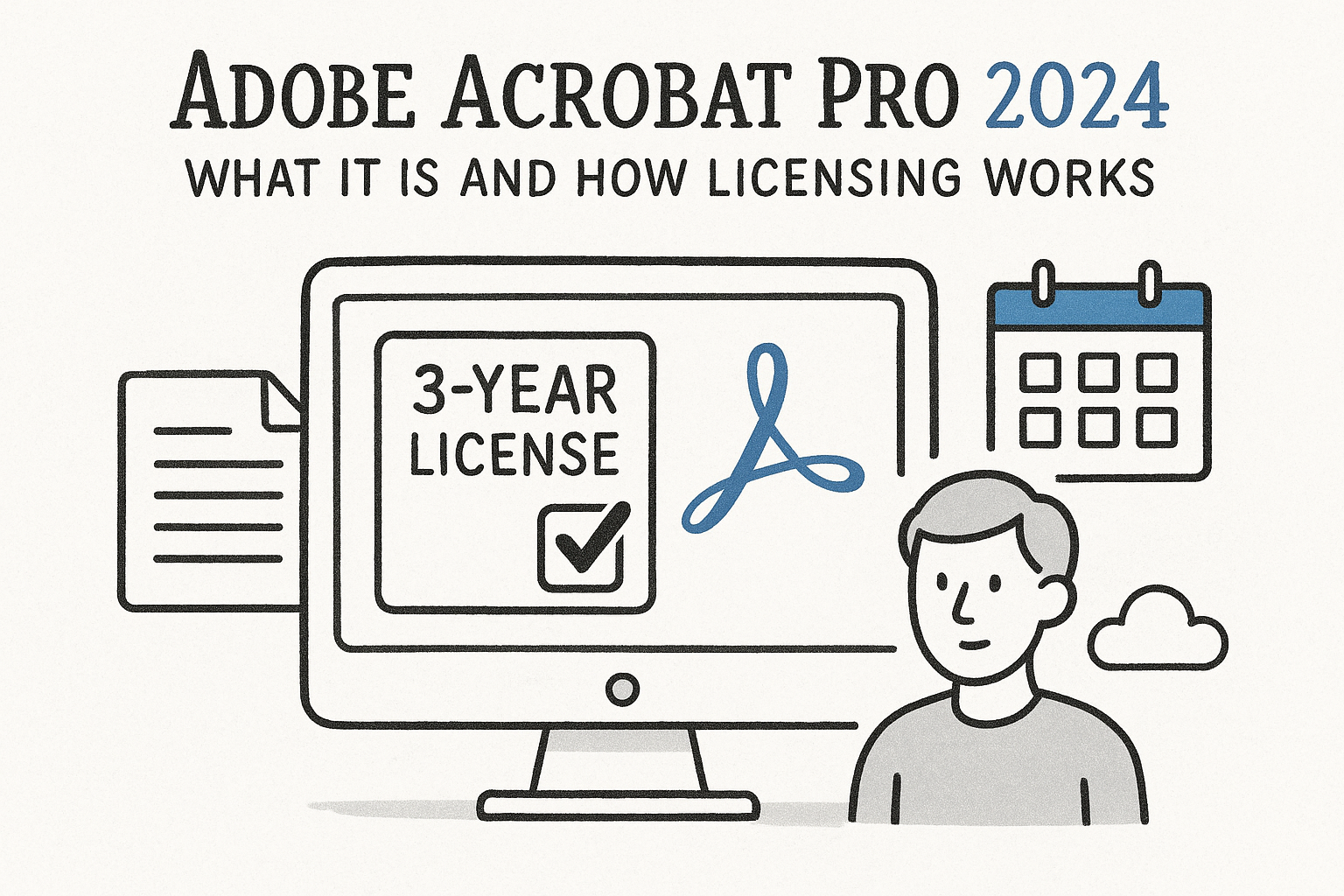
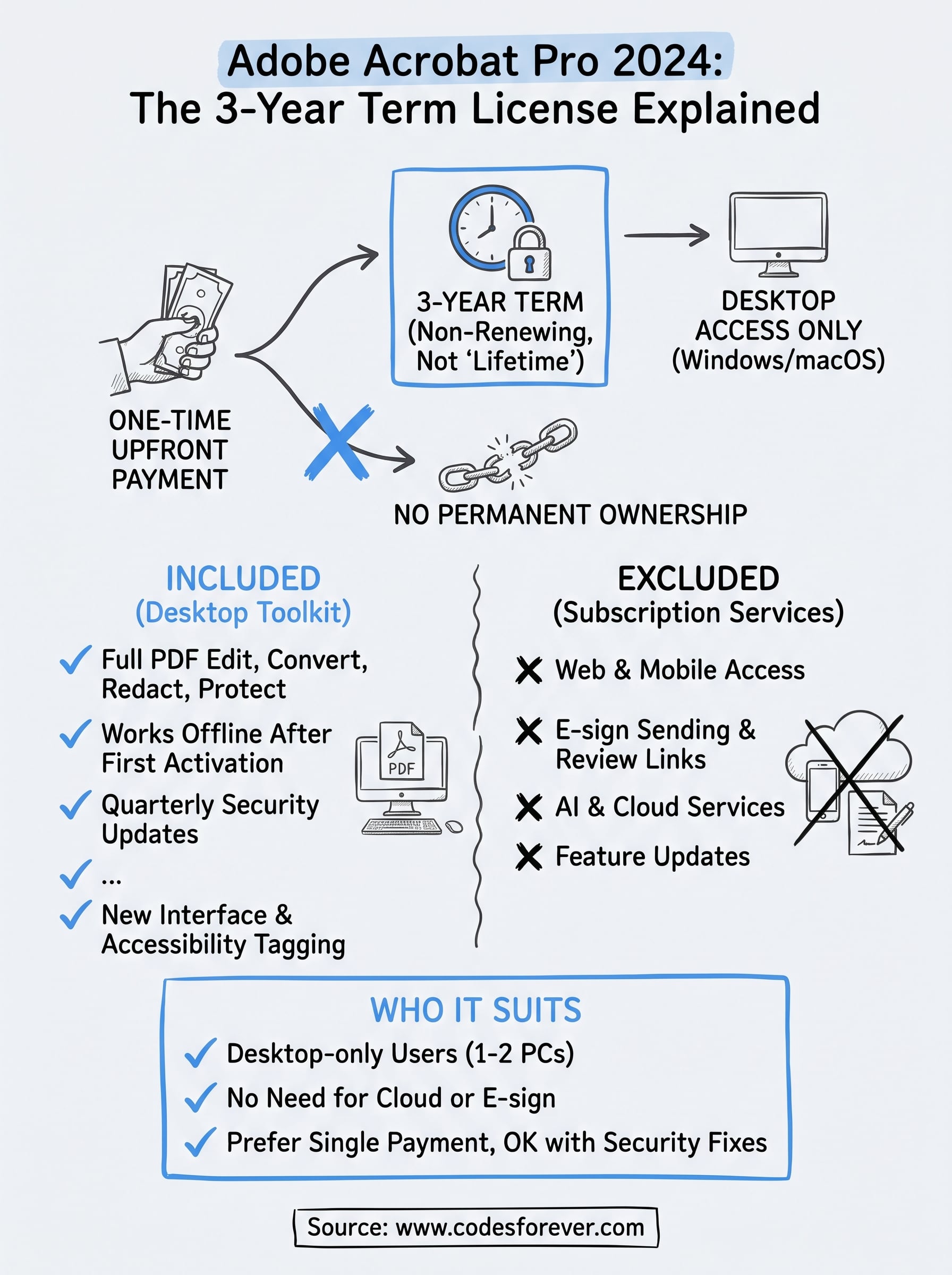
Adobe Acrobat Pro 2024 is the desktop-only, non-subscription edition of Acrobat. You pay once up front and use it on Windows or macOS for up to three years. Many people search for a "perpetual" or "lifetime" license, but it is a 3-year term license that does not renew. Your one payment buys time, not permanent ownership.
Adobe used to call this product Acrobat Classic and renamed it Acrobat Pro 2024 with no change in features. It replaces the older perpetual versions such as Acrobat Pro 2020. You get the PDF tools installed on your computer. You do not get feature updates, and you do not get the web, mobile, e-sign review or AI services that come with subscription Acrobat Pro.
This article covers who the product suits, what it includes and leaves out, how it compares with the subscription, and how to buy and download it. It also explains what to do when the three years end. Codesforever sells software license keys, including Acrobat Pro and lifetime PDF editors, so the buying advice below comes from that side of the counter.
Why the 3-year term matters before you buy
Acrobat Pro 2024 is a term license, not a perpetual one. Adobe sells it as a 3-year license, paid upfront and non-renewing. A listing that promises a "lifetime license for Windows" is using loose wording, so check what you are actually buying.
Term license versus perpetual license
A perpetual license, like the older Acrobat Pro 2020, lets you keep using that version with no end date. Acrobat Pro 2024 gives you up to three years of access instead. "DC" is also not part of the name, so a listing for "Acrobat Pro DC 2024" is using outdated wording.
What it shares with a perpetual license is the payment model. You pay once and get no monthly bill. After the first activation, which needs an internet connection, you can work fully offline.
Acrobat Pro 2024 is a one-time payment for a fixed three years, not a purchase you keep forever.
What three years costs in practice
Divide the price by 36 to get a monthly cost. Say a license costs $324 for the term. That works out to $108 a year, or $9 a month. Prices differ by seller and change over time, so run the same math on the price you are quoted.
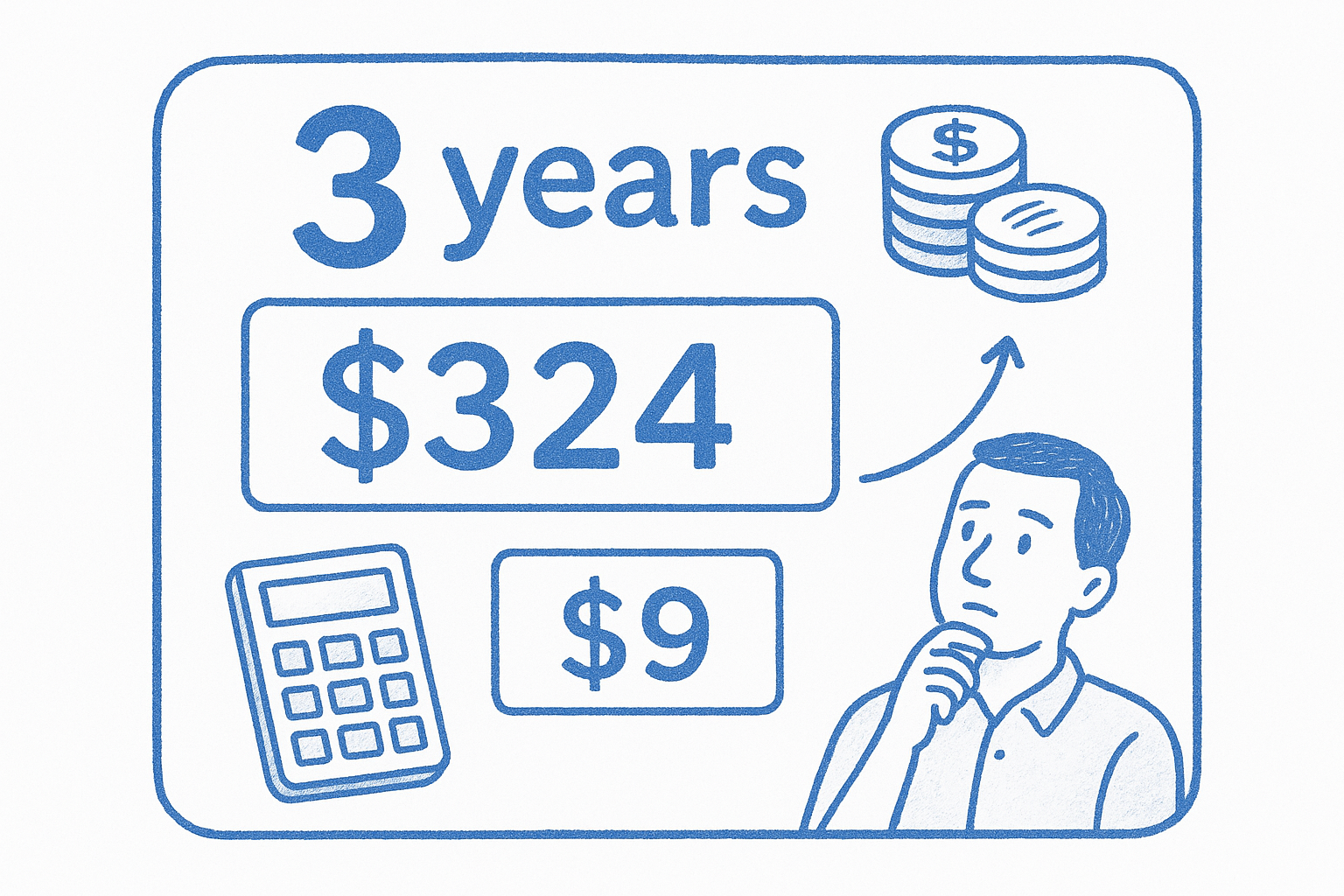
Then compare it with the current subscription price on Adobe.com. The subscription costs a recurring fee but adds updates, web and mobile access, and cloud services. If you do not need those, the term license can be the cheaper way to get the desktop tools.
Who it fits
The product suits you if most of these describe your work:
- You use one or two desktop computers and do not need mobile or web editing.
- You edit, convert, combine, redact and protect PDFs without sending files for e-signature.
- You prefer paying once, or your company restricts cloud services.
- You are fine with security updates but no new features.
It is a poor fit if you need to send documents for signature, collect reviews through a shared link, or use Acrobat’s AI features.
What Acrobat Pro 2024 includes and leaves out
Acrobat Pro 2024 includes the full desktop PDF toolkit, but it lacks the cloud and AI services of the subscription. Adobe says it contains all the features of Acrobat Pro 2020, plus some additions.
What you get
The main additions over Acrobat 2020 are a new interface, the ability to star a document as a favorite, improved accessibility tagging, and extraction of discontinuous pages. Edit and crop tools are updated, and the protect and redact flow is simpler. It also handles objects in Word and PowerPoint better.
It supports the standards that professionals ask about: PDF/A for archiving, PDF/X for print production, PDF/E for engineering and PDF/UA for accessibility. Microsoft Purview Information Protection integration is available, but it needs a separate purchase. It is a 64-bit app, so a 32-bit operating system will not work.
Pro 2024 versus subscription Acrobat Pro
The table shows where the two products split.
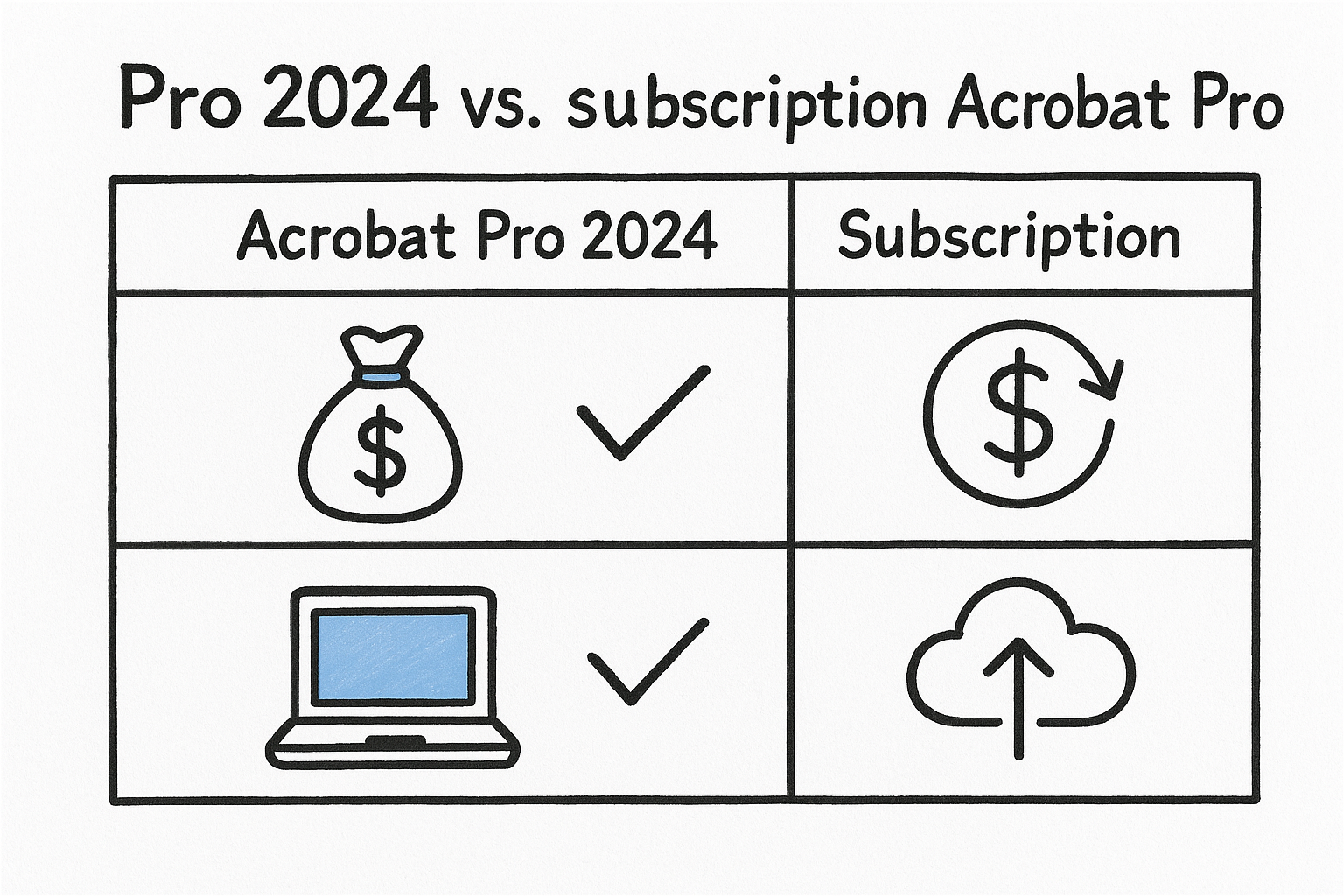
| Feature | Acrobat Pro 2024 | Subscription Acrobat Pro |
|---|---|---|
| Payment | One upfront payment for a 3-year term | Recurring fee |
| Where it runs | Desktop only (Windows, macOS) | Desktop, web and mobile |
| New features | None | Regular feature updates |
| Security updates | Quarterly | Ongoing |
| E-sign sending, share for review, AI | Not available | Available |
| Cloud storage | 2 GB with a free account | Up to 100 GB |
| Works offline | Yes, after first activation | Desktop app yes, cloud services need a connection |
If you need e-signature workflows, review links or AI, buy the subscription. If you need desktop PDF editing, the term license is enough.
Updates and support
Acrobat Pro 2024 receives bug fixes and quarterly security updates throughout its supported lifecycle. It never receives feature updates. The Adobe account tied to it covers free Document Cloud services only.
Adobe publishes the exact support dates on its supported product versions page, and you should check it before you buy. As a reference point, Acrobat 2020 reached end of support on November 30, 2025. Registered owners can get installation and product support from Adobe Customer Care and the online forums.
How to buy and download Adobe Acrobat Pro 2024
You can buy Acrobat Pro 2024 from Adobe, from an Adobe Authorized Reseller or through volume licensing for organizations. You then download the installer from Adobe’s own help page. The download is a separate step from the purchase, which is where many buyers get confused.
Where to buy a legitimate license
Adobe.com is the safest source. Authorized resellers and major electronics retailers also list it, sometimes in a student and teacher edition. Licensing through an organization goes through Adobe’s volume licensing program.
Key sellers such as Codesforever offer discounted Acrobat Pro keys. Codesforever delivers them by email, usually within minutes, and backs them with free 24/7 support and a 100% money-back guarantee. Problems must be reported within 7 days of purchase. Before you buy from any seller, confirm these points:
- The listing names Acrobat Pro 2024 and states the 3-year term.
- It says whether the license is for Windows, macOS or both.
- It says whether the key is for one user or one device.
- It lists a refund or replacement policy and support contact.
Verify the term length and platform in the listing before paying, because "lifetime" in a title does not change what Adobe sells.
Download and install steps
Adobe’s Download Acrobat Pro 2024 page offers a multilingual installer of about 1.2 GB for each platform. Languages include English, French, German, Japanese, Spanish, Italian and Dutch.
On Windows:
- Download the zip file and copy it to a folder on your computer.
- Extract the zip file.
- Open the extracted folder and double-click Setup.exe.
- Follow the on-screen instructions.
Do not run Setup.exe from inside the zip, because that can cause installation errors. On macOS, double-click the downloaded DMG file to mount it. Open the volume, run the Acrobat installer.pkg and follow the prompts.
Activation and system checks
Activation is the step where your license becomes real. Connect to the internet the first time you open the app and enter or sign in with your license details. After that, Acrobat runs offline for the term.
Check Adobe’s system requirements for Acrobat Pro 2024 before you pay. Install and activate soon after purchase, since Adobe describes the license as giving up to three years of access. If activation fails with a key bought from a reseller, contact that seller’s support right away, while any refund window is still open.
What to do when the term ends or you want a lifetime license
When the three years end, you need a new license or a subscription, because Adobe describes Acrobat Pro 2024 as non-renewing. Plan ahead so a lapse does not stall your work. Your PDF files stay yours, and any PDF reader opens them.
Planning for the end of the term
Note your activation date and set a reminder about two months before the term ends. Then pick one of three paths: buy the next Acrobat version if Adobe offers one, move to the subscription, or switch to another PDF editor. The right choice depends on whether you started needing e-sign, mobile or AI features during those three years.
Check Adobe’s license terms for how the software behaves when the term expires. Do not assume it keeps running. A term license that quietly stops mid-project can cost far more than the price of the license.
Lifetime alternatives
If a permanent license matters more than the Acrobat brand, several PDF editors still sell lifetime keys. Nitro PDF Pro 14 and Nuance Power PDF Advanced cover Windows. SwifDoo PDF covers Mac. They create, edit, convert, sign and secure PDFs, which handles most everyday work.
Test your must-have features first. If you rely on redaction, accessibility checking or print-production standards, confirm the alternative supports them. Acrobat remains the reference tool for those specialist jobs.
Choose Acrobat Pro 2024 for its feature depth and Adobe support, and choose a lifetime editor when permanence matters more.
Choosing between a term license and a lifetime key
Acrobat Pro 2024 is a solid desktop PDF editor sold as a 3-year, non-renewing license. It trades the cloud services and updates of a subscription for a single upfront payment. Verify the term and platform in any listing, download from Adobe’s own page, and activate it soon after you buy.
If you would rather own a PDF editor outright, see the Nitro PDF Pro lifetime license. For Acrobat Pro keys, contact Codesforever support by chat or WhatsApp.