

How to Buy a Windows 10 Pro CD Key Safely and Cheaply

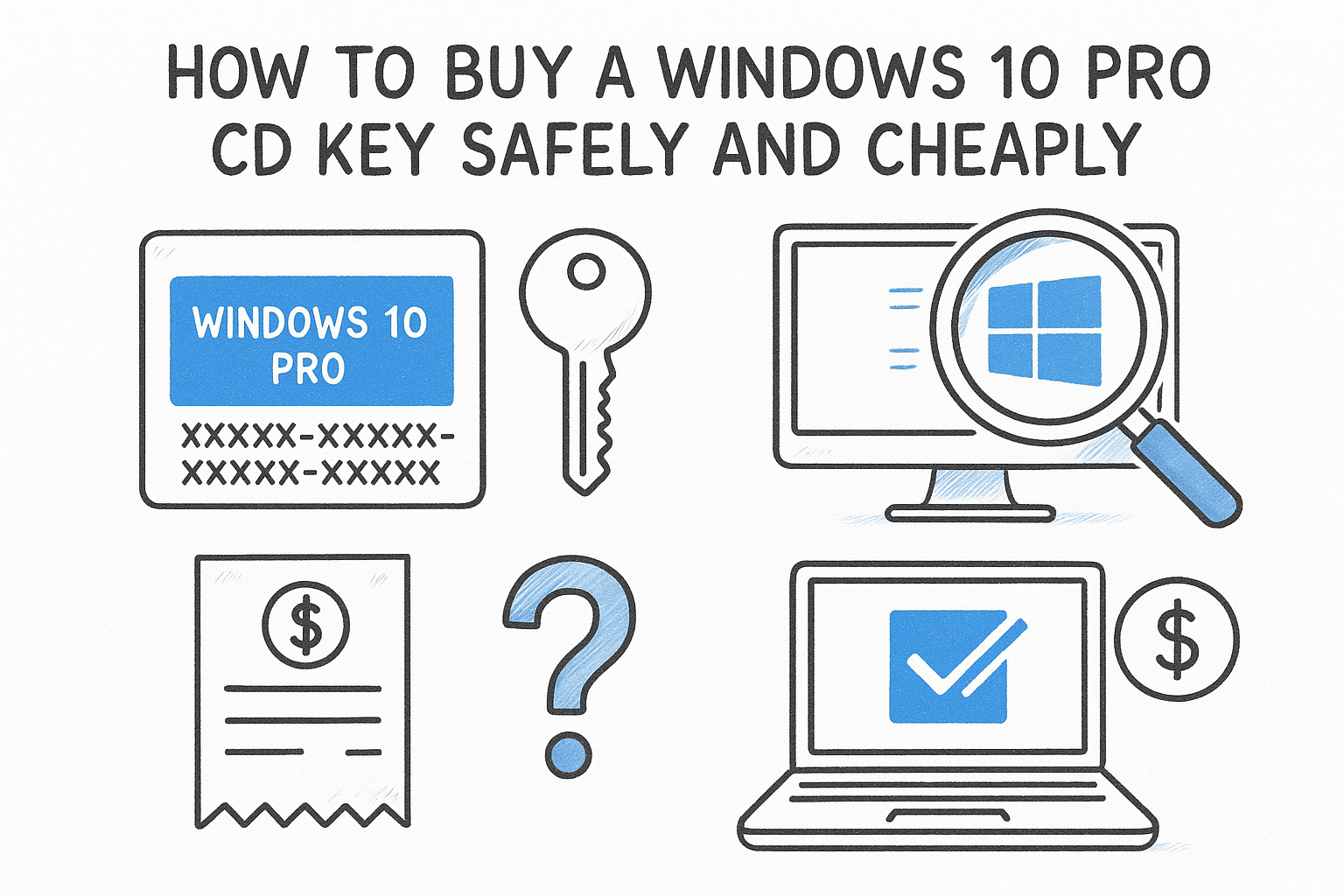
The safest way to buy a Windows 10 Pro CD key is to confirm your PC and edition first. Then buy from a seller with a written refund policy and live support, and activate the key on a fresh Windows 10 download from Microsoft. A reputable discount seller charges roughly $5 to $12 for a lifetime single-PC key. Entering the key takes about five minutes.
The hard part is sorting through the offers. A retail price near $200, a business reseller at $99.99, a boxed disc around $30, and key marketplaces from under $1 to about $11 all show up for the same search. Windows 10 also reached end of support on October 14, 2025, so you may wonder if it is still worth buying. Some very cheap keys get blocked weeks or months later, and you often find out only after you have reinstalled everything.
This guide covers what you are actually buying, then four steps: check your PC, set a fair price, vet the seller, and activate the key. Codesforever has sold software license keys online for over ten years, and the checklist below is what we would give a friend.
What a Windows 10 Pro key is and why it still matters
A Windows 10 Pro CD key is a 25-character code that activates the Pro edition of Windows 10, and no physical disc is involved. You receive it by email, download the installer from Microsoft, and activate with the code.
What the key gives you
The "CD" in the name is left over from the disc era. Sellers also call it a product key, license key or activation key, and all four mean the same thing. The installer itself is free from Microsoft, so you are paying for the license that activates it.
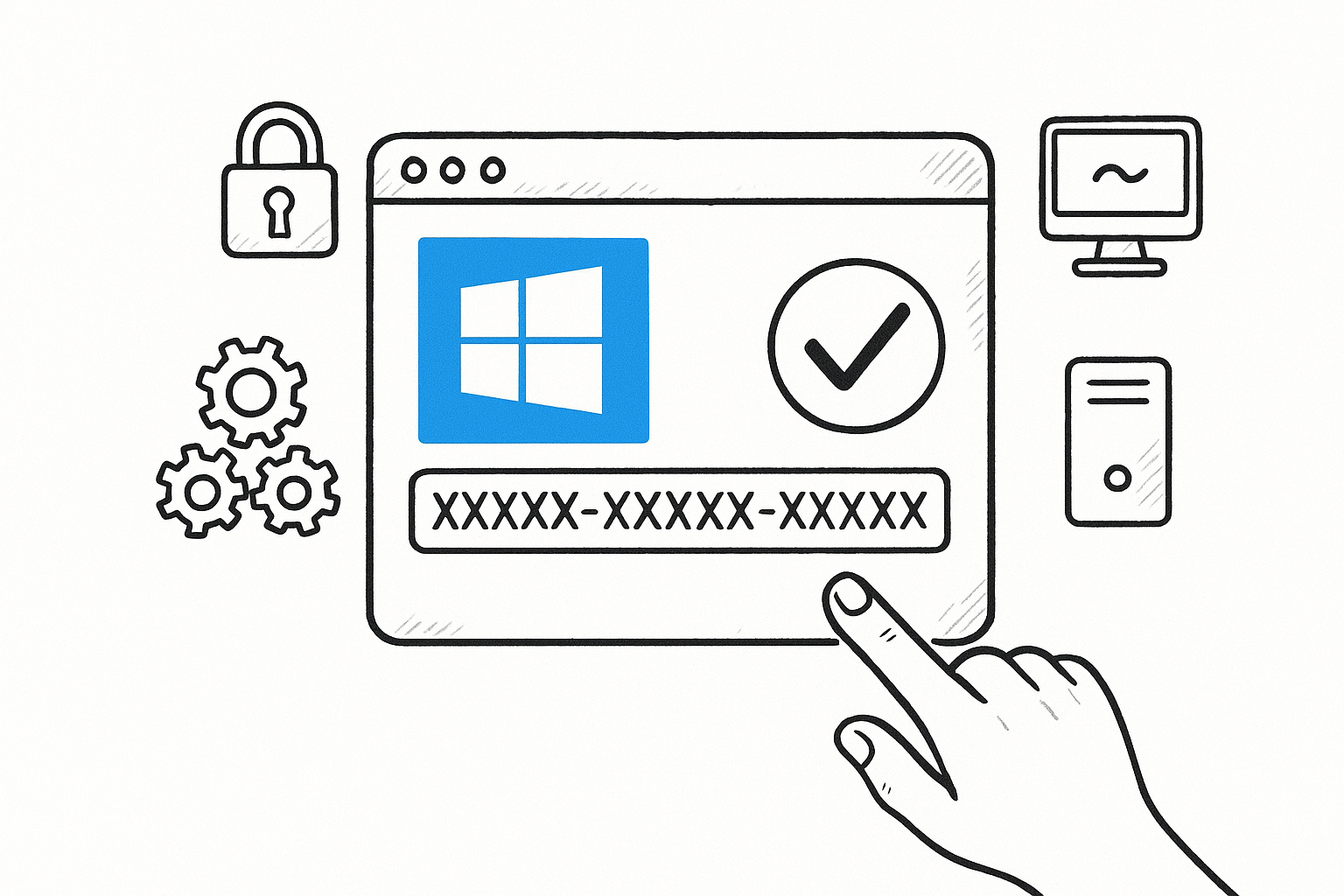
Pro adds tools that Home lacks:
- BitLocker drive encryption
- Remote Desktop hosting, so you can connect to the PC from elsewhere
- Group Policy management
- Domain and Azure Active Directory join
- Hyper-V virtualization
If you need none of these, Home is enough. A Pro key also upgrades an existing Home install in place.
A Windows 10 Pro key buys the right to activate Windows, not the software itself, which Microsoft gives away.
Is Windows 10 still worth buying?
Yes, in specific cases. Microsoft ended regular support on October 14, 2025, so Windows 10 no longer receives free security updates, but it still installs and activates. It makes sense when your PC cannot meet Windows 11 requirements such as TPM 2.0, Secure Boot and a newer processor. It also makes sense when your software or a virtual machine is pinned to Windows 10, or when you are reviving an older Windows 7 or 8 machine.
Otherwise, a Windows 11 Pro key is the better long-term purchase. A genuine Windows 10 Pro license can usually be upgraded to Windows 11 Pro on supported hardware.
Step 1. Check your PC and pick the edition
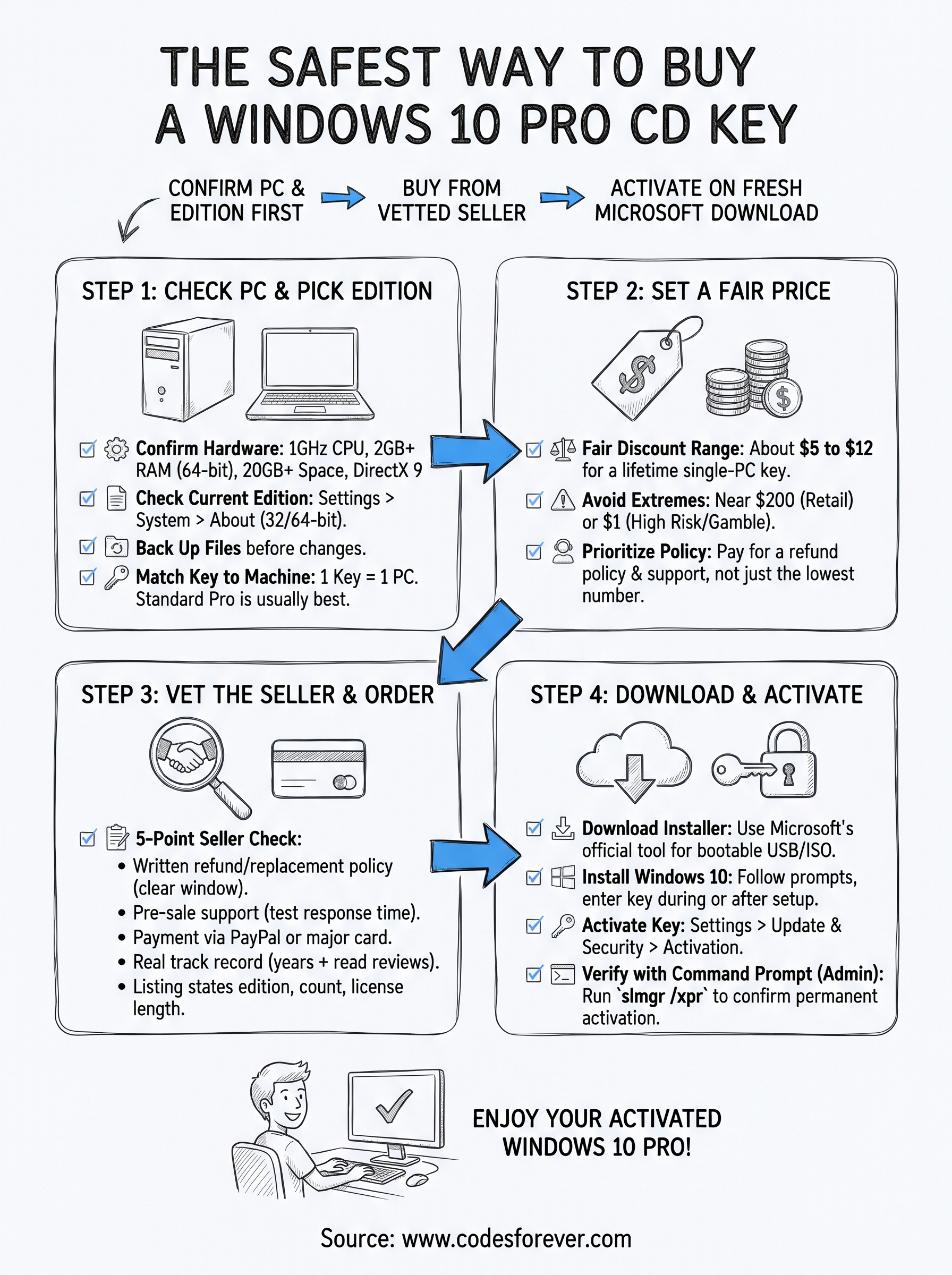
Before paying, confirm that the hardware meets the minimums, what edition you run today, and how many PCs you need to cover. A wrong purchase is the one mistake that most sellers will not refund.
Confirm hardware and current edition
Windows 10 needs a 1 GHz processor, 2 GB of RAM for the 64-bit version, 20 GB of free disk space, and DirectX 9 graphics. Almost any PC built in the last decade passes. Open Settings > System > About to see your current edition and whether you run a 32-bit or 64-bit system. Then back up your files before you change anything.
Match the key to the machine
One key covers one device, so three PCs need three keys. For most people the standard Pro edition is right. Pro for Workstations is aimed at heavy jobs like CAD, 3D rendering and large data processing. Enterprise targets managed organizations.
Also ask the seller whether the key is retail or OEM. An OEM license is meant to stay with the first PC it activates, while a retail license can move to a new PC later. If you rebuild PCs often, that difference matters.
Pick the edition and the device count before you compare prices, because a wrong purchase is the one mistake sellers rarely refund.
Step 2. Set a fair price before you shop
A fair price to buy a Windows 10 Pro product key from a legitimate discount seller is about $5 to $12 for a lifetime single-PC license. Anything near $200 is the list-price tier, and anything near $1 is a gamble.
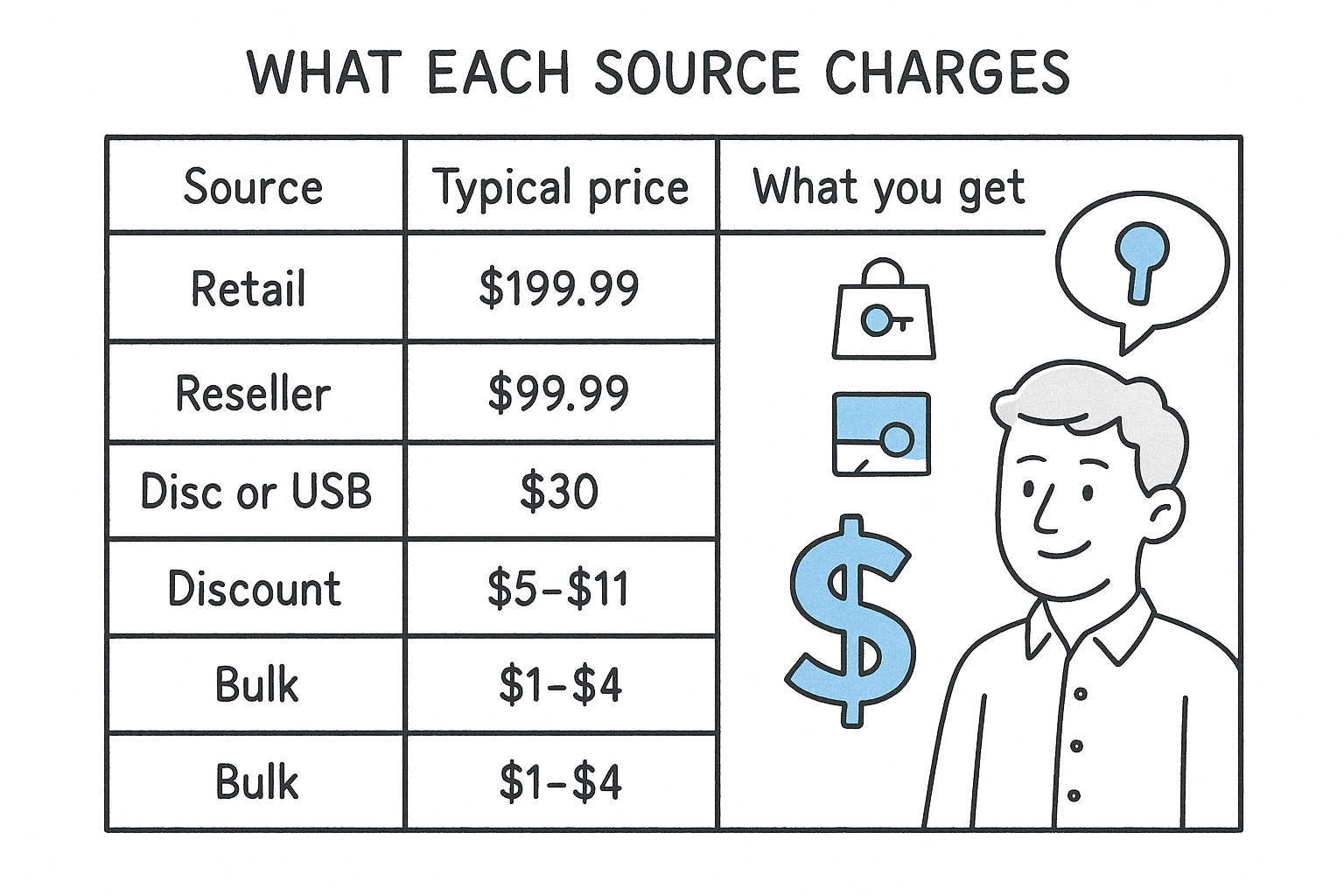
What each source charges
| Source type | Typical price seen | What you get | Main trade-off |
|---|---|---|---|
| Microsoft retail | About $199.99 for Pro | Full retail license | Highest price |
| Business software reseller | About $99.99 | Digital key, 30-day guarantee | Costs ten times a discount key |
| Boxed disc or USB on a marketplace | About $30 | Disc plus key | Seller quality varies |
| Discount key stores | About $5 to $11 | Key by email | Policies differ, so vet each one |
| Bulk key marketplaces | About $1 to $4 | Key by email | Highest risk of blocked keys |
| Codesforever | $8 | Lifetime key, 1 device, multilingual | Self-install, with support |
A worked example
Say you are setting up three office PCs. At $8 per key, the total is $24. At $99.99 per key, it is $299.97. At $199.99, it is $599.97. The gap between a discount key and the list price is over $575 for the same edition. Spending a little more than the cheapest option to get a refund policy is the sensible middle.
Pay for the refund policy, not the lowest number on the page: $8 with support beats $1 with none.
Step 3. Vet the seller and place the order
Choose a seller that passes five checks, then place the order with a payment method that protects you. Vetting takes ten minutes and prevents most bad purchases.
Run a five-point seller check
- A written refund or replacement policy with a clear reporting window.
- Support you can reach before buying. Ask a pre-sale question by chat or email and see how fast the answer comes.
- Payment through razor pay or a major card processor. pay with crypto or gift cards.
- A real track record, meaning years in business and reviews you can read, not only a coupon-site score.
- A listing that states the edition, device count and license length.
Walk away if the price is far below the market, the policy says "no refunds".
What buying from Codesforever looks like
Codesforever has operated for over ten years, and its customer reviews page is based on 16,055 reviews. The Windows 10 Professional listing costs $8. It is a lifetime key for one device and activates the multilingual version. Delivery is by email, and most orders arrive within minutes, though the listing allows up to 24 hours.
The policy is specific. You can report a problem within 7 days, and troubleshooting steps follow within 24 hours. If those fail, you get a replacement key or a full refund. Refunds do not cover wrong products bought by mistake or software that does not fit your hardware, which is why Step 1 comes first. You can cancel within 2 hours if the key is unredeemed. Payments run through PayPal, Stripe or Razorpay with no extra checkout fees, and the charge appears as Codesforever.com.
A seller you can test before paying is worth more than a seller who is slightly cheaper.
Step 4. Download Windows 10 and activate the key
Download the installer from Microsoft, install Windows 10, and enter your key under Settings > Update & Security > Activation. Do this soon after delivery, because refund windows start at purchase.
Download and install
Use Microsoft’s Windows 10 download page to get the Media Creation Tool. It builds a bootable USB drive (8 GB or larger) or an ISO file. Boot the target PC from the drive and follow the prompts. When the installer asks for a key, paste yours in, or choose "I don’t have a product key" and activate afterward. Pick the Pro edition if the installer asks.
Activate and verify
On an installed system, open Settings > Update & Security > Activation > Change product key and enter the code. On a Home install, this converts it to Pro, and you need an internet connection. To enter the key from the command line, open Command Prompt as administrator and run:
slmgr /ipk XXXXX-XXXXX-XXXXX-XXXXX-XXXXX
slmgr /ato
slmgr /xpr
Replace the X’s with your key. The last command should report that the machine is permanently activated. If online activation fails, run slui 4 to start phone activation.
If you see an error, do not keep trying other keys. Note the exact message and contact support inside the 7-day window. A key rejected as already used is exactly the case that policy covers.
Activate the day your key arrives, so a bad key is still inside the refund window.
Your next step
To buy a Windows 10 Pro CD key without regret, check your hardware, pay a fair price of about $5 to $12 and avoid the extremes, and buy only from a seller with a refund policy and reachable support. Then install from Microsoft’s own download and activate right away.
If Windows 10 is the right fit, you can compare Windows Pro license keys at Codesforever. Instant email delivery and 24/7 support cover the install and activation steps.