

How to Buy and Enter a Windows 11 Pro Upgrade Key

To upgrade Windows 11 Home to Pro, buy a genuine Windows 11 Pro upgrade key, open Settings > System > Activation, select Change product key, type the 25-character key and select Next. Windows switches the edition, restarts, and keeps your files and apps. The whole job takes about ten minutes and needs no installation media.
Need the key now? Get a genuine Windows 11 Pro lifetime key for 1 PC at Codesforever for US$14. It arrives by email within less time, with activation support and a replacement guarantee.
The hard part is not typing the key. It is finding one that is real, fairly priced and matched to the right edition. Listings that look identical range from a few dollars to about $200. A wrong or reused key triggers errors such as 0xC004F050, and forum threads on those errors rarely end with a clear fix.
Codesforever sells Windows license keys and supports buyers through activation, so this guide follows the process as a buyer lives it. You will learn what the upgrade does, how to buy a legitimate key, how to enter it, what to do when activation fails, and what the free and generic-key options really give you.
What a Pro upgrade key does and what you need first
A Windows 11 Pro upgrade key is a 25-character product key that converts an installed Windows 11 Home into Windows 11 Pro in place. You do not reinstall Windows or move any data.
What Pro adds over Home
According to Microsoft, Pro adds BitLocker Drive Encryption, the ability to host Remote Desktop connections, and the ability to join a domain or Microsoft Entra ID. Your documents, apps and settings stay where they are. If you need none of those features, Home is enough (see the Windows 11 Home vs Pro comparison) and the upgrade is wasted money.
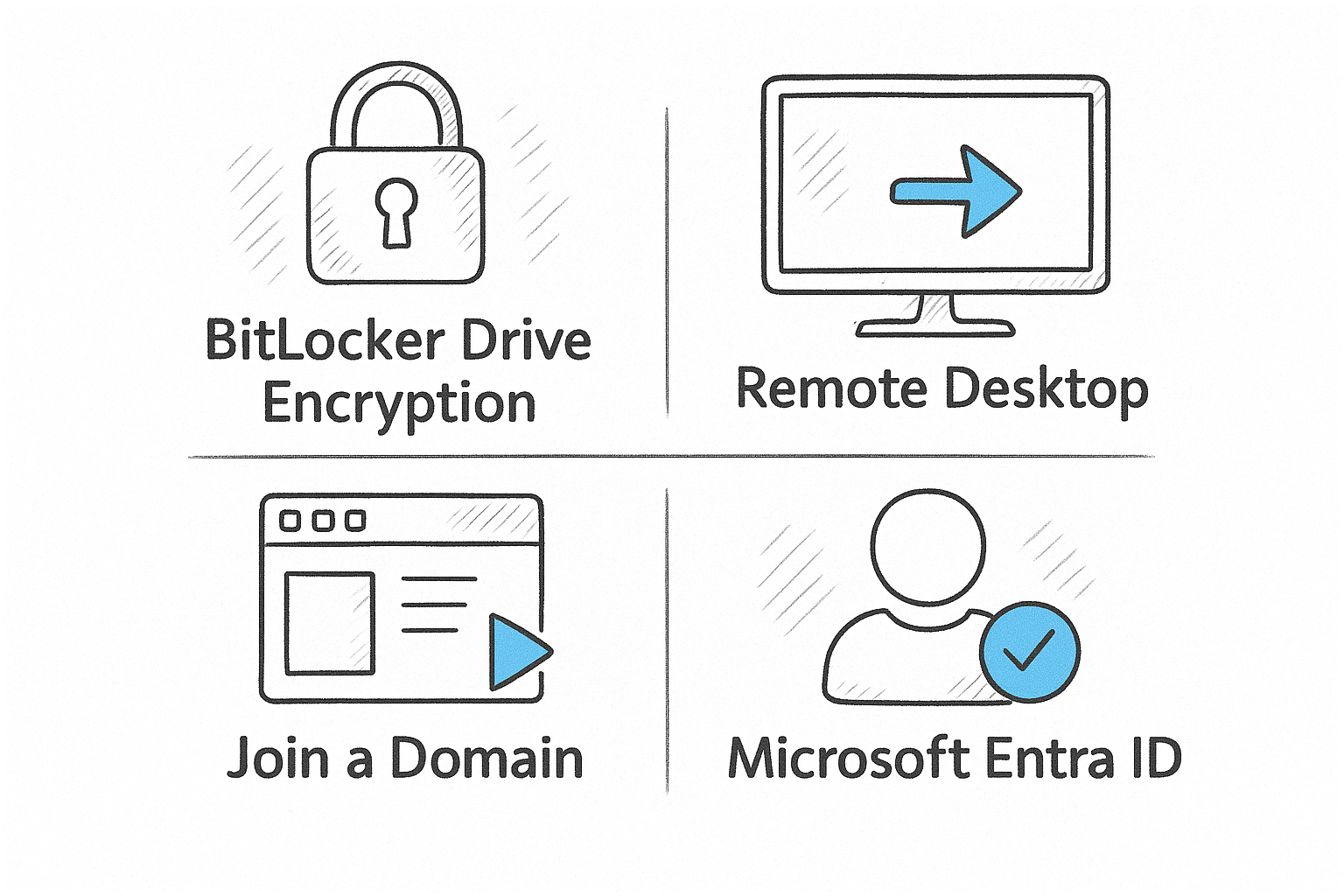
The key changes your edition, not your data.
Check these four things first
Spend two minutes on this checklist before you buy anything:
- You run Home. Open Settings > System > About and read the Edition line.
- Windows is activated. Open Settings > System > Activation and look for "Active" next to Activation state, or use another way to check Windows 11 activation status. Microsoft’s manual steps apply to activated Home installs.
- You are signed in to an account with administrator rights, because Windows may ask for those credentials.
- Your important files are backed up. The upgrade is safe, but the PC restarts during it.
Step 1. Buy a genuine Windows 11 Pro key
Buy from a seller that names the edition (Windows 11 Pro), the device count (one PC), how the key arrives and what happens if it fails. That is how you answer the question of where to purchase a Windows 11 Pro upgrade product key without gambling.
What a Pro key costs
Prices depend almost entirely on the seller, not on the software. The edition you end up with is the same.
| Source | Listed price | What to know |
|---|---|---|
| Microsoft Store (Windows 11 Pro download) | $199.99 | Full retail price listed by Microsoft |
| Digital Home-to-Pro upgrade keys at large retailers such as Amazon and Best Buy | Varies by listing | Delivered digitally, entered through Settings |
| Codesforever, Windows 11 Pro Multilingual | US$14 | Lifetime license, 1 PC, digital delivery |
For a typical Home laptop, the choice is Microsoft’s listed $199.99 or a discounted lifetime key such as the US$14 Codesforever listing. Both leave you on Pro. Spend the difference only if you want to buy directly from Microsoft.
Checks before you pay
Run through these points on any listing:
- Edition: choose "Pro", not "Pro N" or "Pro for Workstation". Pro N removes media features, and a mismatched edition is a common cause of activation errors.
- Devices: the key should cover one PC.
- Delivery: it should arrive by email, with a stated time. Codesforever delivers most products within less time.
- Protection: look for a refund or replacement window. Codesforever accepts key issue reports within 7 days of purchase and offers a replacement or full refund if troubleshooting fails.
- Support: you should be able to reach a human during activation, for example through live chat.
Match the edition, the device count and the refund window before you match the price.
Step 2. Enter the key in Settings
Open Settings > System > Activation, select Change next to Change product key, enter the key and select Next. Stay online and keep the PC plugged in while it runs.
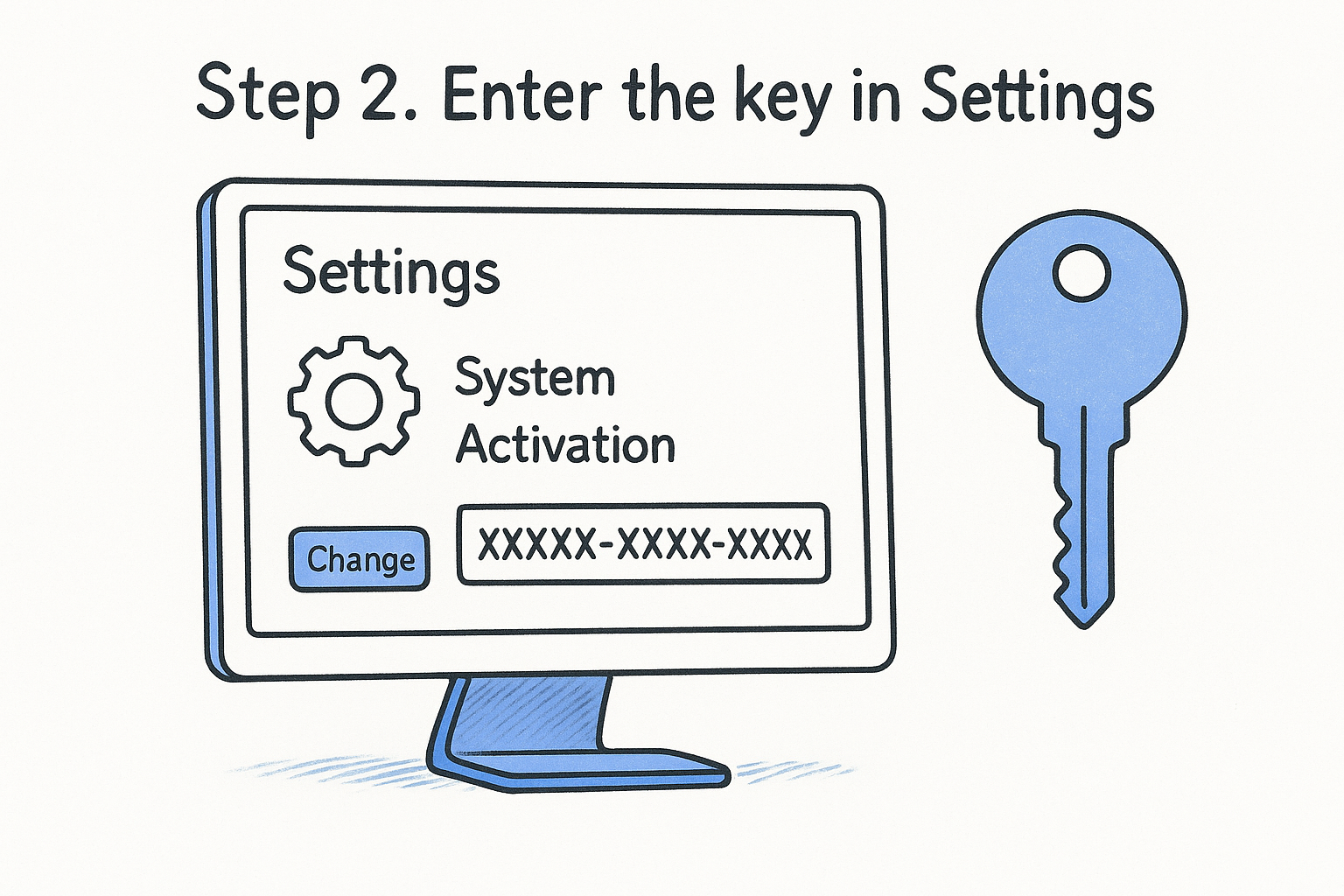
Enter the key
- Select Start, then Settings > System > Activation.
- Next to Change product key, select Change. If User Account Control appears, enter administrator credentials and select Yes.
- Type the 25-character key in the format XXXXX-XXXXX-XXXXX-XXXXX-XXXXX.
- Select Next and follow the prompts. Windows applies the Pro edition and restarts.
Copy the key from your email instead of retyping it. Mixing up 0 and O or 8 and B is the most common cause of a rejected key.
Confirm the result
After the restart, return to Settings > System > Activation. The edition at the top should read Windows 11 Pro and the activation state should read Active. Windows activates automatically when the PC is online. If your key is on a Codesforever order, you can also activate over the phone.
If you have no key yet, the same page has an option for Microsoft’s own route. Expand Upgrade your edition of Windows, select Open Store, and sign in with your Microsoft account to buy. If that option is missing, your PC may already run Pro.
The Activation page in Settings is the only place you need to type the key.
Step 3. Fix errors and activation problems
Most activation failures come from an edition mismatch or a key that the activation servers flag as used. Each has a short fix.
Common error codes
| Error | What it means | Fix |
|---|---|---|
| 0xC004F050 | The key does not match the installed edition | Enter the generic key from the last section, restart, then enter your purchased key |
| 0xC004C008 | The key is flagged as already used, sometimes wrongly | Activate by phone, then contact the seller |
| No upgrade option shown | The PC may already be Pro | Check the edition in Settings > System > About |
For the edition mismatch, some support teams also advise disconnecting from the internet before entering the generic key, then reconnecting before entering your purchased key. Try that if the first attempt fails.
When the fix does not work
For a falsely flagged key, press Windows logo key + R, type slui 4, choose your country and follow the phone activation steps. If it still fails, a corrupted user profile can be the cause. Create a new local administrator account, sign in to it and repeat the key entry.
If none of that works, stop and contact the seller inside the refund window. Codesforever offers free support and gives troubleshooting steps within 24 hours of a reported issue.
An activation error is a reason to contact the seller, not to try random keys.
Extra. Free upgrade options and the generic key
There is no free, permanent, legitimate way to move Home to Pro unless you already own a valid Pro key. A generic key switches the edition but does not activate it.
The generic key
This generic Windows Pro key changes the installed edition without activating it. You can enter it through the same Change product key window:
VK7JG-NPHTM-C97JM-9MPGT-3V66T
Windows then runs as Pro but unactivated. You will see an activation watermark and personalization settings stay locked. Use it to fix an edition mismatch, then enter your purchased key. Do not treat it as a free upgrade.
Keys you may already own
A Windows 10 Pro key from an older PC often activates Windows 11 Pro, but an OEM key tied to another machine’s hardware will not. Check any Pro key you have before buying a new one. Avoid activation tools and cracks. They leave you with an unlicensed system and a security risk.
The only free route is a Pro key you already own, so check before you buy.
Your next move
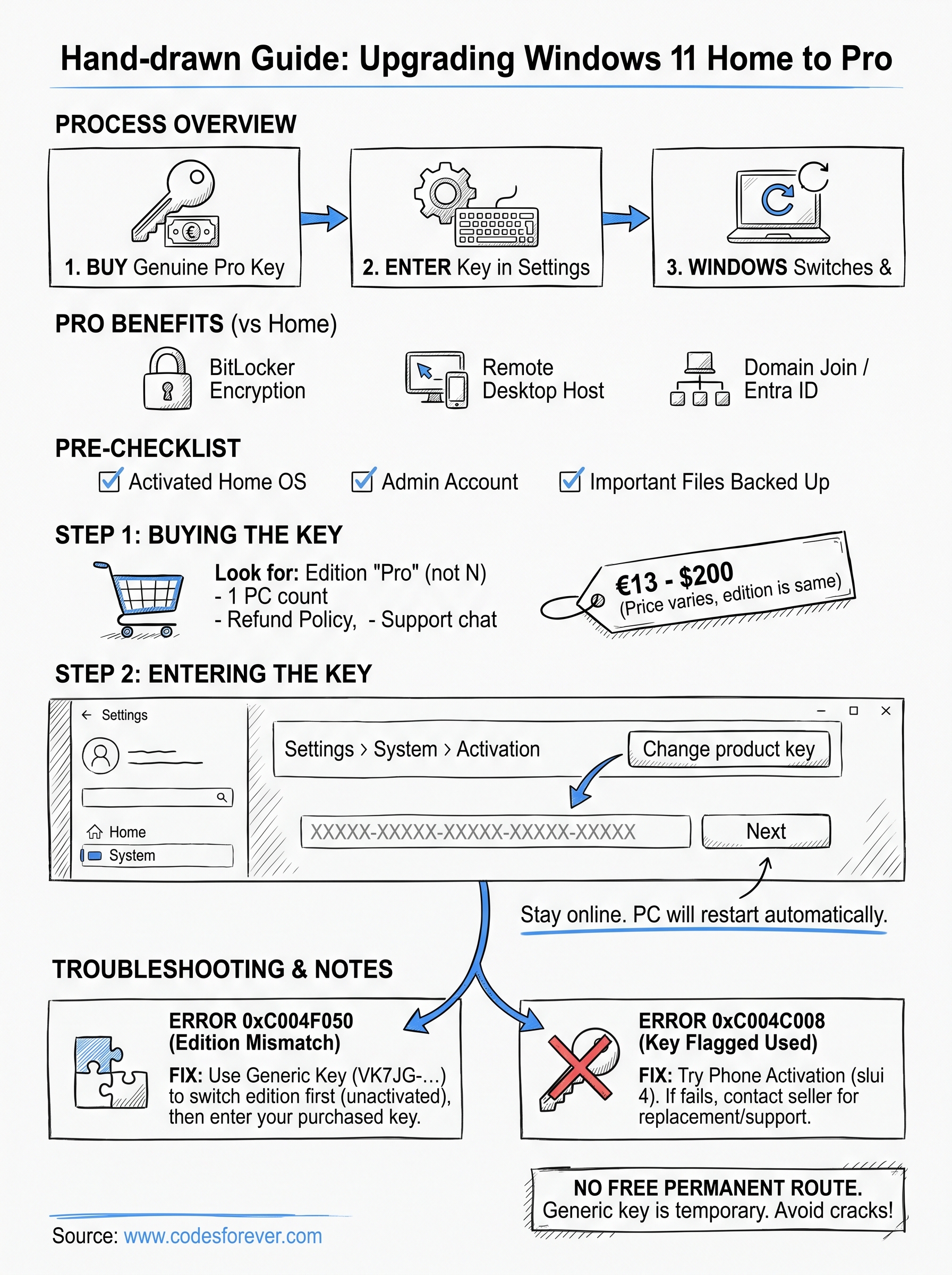
Upgrading Home to Pro comes down to four things: confirm you run activated Home, buy a Pro key with a clear refund policy, enter it under Settings > System > Activation, and use the generic key only to clear an edition mismatch. Do not pay more than you need for the same edition, and do not expect a free route to work.
When you are ready to buy, you can get a Windows 11 Pro license key for US$14 from Codesforever, with email delivery and support ready if activation does not go smoothly.