

Remote Desktop Services CAL: What It Is and How to License

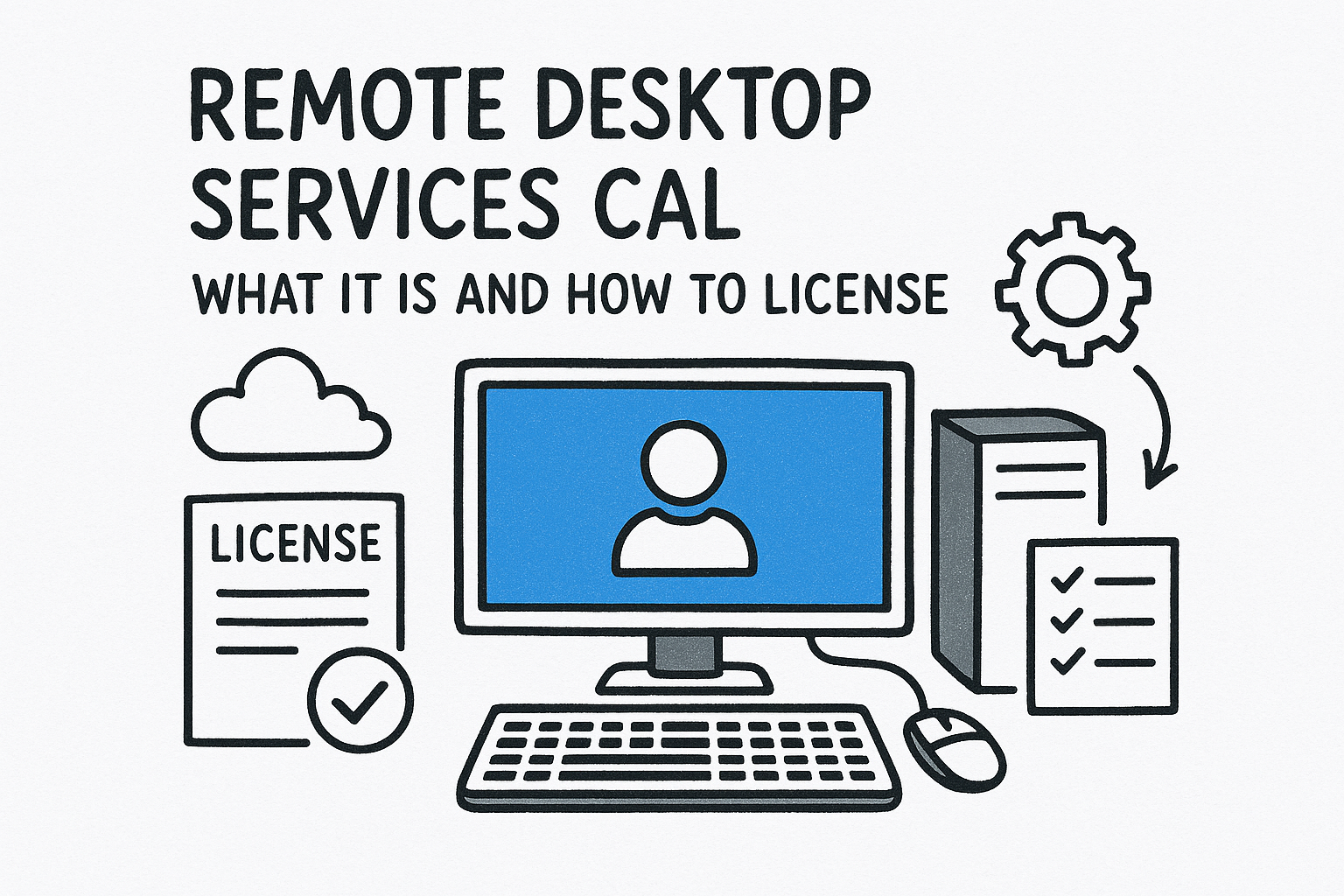
A remote desktop services CAL (RDS CAL) is a Microsoft license that lets one user or one device connect to a Windows Server running the Remote Desktop Session Host role. You need one for every user or device that opens a remote session, on top of the server license and the standard Windows Server CAL. You choose between a per user and a per device CAL, and the CAL version must match your server.
The term confuses people because Microsoft has renamed it over the years. Before Windows Server 2008 R2, the same license was called the terminal server client access license. The connection itself runs over RDP, which is only a protocol and carries no license of its own. The CAL is what makes the connection legal.
This article explains why the license is required, how to choose and deploy the right type, what it costs, and which mistakes cause trouble in an audit. Codesforever has worked in online software for over ten years, so the buying side is covered as well.
Why you need a remote desktop services CAL
Windows Server only lets you host remote desktop sessions for others when each user or device holds an RDS CAL. The server license covers the machine. It does not cover the people or devices that connect to it.
Three licenses, three jobs
Remote desktop setups need three separate licenses, and each covers something different.
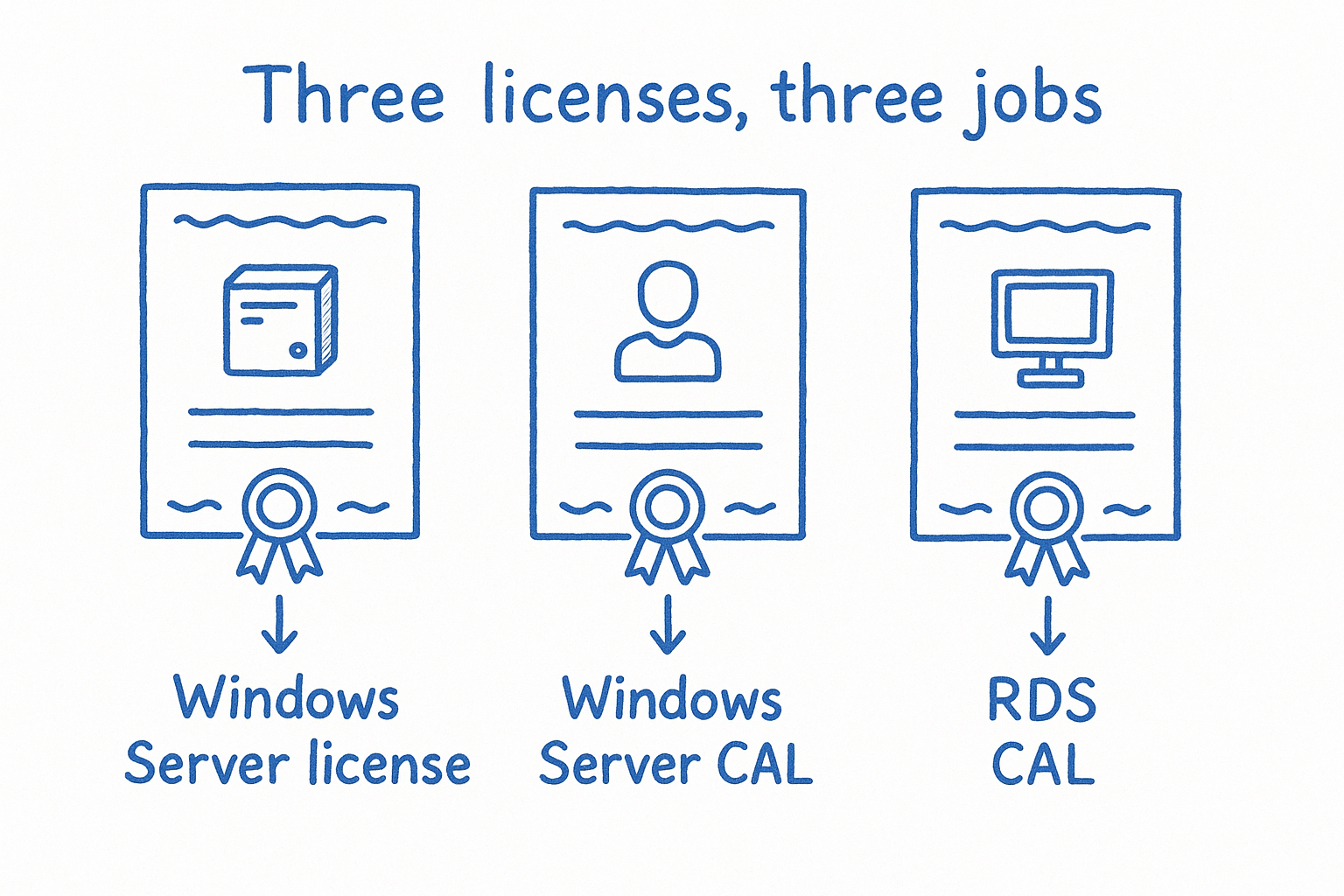
| License | What it covers |
|---|---|
| Windows Server license (per core) | Running the server operating system on your hardware |
| Windows Server CAL | Each user or device accessing basic server services, such as file and print |
| RDS CAL | Each user or device using remote desktop sessions, desktops or published apps |
The RDS CAL is an add-on, not a replacement. A user who connects to a session host needs both a Windows Server CAL and an RDS CAL. This is the real difference between the two, and it is the most common source of under-licensing.
A Windows Server CAL gets you onto the server, but only an RDS CAL gets you into a remote desktop session on it.
What happens without them
Clients are refused with a licensing error unless a license server hands out valid CALs. Administrators can open two simultaneous remote sessions for server management without any RDS CAL.
Past testing and administration, running without CALs breaches the license terms. One exception helps: a Windows 11 Pro PC accepting a single remote connection does not need an RDS CAL.
How to license a remote desktop server correctly
Licensing a remote desktop server takes two decisions and a short setup. You choose user or device CALs, buy the right version and quantity, then install the CALs on a license server.
Choose between user and device CALs
A user CAL covers one person on any number of devices. A device CAL covers one machine used by any number of people.
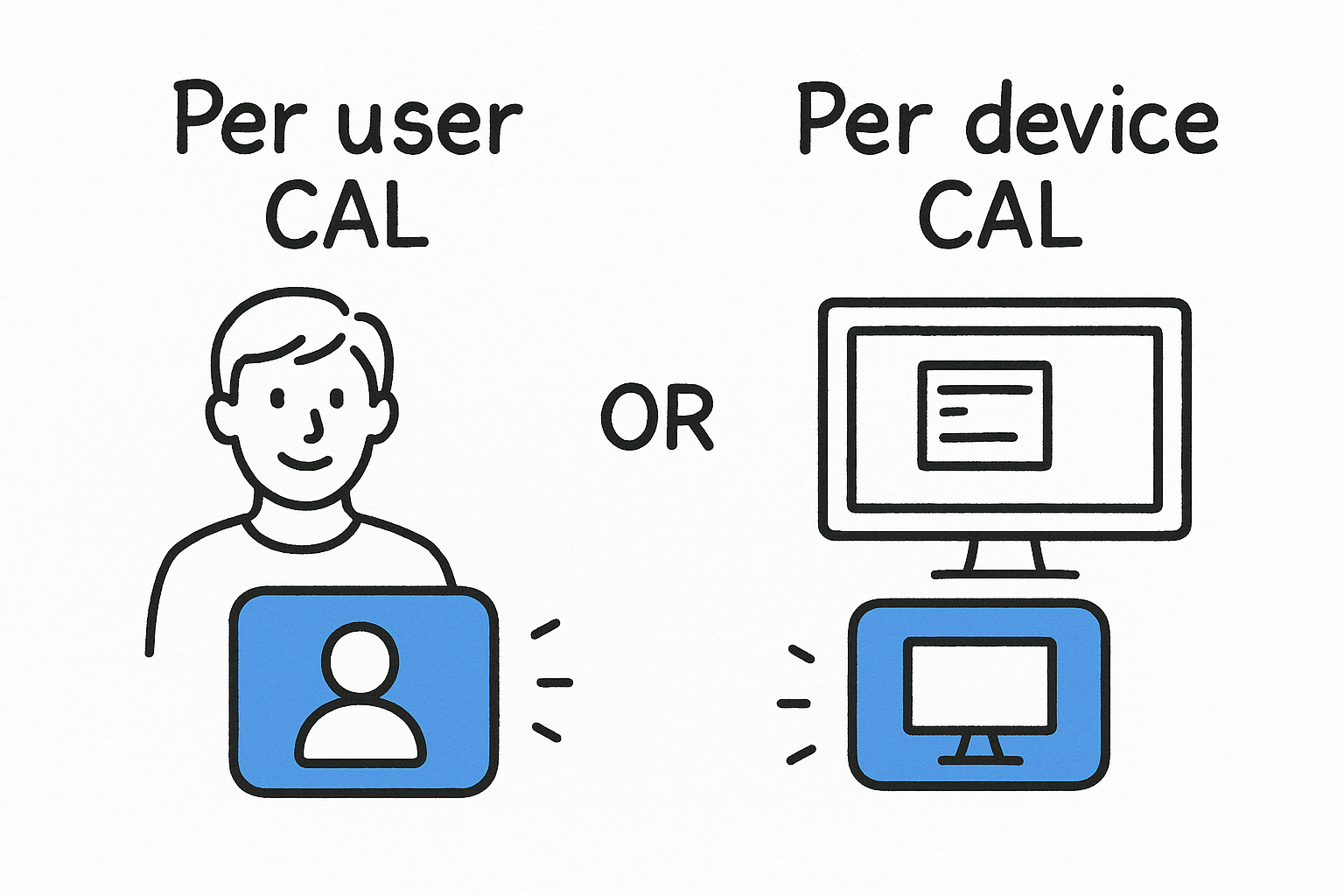
| Per user CAL | Per device CAL | |
|---|---|---|
| One CAL covers | One named user, unlimited devices | One device, unlimited users |
| Best for | Staff on a laptop, home PC and phone | Shared workstations, shift work, kiosks |
| Tracking | Not enforced by the license server, you must count | Issued and tracked by the license server |
Take a call center with 40 agents on two shifts sharing 20 workstations. It needs 20 device CALs. A 20-person office where everyone also logs in from a home laptop needs 20 user CALs, because device CALs would require 40.
A device CAL is issued the first time a machine connects, and the license server makes the assignment permanent on a later connection. User CAL tracking depends on Active Directory, so a workgroup server usually points you toward device CALs.
Count people if they roam, and count machines if they share.
Install and activate in six steps
- Add the Remote Desktop Licensing role in Server Manager. In a small setup the session host can host it.
- Activate the license server with Microsoft’s clearinghouse, online, by web browser or by phone.
- Run the Install Licenses wizard and enter the key for the CAL type and version you bought.
- Set the licensing mode with the Group Policy "Set the Remote Desktop licensing mode".
- Point each session host at the license server with "Use the specified Remote Desktop license servers". Both policies sit under Computer Configuration, Administrative Templates, Windows Components, Remote Desktop Services, Remote Desktop Session Host, Licensing.
- Open RD Licensing Diagnoser and confirm it reports no warnings.
What RDS CALs cost and how to budget
Published list pricing for a Windows Server 2022 user CAL is about $220 for one. Reseller pricing runs lower, and the total scales with every user or device you add.
Published prices side by side
| Offer | Pack | Price | Per CAL |
|---|---|---|---|
| Windows Server 2022 RDS user CAL, list | 1 | $220 | $220 |
| Windows Server 2022 RDS user CAL, list | 5 | $1,095 | $219 |
| Windows Server 2025 RDS CAL, reseller regular price | 5 | $870 | $174 |
| Windows Server 2025 RDS CAL, reseller sale price | 5 | $574.99 | about $115 |
Device CALs are typically priced about the same as user CALs. Packs barely discount at list price, so shop around before you commit.
Budget per user or device, because the CAL price barely drops as the pack grows.
Budgeting for 20 users
Twenty users means four five-packs. That is $4,380 at the published 2022 list price, or about $2,300 at the sale price above. The Windows Server license and standard Windows Server CALs are separate line items.
Is there a free RDS CAL? Not a permanent one. The 120-day grace period works for a test environment, but production needs purchased CALs.
Version rules and mistakes that fail audits
Your CAL version must be the same as or newer than your session host. A 2025 host needs 2025 CALs, while a 2022 CAL cannot cover it.
Match the version
CALs are backward compatible. A Windows Server 2022 RDS CAL covers 2022, 2019 and 2016 session hosts. The license server must also run the same or a newer Windows Server version than the hosts it serves. Buy for the newest host you plan to run, not the oldest.
Mistakes to avoid
- Buying only standard Windows Server CALs. They do not cover remote desktop sessions.
- Treating RDS CALs as concurrent connections. They are per user or per device, so a quiet night does not free one up.
- Assuming non-Windows clients are exempt. Mac, Android and iOS clients still need CALs, and so do third-party remote tools that reach Windows Server desktops.
- Mixing up the type. A user CAL pool and a device CAL pool are not interchangeable.
Codesforever sells a Windows Server 2022 Datacenter lifetime license that includes 50 user and device CALs for US$76. Before you buy any CAL pack for remote desktop use, ask support on live chat or WhatsApp to confirm the CAL type covers RDS. Activate right away, because issues are accepted within 7 days of purchase.
Get the licensing right before you deploy
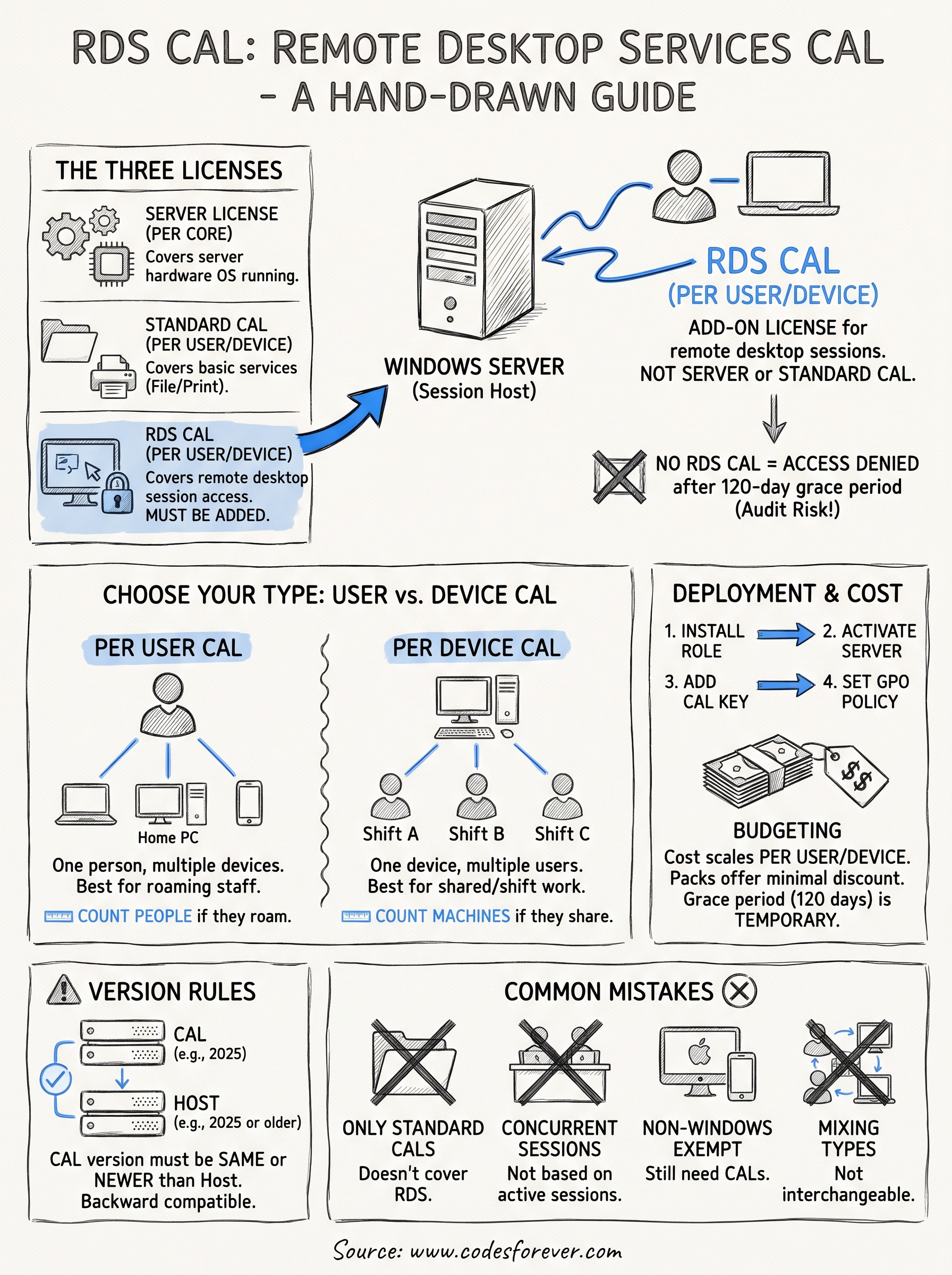
An RDS CAL is the license that lets each user or device use remote desktop sessions on Windows Server. It sits on top of the server license and the standard CAL. Choose per user for roaming staff and per device for shared machines, match the version to your newest host, and install the CALs on an activated license server.
Count your users or devices first, then price the pack, and you will avoid both overspending and audit trouble. If you need a server license with CALs included, see Windows Server 2022 Datacenter with 50 user and device CALs.