

12 Best Software for Mac: Free Picks and Where to Get Them

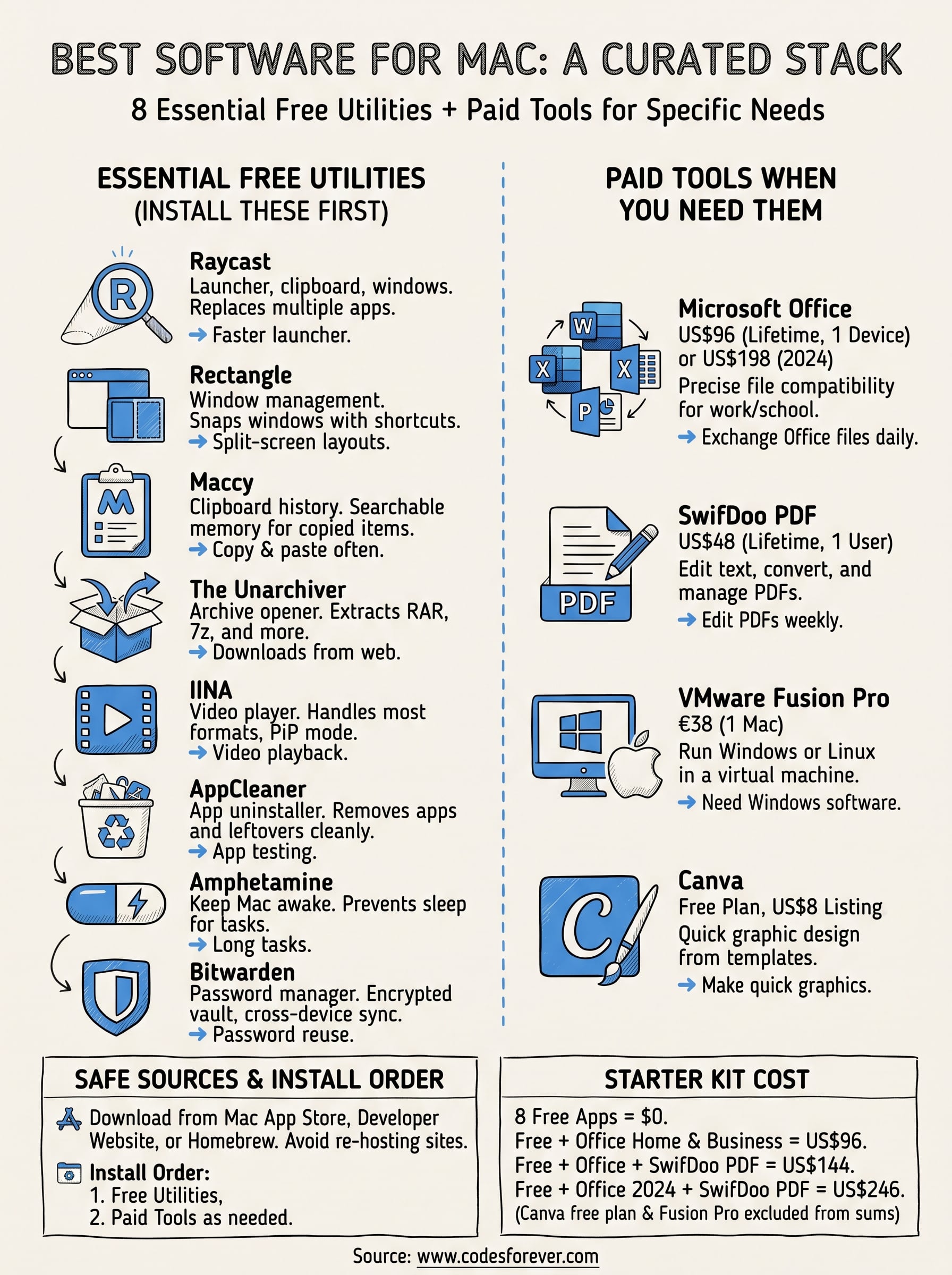
The best software for Mac is a short stack of free utilities plus paid tools only where you need them. Install Raycast, Rectangle, Maccy, The Unarchiver and Bitwarden first. Then add Microsoft Office if you swap Word and Excel files with other people, a PDF editor if Preview stops being enough, and VMware Fusion if you must run Windows programs.
Need the paid ones? Codesforever sells discounted Mac software keys with email delivery, free activation support and a replacement if a key fails. Office Home & Business 2024 for Mac is US$198, Office Home & Business for Mac is US$96, and SwifDoo PDF for Mac is US$48. Check your chip and macOS version first, because incompatible purchases are not refundable.
If you just got a Mac, you are probably asking: what software do I actually need? Is Microsoft Office free on a Mac? What can I use instead of Word? Can I run Windows on it? This guide answers each one with 12 picks. For every pick you get what it does, who it suits and what it costs.
Four picks (Office, Canva, SwifDoo PDF and VMware Fusion) are in the Codesforever catalog and carry their listed prices. The other eight are free.
1. Microsoft Office Home & Business for Mac
Is Microsoft Office free on a Mac?
No. Office is paid on a Mac, but you can buy it once instead of subscribing. The Home & Business edition includes Word, Excel, PowerPoint, Outlook and OneNote. You buy an activation code, download the apps and activate them. The Codesforever listing covers one device only, and delivery takes up to 24 hours.
What can I use instead of Word on a Mac?
Apple’s Pages, Numbers and Keynote are free in the Mac App Store, and they export to .docx, .xlsx and .pptx. They work well for personal documents. Trouble starts with tracked changes, macros and heavy Excel models, where Microsoft’s own apps are the reliable option.
Free Pages covers everyday writing, but Office is the safest way to control what your colleagues see.
Which Office for Mac should I buy?
Students, freelancers and small business owners who exchange Office files every day suit it best. Microsoft 365 is a subscription, while Office 2024 is bought once. Skip Office if Pages or Google Docs already cover your work.
- Microsoft Office Home & Business 2024 for Mac: US$198, lifetime access, one device, delivery within 24 hours
- Microsoft Office Home & Business for Mac: US$96, lifetime validity
2. Raycast for launching apps and tasks
Raycast replaces Spotlight with a launcher that also handles windows, clipboard history, notes and quick actions. Its core features are free.
You press a hotkey (Option and Space by default), type a few letters, and launch an app, search files, run a calculation or toggle a setting. Extensions connect it to Slack, 1Password and Google Drive. Built-in tools cover clipboard history, window management, quick notes and translation, so it overlaps with Rectangle and Maccy.
It suits developers, writers and anyone who repeats small tasks. Raycast AI is a paid add-on at around $8 per month, and you can ignore it. Alfred is the long-standing alternative.
If you install one free app from this list, make it Raycast, because it replaces several others.
3. Rectangle for window management
Rectangle snaps windows into halves, thirds and quarters with a keyboard shortcut. It is free and open source.
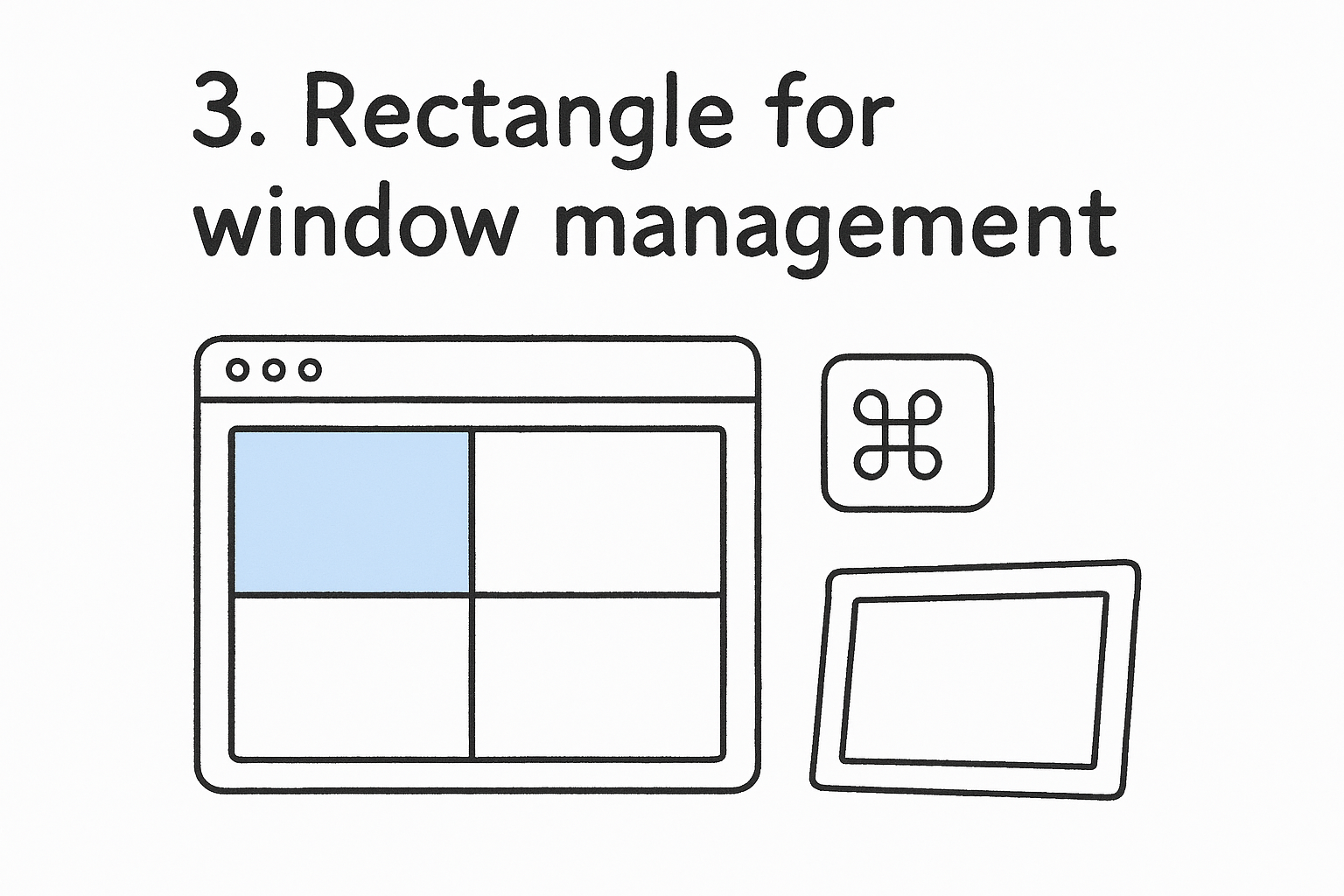
Drag a window to a screen edge, or press a shortcut such as Control, Option and Left Arrow. macOS Sequoia added basic tiling, but Rectangle still offers more layouts and shortcuts, especially with an external monitor. It suits anyone who works with two apps side by side. If you already use Raycast’s window commands, skip it.
4. Maccy for clipboard history
macOS remembers only the latest item you copied. Maccy keeps a searchable history. Press Shift, Command and C, type a few letters, and paste something you copied an hour ago. You can pin items you paste often.
It is open source, which is sensible for a tool that sees everything you copy. Download it free from its GitHub page, or pay $9.99 in the Mac App Store to support the developer.
5. The Unarchiver for RAR, 7z and more
Archive Utility handles ZIP well and fails on RAR and 7z files. The Unarchiver opens those and many older formats, including multi-part RAR sets. It is free in the Mac App Store. Double-click the archive and it extracts.
Install The Unarchiver once and you will never see an "unable to expand" error again.
6. IINA for video playback
IINA is a free, open-source media player designed for macOS. It plays nearly every format and supports picture-in-picture, dark mode and trackpad gestures.

It is the best VLC alternative if you want a native look. If you meet unusual formats, VLC remains a free fallback.
7. AppCleaner for removing apps cleanly
macOS has no real uninstaller, so leftovers stay in your Library folder after you trash an app. AppCleaner lists an app’s caches, preferences and support files so you can delete them in one step. It is free, and it helps most when you test many apps or have a smaller drive.
8. Amphetamine for keeping your Mac awake
Amphetamine lives in the menu bar and keeps your Mac awake for as long as you choose. Triggers can keep it awake while a chosen app runs. It suits long downloads, video exports and presentations. It is free in the Mac App Store.
9. Bitwarden for passwords
Bitwarden is a free, open-source password manager with a Mac app and browser extensions. The free plan has no limit on stored passwords. It stores logins in an encrypted vault, generates strong passwords and syncs across Mac, Windows, iPhone and Android. Apple’s Passwords app is a fair choice if you only use Apple devices.
A password manager is the cheapest security upgrade you can make, and Bitwarden’s free plan covers most people.
10. Canva for quick design work
Is there an easy design app for Mac?
Canva lets you design social posts, presentations, flyers and PDFs from templates in a browser or desktop app. Because it runs in the browser, your Mac’s specs hardly matter. Paid plans add brand kits and background removal, and the free plan covers most one-off projects. Codesforever lists Canva at US$8.
What if I need professional design software on a Mac?
For vector illustration and print layout, CorelDRAW Graphics Suite 2026 runs on both Mac and PC. Codesforever lists it at US$178 with email delivery and the same replacement or refund guarantee.
11. SwifDoo PDF for editing PDFs
Can I edit a PDF on a Mac for free?
Partly. Preview annotates, fills forms, signs documents and reorders pages. It cannot easily edit the existing text of a PDF or convert a PDF into a Word file. That gap is where a dedicated editor earns its price.
SwifDoo PDF adds editing, annotation, conversion and page management in one app. Codesforever lists SwifDoo PDF for Mac as a lifetime activation code for one user at US$48, which avoids yearly renewals. See the best PDF editor guide if you want to compare options first.
Try Preview first, and pay for a PDF editor only when it fails at a task you repeat.
12. VMware Fusion Pro for running Windows
Can I run Windows on a Mac?
Yes, in a virtual machine. VMware Fusion Pro runs Windows or Linux in a window next to macOS, so you can use software that has no Mac version. You install the guest system from an image, and snapshots let you roll back after a failed install. You still need a license for Windows itself, and a Windows 11 Pro key is US$14 at Codesforever.
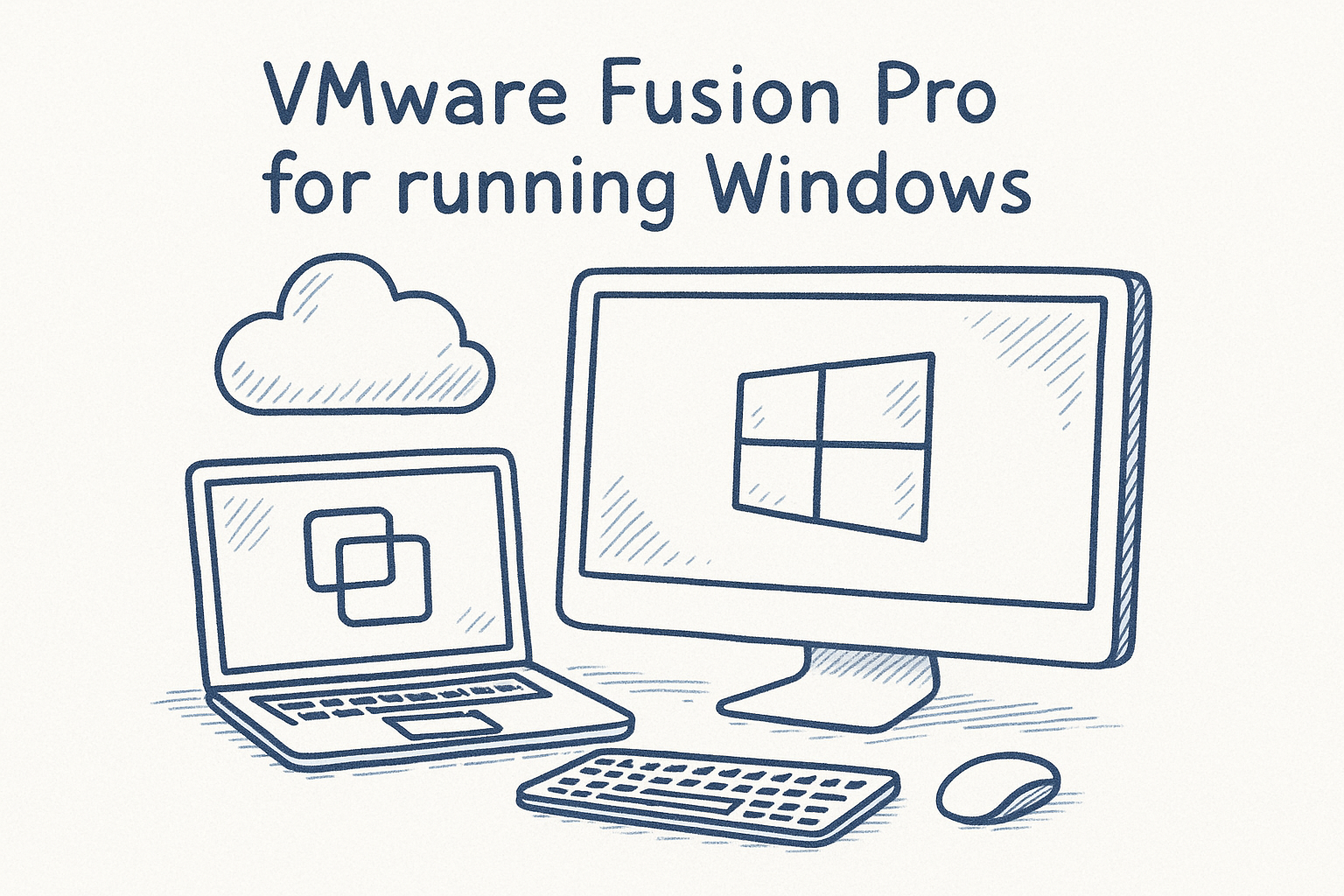
Here is the catch. Macs with Apple silicon run ARM versions of Windows 11 and Linux, not the Intel versions. Many Intel apps run through emulation, but check specialized or driver-heavy software before you commit.
Codesforever lists VMware Fusion Pro 13 for one Mac at €38. Broadcom has made a free personal-use version available, so check the current terms before you pay.
On an Apple silicon Mac, a virtual machine runs ARM Windows, so test your key app before you pay.
Where can I download Mac software safely?
Download from the Mac App Store, the developer’s own website or a package manager such as Homebrew. Avoid sites that re-host installers, because that is where adware hides.
The Mac App Store reviews apps and lets you reinstall in one click. A developer’s official website works too, since macOS checks notarized apps through Gatekeeper, as Apple’s guide to opening apps safely explains. After you install Homebrew, run this in Terminal to get the free apps in one go:
brew install --cask raycast rectangle maccy the-unarchiver iina appcleaner bitwarden
If you did not get the installer from the App Store or the developer, do not run it.
How do I check my chip and macOS version?
Open the Apple menu and choose About This Mac. It shows your chip (Apple silicon or Intel) and your macOS version. Apple silicon Macs run Intel apps through Rosetta 2, but native builds are faster. Check an app’s system requirements before you buy.
Is it safe to buy a cheap software key?
It is when the seller meets five checks:
- A refund or replacement policy in writing.
- Delivery by email with clear activation steps.
- Payment through a known processor such as PayPal or Stripe.
- Support by chat or email.
- Mac compatibility listed on the product.
Codesforever accepts reports of a bad key within 7 days, gives troubleshooting steps within 24 hours, then offers a replacement key or a full refund. It does not refund products that are incompatible with your device. You can read buyer reviews first.
What should I install first, and what does it cost?
Install the free utilities first, then add paid tools when you hit a limit.
| Step | Software | Cost | Install it if |
|---|---|---|---|
| 1 | Raycast | Free (AI add-on about $8/month) | You want a faster launcher |
| 2 | Rectangle | Free | You use split-screen layouts |
| 3 | Maccy | Free on GitHub, $9.99 in App Store | You copy and paste a lot |
| 4 | The Unarchiver | Free | You download RAR or 7z files |
| 5 | Bitwarden | Free plan | You reuse passwords |
| 6 | IINA | Free | You watch downloaded video |
| 7 | AppCleaner | Free | You try many apps |
| 8 | Amphetamine | Free | You run long tasks |
| 9 | Canva | Free plan, US$8 listing | You make quick graphics |
| 10 | SwifDoo PDF for Mac | US$48 lifetime | Preview cannot edit your PDFs |
| 11 | Microsoft Office Home & Business | US$96 or US$198 (2024) | You exchange Office files daily |
| 12 | VMware Fusion Pro 13 | €38 | You need Windows software |
Start with the free eight, and spend money only when a real task demands it.
The eight free apps cost $0. Add Office Home & Business for Mac at US$96 and you have a full productivity setup for US$96. Add SwifDoo PDF at US$48 and the total becomes US$144. With the 2024 edition of Office at US$198, the same kit comes to US$246. Canva and Fusion are left out of these sums, because Canva may cost nothing for your needs and Fusion is priced in euros.
Ready to set up your Mac?
A good Mac setup is a handful of free utilities, Apple’s own apps, and paid software only where it saves you real time. Start with Raycast, Rectangle, Maccy, The Unarchiver and Bitwarden.
When you are ready for the paid tools, get Office Home & Business 2024 for Mac or SwifDoo PDF for Mac at Codesforever. Choose the edition that matches your Mac and your workload, and confirm your chip and macOS version first.