

Visio Professional vs Standard: Which Edition Do You Need?

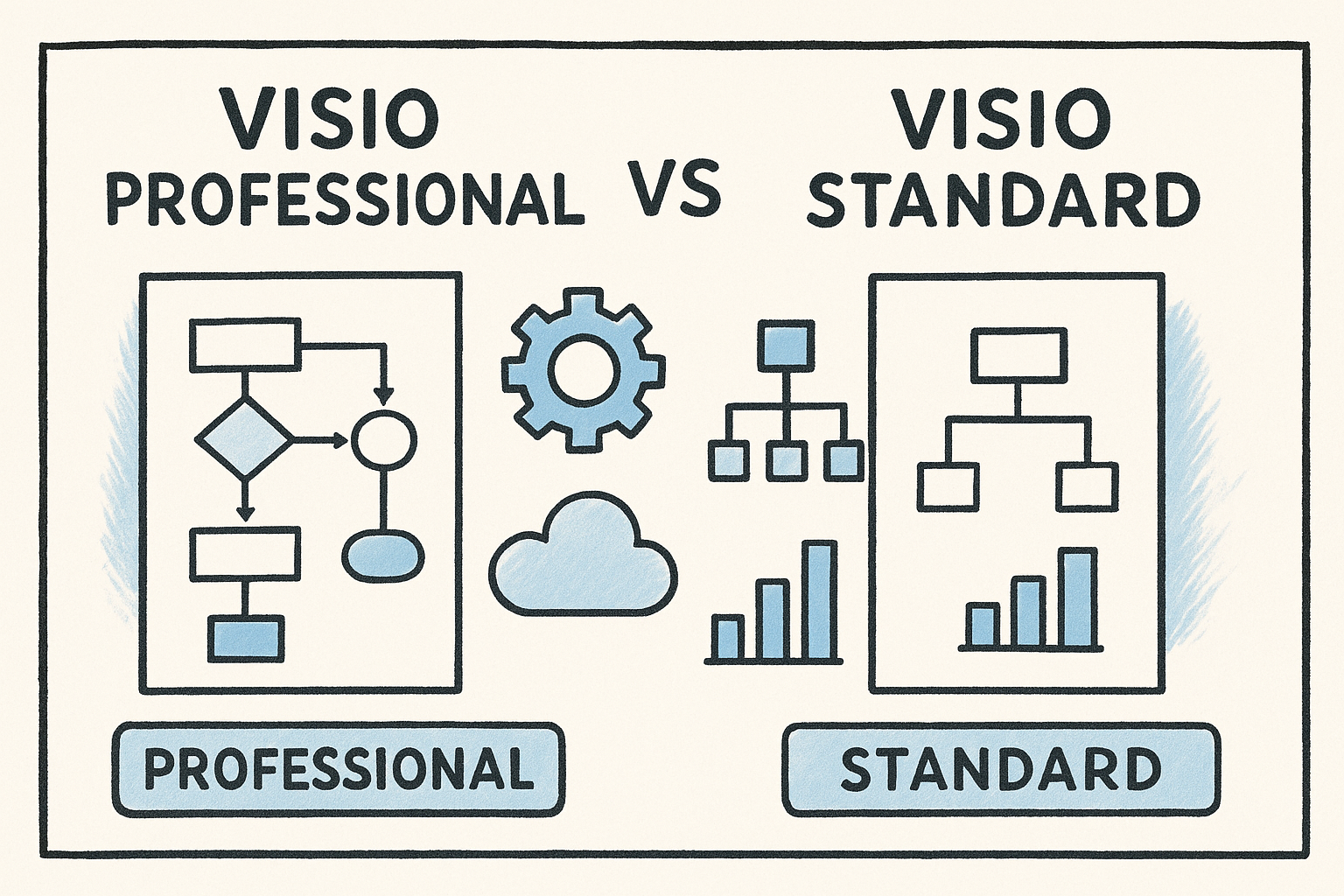
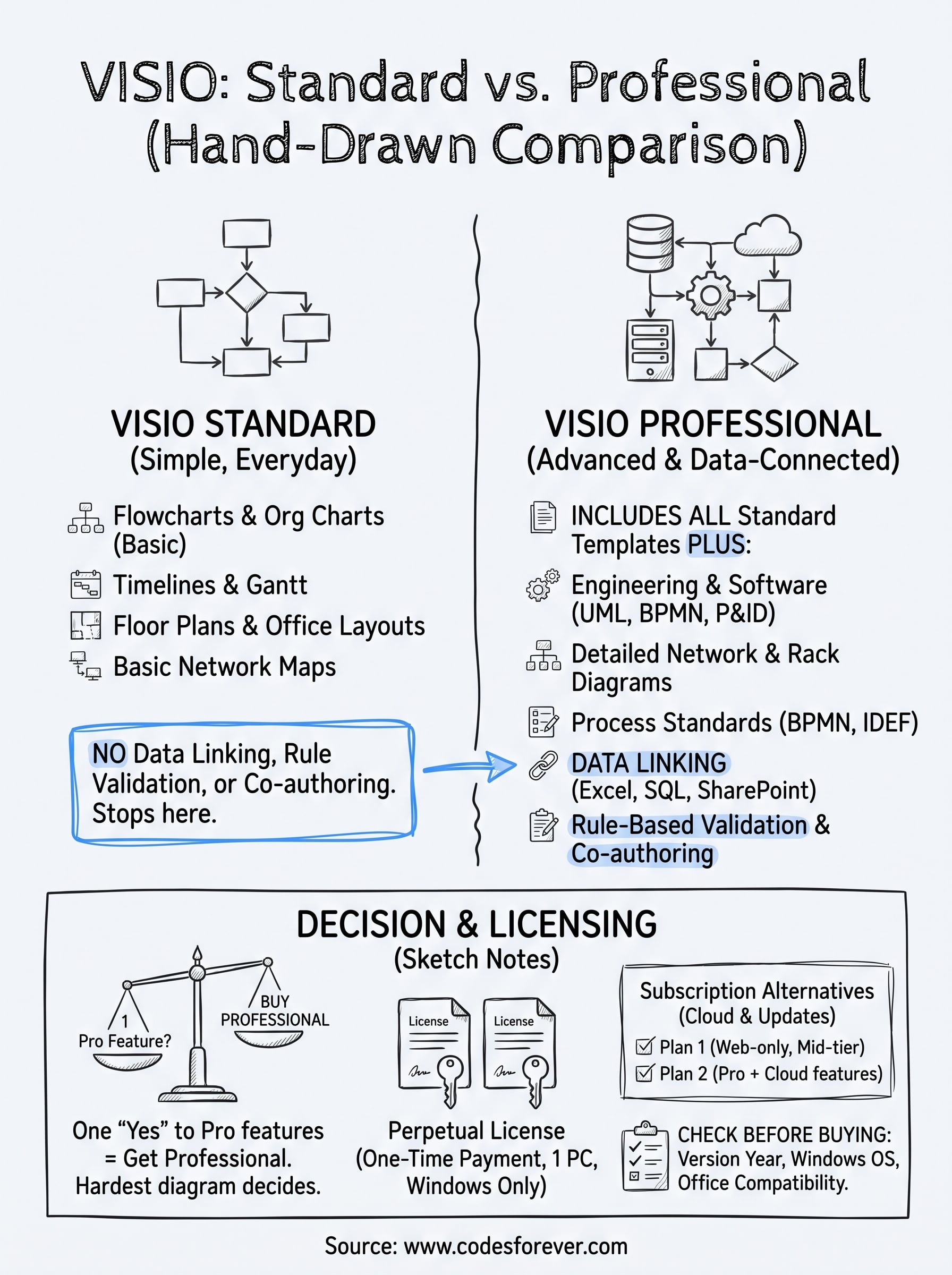
Visio professional vs standard comes down to which diagrams you can draw and which tools sit behind them. Standard covers everyday work: flowcharts, org charts, timelines, floor plans and basic network maps. Professional includes all of that, then adds engineering, software and advanced network templates, support for process standards such as BPMN, and tools for data linking, rule-based validation and co-authoring. If your diagrams stay simple, Standard is enough. If they must follow a standard or pull from live data, you need Professional.
Need Visio Professional? Get Microsoft Visio 2021 Pro at Codesforever for US$28, a lifetime license for 1 PC, delivered by email within minutes. Support is free 24/7. Check your Windows and Office setup in the compatibility section below before you order.
Both editions are one-time desktop licenses for Windows. Microsoft also sells Visio as a subscription, which adds a third choice that many comparisons skip. This article shows what each edition includes, how to choose between them, where Visio Plan 1 and Plan 2 fit, and what to check before you buy a key.
Codesforever sells Visio license keys by email, so the edition question comes up before every purchase. Getting it right at the start saves you a refund request or an exchange fee later.
Why the edition you pick matters
The edition decides which templates, shapes and data tools you can use, and a one-time license does not let you switch later without paying again. Choose too low and you hit a wall mid-project. Choose too high and you pay for tools you never open.
A wrong pick is hard to undo
With a perpetual license, you pay once and get the features of that edition for the life of that version. You cannot flip a setting to unlock Professional on a Standard key. A colleague on Professional can also build diagrams that depend on data links or validation rules that your Standard copy has no tools for.
The usual failure is small. You start with an org chart and a Gantt chart, then a client asks for a rack diagram or an AWS architecture drawing. Standard has no stencils for either, so you stop and buy again.
Visio is still a current product
Visio is not discontinued. Visio 2021 was the first release under Microsoft’s Long-Term Servicing Channel model, and Visio 2024 followed with both a Standard and a Professional edition. Microsoft also sells Visio Plan 1 and Plan 2 as subscriptions.
People still use it because its template and stencil libraries are deep. Network engineers, business analysts and facilities teams use Visio for drawings that general whiteboard tools cannot produce to a standard. When someone searches "Visio vs Visio Professional", plain Visio usually means Standard or the lightweight web app, so the comparison below applies to them.
The edition you buy sets the ceiling for every diagram you will draw with that license.
How to choose between Standard and Professional
Choose Professional if any one of your diagrams needs a Professional-only template or data tool. Choose Standard only if none of them do. A short test of your actual work answers the question faster than reading feature lists.
Ask four questions about your diagrams
Answer these about the diagrams you expect to draw in the next year:
- Do you draw engineering or software diagrams, such as electrical, P&ID, UML, database models or wireframes?
- Do you document detailed networks, such as racks, LDAP, Active Directory, Azure or AWS?
- Must your process maps follow BPMN, IDEF or SDL, or be checked against rules before you share them?
- Do you need shapes that link to Excel, SQL Server or SharePoint data, refresh on a schedule, or let several people edit at once?
One "yes" means Professional. Four "no" answers mean Standard will serve you.
See where real users land
An office manager who draws org charts, a seating plan and a project timeline fits Standard. So does an HR coordinator mapping an onboarding flow. Both use templates that Standard includes.
An IT administrator documenting server racks and Active Directory needs Professional. So does a business analyst writing BPMN 2.0 models, or a developer sketching a database model. Freelancers who take mixed work should lean Professional too, because you cannot predict the next client’s request.
If one diagram on your list needs a Professional template, buy Professional, because redoing work costs more than the price gap.
What Visio Standard and Professional each include
Both editions share the core drawing experience. Professional adds more template families and a layer of data, validation and collaboration tools. The table and checklist below show exactly where the line falls.
Templates and diagram types
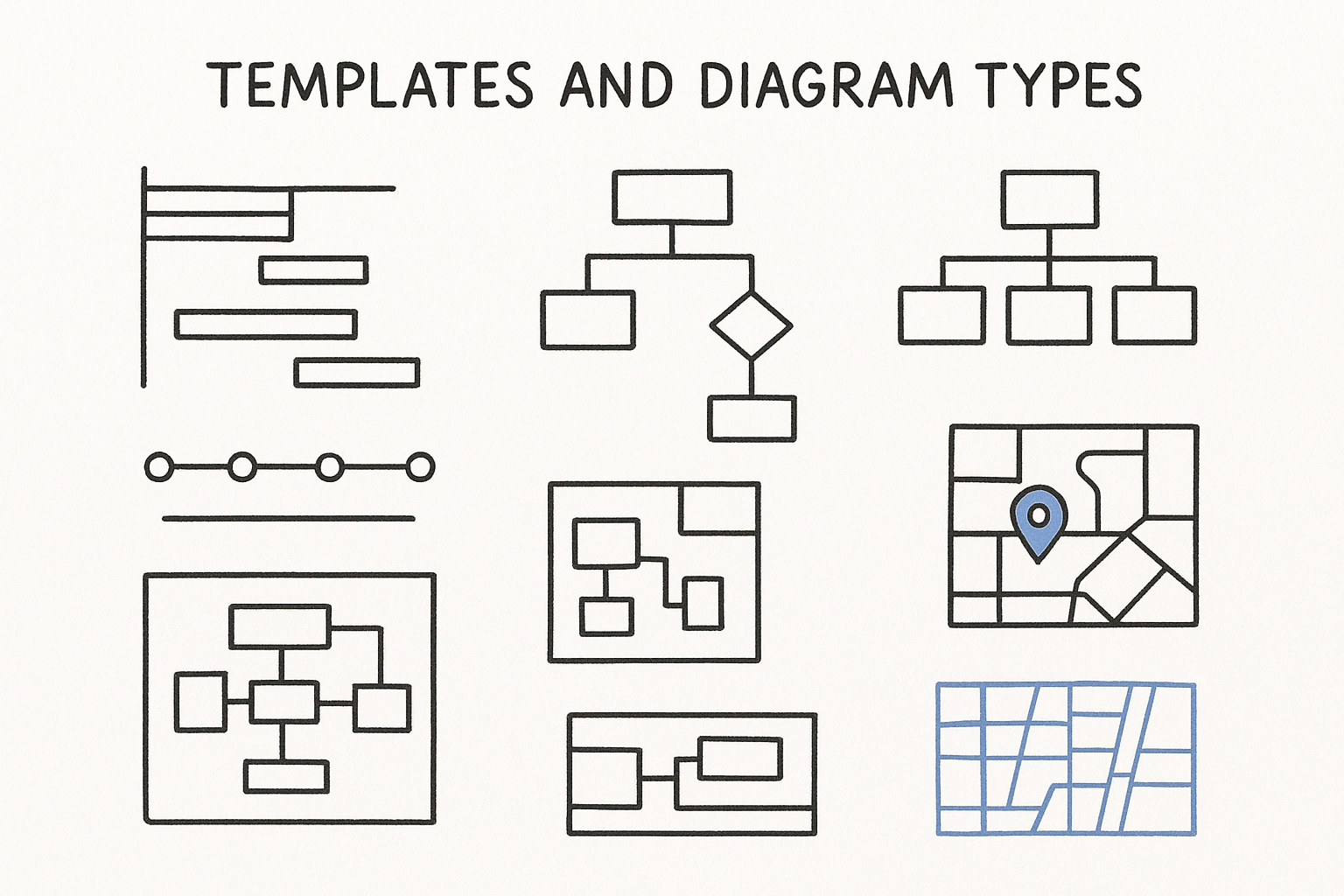
Standard and Professional both include timelines, Gantt and PERT charts, basic and cross-functional flowcharts, org charts, office layouts and block diagrams. Professional includes everything in Standard plus the families below, according to Microsoft’s own edition list.
| Category | Visio Standard | Visio Professional |
|---|---|---|
| Flowcharts | Basic, cross-functional, workflow | Adds BPMN, SDL, IDEF0/1, SharePoint workflow |
| Schedules | Timeline, calendar, Gantt, PERT | Same |
| Networking | Basic network diagram | Adds detailed network, rack, LDAP, Active Directory, Azure, AWS |
| Engineering | Not included | Electrical, piping, P&ID, process flow, circuits and logic |
| Software and database | Not included | UML, database model, data flow, web and mobile wireframes |
| Maps and floor plans | Office layout, directional map | Adds HVAC, plant layout, site, security and access, plumbing |
| Business | Org chart, TQM, EPC, cause and effect, brainstorming, audit | Adds value stream map, Pivot Diagram, Six Sigma, ITIL |
Data, validation and collaboration tools
Microsoft’s comparison notes that tools for collaboration and for linking data to your drawings come with Professional. The practical differences look like this:
| Tool | Standard | Professional |
|---|---|---|
| Link shapes to Excel, SQL Server, SharePoint | No | Yes |
| Data graphics and automatic refresh | No | Yes |
| Validate diagrams against built-in or custom rules | No | Yes |
| Co-authoring (needs Microsoft 365 or SharePoint) | No | Yes |
| Secured diagrams with rights management | No | Yes |
| Themes, shape effects, starter diagrams, Tell Me search | Yes | Yes |
| DWG import, in-app comments | Yes | Yes |
The exact checklist shifts a little between releases, so confirm your target year on Microsoft’s Visio comparison page. The pattern holds, though. Standard draws, and Professional draws and connects.
Professional is not just more templates, it is the edition where diagrams can read data and be checked against rules.
How the editions compare with Visio Plan 1 and Plan 2
Visio Plan 2 is the subscription counterpart to Professional, and Plan 1 is a web-only plan that sits between the two editions. Microsoft lists Plan 1 at $5 per user per month and Plan 2 at $15 per user per month, both on annual billing.
Where each option fits
| Option | How you pay | Desktop app | Best for |
|---|---|---|---|
| Visio in Microsoft 365 | Included with a commercial Microsoft 365 subscription | No, lightweight web app | Basic flowcharts, block and Venn diagrams |
| Visio Plan 1 | $5/user/month, annual | No, web app | Cross-functional flowcharts, network, UML, AWS and Azure, org charts |
| Visio Plan 2 | $15/user/month, annual | Yes, installs on up to 5 PCs | Everything, plus layers, offline work, data linking, Power Automate export |
| Visio Standard | One-time license | Yes, one device per key | Simple diagrams without data tools |
| Visio Professional | One-time license | Yes, one device per key | Advanced diagrams with data, validation and standards |
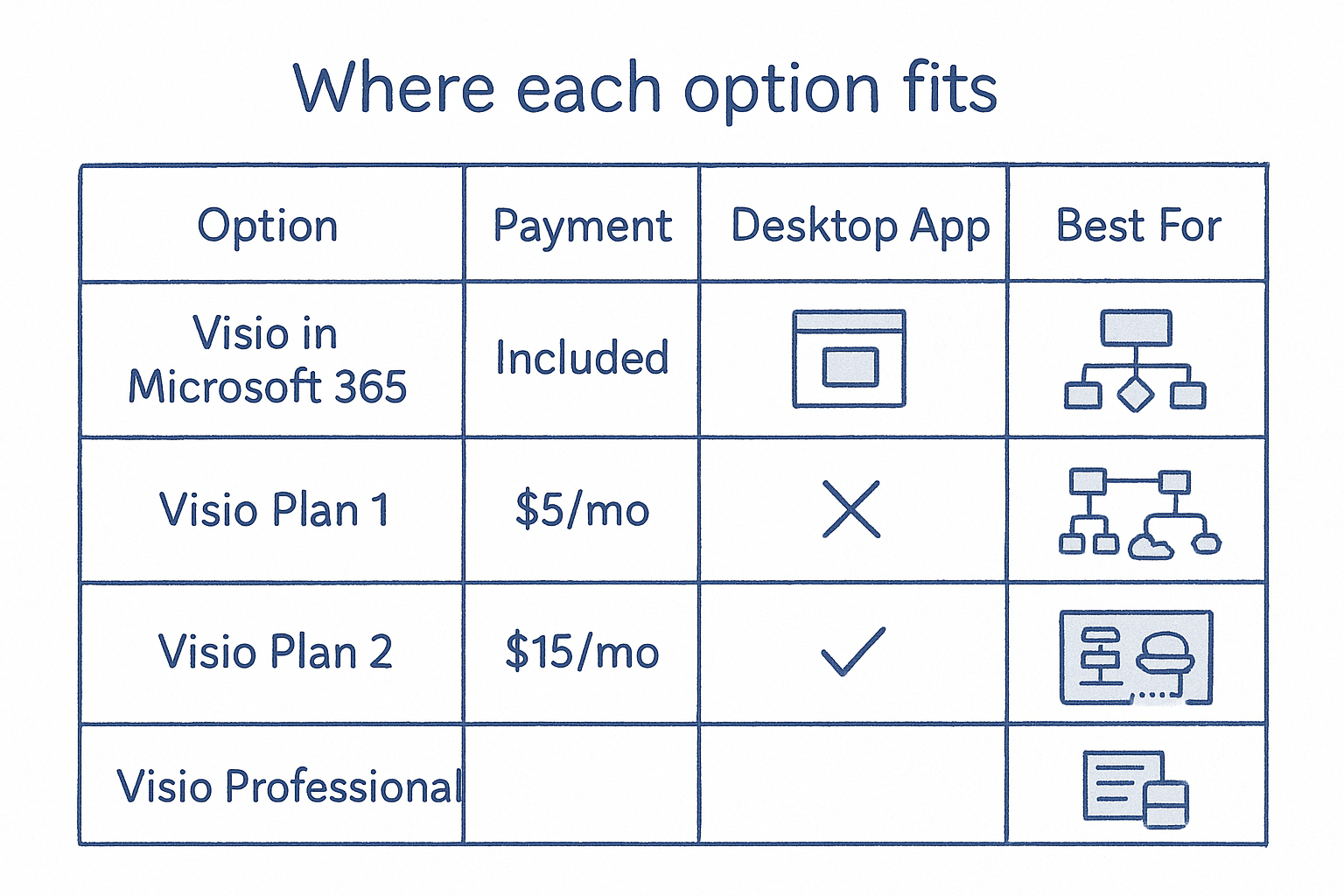
Plan 1 surprises many buyers. Its web app reaches some content that otherwise sits in Professional, such as UML and cloud architecture shapes, but it has no desktop app and no data linking.
A worked cost example
Take a freelancer who needs network, BPMN and data-linked diagrams for three years. Visio Plan 2 costs $15 × 12 × 3 = $540. Plan 1 costs $5 × 12 × 3 = $180, but it lacks the desktop app and data tools that Plan 2 includes. A discounted Professional key such as Visio 2021 Pro at $28 is a single payment for one device.
For a 10-person team on Plan 2, the bill is 10 × $15 × 12 = $1,800 per year. Subscriptions give you updates, five installs per user and cloud features. A perpetual key gives you the lowest cost, but only for one version on one PC, with no new features after release.
Choose a subscription for continuous updates and shared work, and choose a perpetual Professional key for the lowest cost on a single machine.
What to check before you buy a Visio key
Confirm the release year, your Windows version and your Office setup before you pay. Visio keys are tied to one device and one version, so a mismatch is the main cause of failed activations.
Version, system and compatibility
Pick the year that your colleagues and clients use, because older files open in newer versions but not the reverse. Visio is a Windows application. The listed Visio 2021 Pro key supports Windows 10 and later, and Visio 2016 Professional Plus lists support for Windows 7, 8, 8.1 and 10. Each key covers one device only.
Buying from Codesforever
Codesforever lists Microsoft Visio 2021 Pro as a lifetime license for one PC and one user at US$28, delivered by email, with most orders arriving within 5 minutes. Issues with a key can be reported within 7 days of purchase, and support runs 24/7 by live chat and WhatsApp.
Check year, Windows version and Office type before checkout, because a key is for one device and one version.
Quick answers before you buy
Is Visio Professional worth it over Standard?
Yes, if any diagram you draw needs BPMN, detailed network, engineering or software templates, or data linking. Otherwise Standard is enough.
How much does Visio Professional cost?
Microsoft’s Plan 2 subscription is $15 per user per month on annual billing. At Codesforever, Visio 2021 Pro is a one-time US$28 for one PC.
Where can I buy a Visio key safely?
Buy from a seller that lists the version, delivers by email and offers a replacement or refund for an invalid key. Read buyer reviews first.
Pick the edition that matches your hardest diagram
Visio Standard handles simple flowcharts, org charts, timelines and floor plans. Visio Professional adds the engineering, software and network templates, process standards, data linking, validation and co-authoring that complex work demands. If you want a subscription instead, Plan 2 is the equivalent of Professional and Plan 1 is a web-only step up from the basic app.
Decide by your most demanding diagram, not your average. If it needs a Professional template or data tool, buy Professional once. When you are ready, get the Visio 2021 Pro license key at Codesforever for US$28 and check the version and compatibility details on the product page before you order.