Discover practical tips for resolving setup errors, checking license status, and keeping your software updated. Always download Autodesk Revit 2024 from an official Autodesk source and activate it using a valid license or eligible account access. Follow this step-by-step guide to get started with Revit 2024 and make the most of its professional architectural design and BIM capabilities.
This beginner-friendly guide explains the activation process using a valid Autodesk license and official installation resources. Whether you are a plant designer, piping engineer, or engineering student, find practical tips to help you get started with Autodesk Plant 3D 2024 and maintain a smooth software setup. Follow the recommended installation and licensing procedures to avoid common errors and improve your design workflow. Get the information you need to install, activate, and use Autodesk Plant 3D 2024 confidently.
This beginner-friendly guide explains the activation process using a valid Autodesk license and official installation resources. Whether you are a plant designer, piping engineer, or engineering student, find practical tips to help you get started with Autodesk Plant 3D 2024 and maintain a smooth software setup. Follow the recommended installation and licensing procedures to avoid common errors and improve your design workflow. Get the information you need to install, activate, and use Autodesk Plant 3D 2024 confidently.
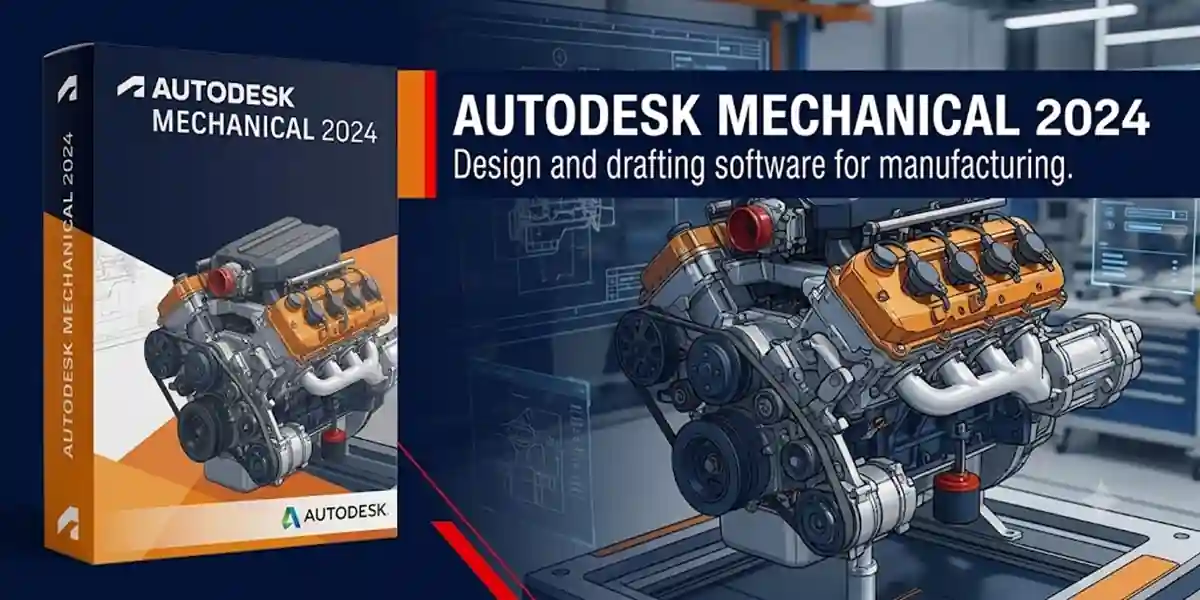
Discover how to activate Autodesk Mechanical 2024 with this comprehensive guide. Learn about installation, system requirements, Autodesk account sign-in, licensing options, and essential features for mechanical design. Find practical troubleshooting tips for common activation errors, licensing issues, and installation problems to help you set up your software and maintain a smooth design workflow.
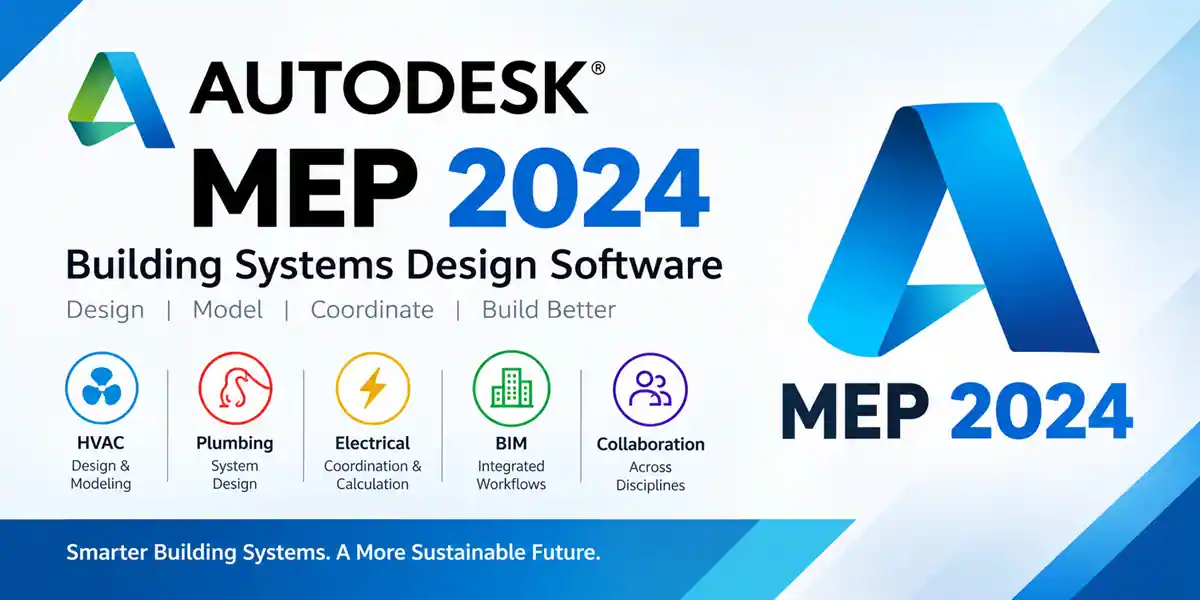
Discover Autodesk MEP 2024, a powerful BIM solution for mechanical, electrical, and plumbing design. Explore building systems modeling, MEP coordination, documentation, and workflow improvements for efficient building design.
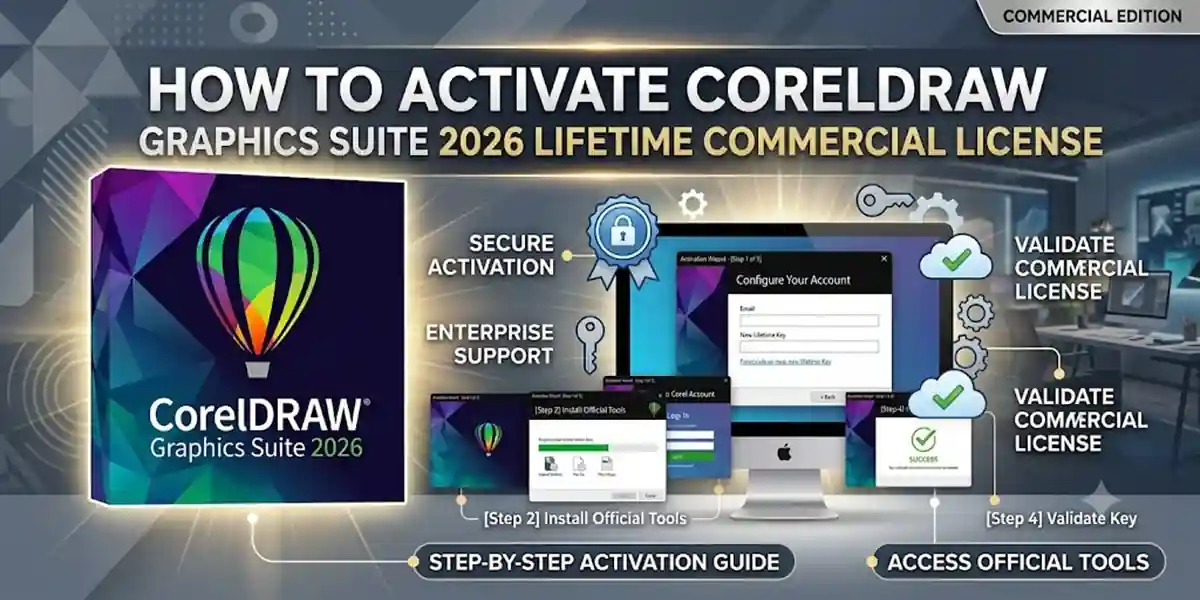
Before purchasing or activating a lifetime commercial license, carefully confirm the license terms with Corel or an authorized seller. A perpetual license generally permits continued use of the licensed version under its terms, but it does not necessarily include future major upgrades or guarantee lifetime updates. Activation requirements and commercial usage rights depend on the specific license agreement. Always use authorized software and follow Corel's official activation instructions.