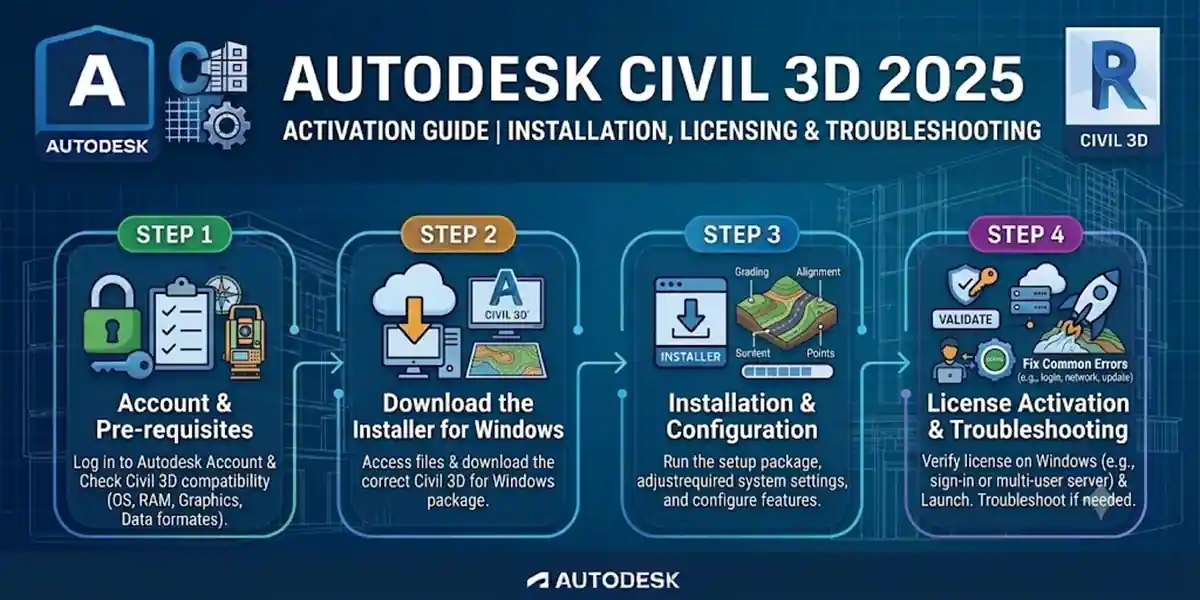
Whether you are a civil engineering student, infrastructure designer, surveyor, or experienced engineering professional, understanding the installation and licensing process can help you get started efficiently. Before installing the application, confirm that your computer meets the official system requirements and that your Autodesk account has access to the required product.Follow this guide to install Autodesk Civil 3D 2025 and activate it using a valid license. Always download the software from official Autodesk sources and follow the applicable licensing terms for secure and reliable access.
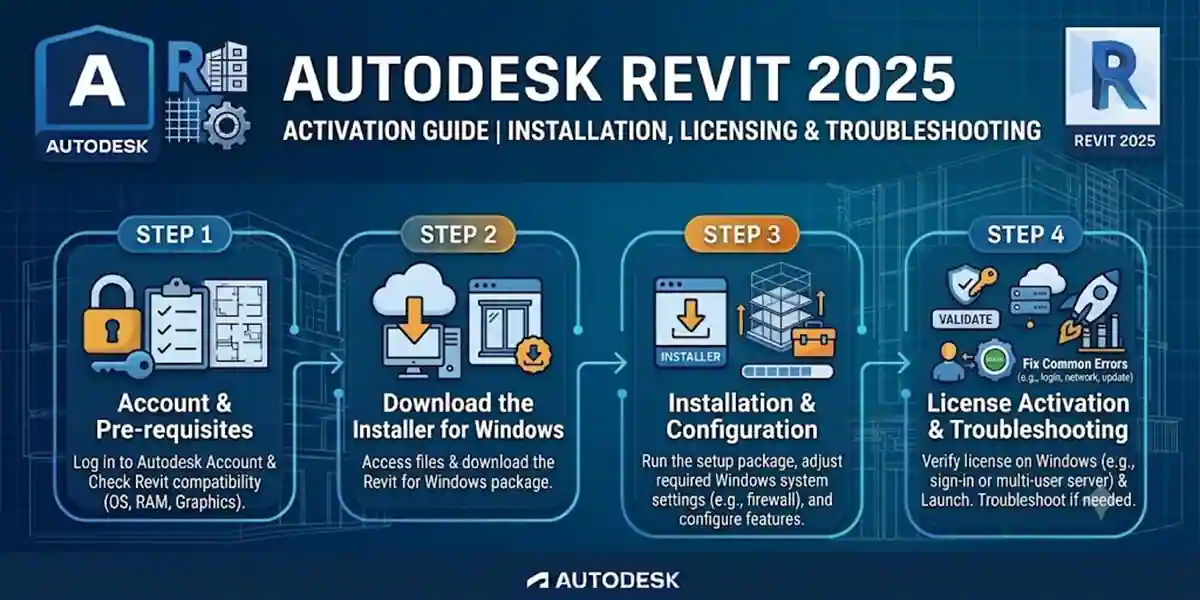
Learn how to activate Autodesk Revit 2025 with this complete guide to installation, system requirements, licensing, and troubleshooting. Follow the steps to set up Revit using a valid Autodesk license.
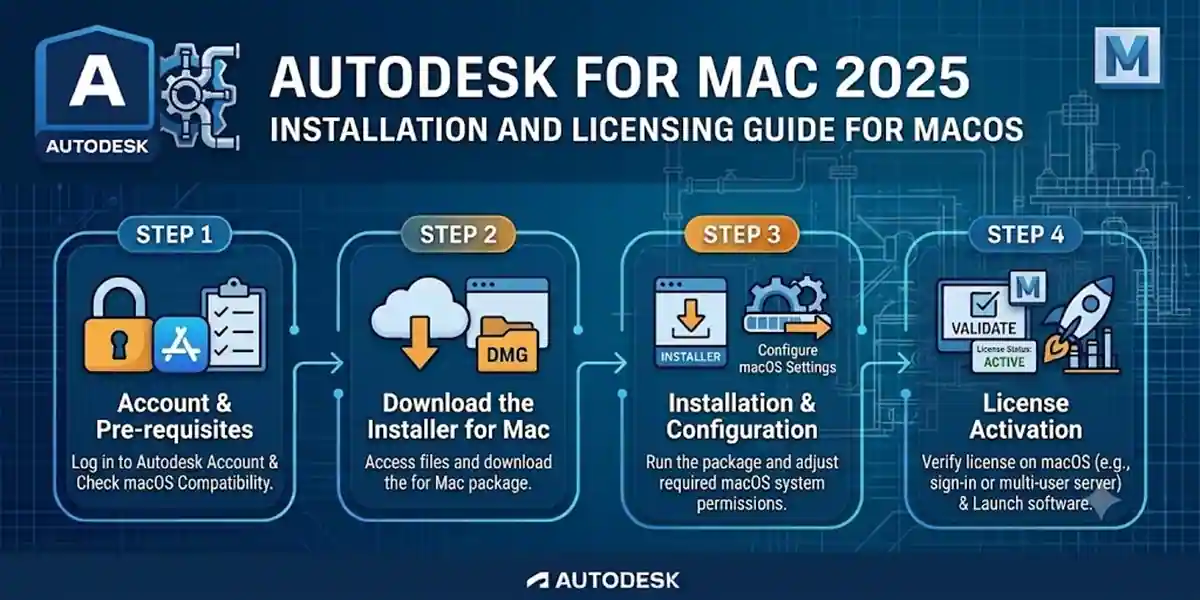
Explore Autodesk for Mac 2025 with this complete guide to installation, macOS compatibility, system requirements, licensing, and activation. Learn how to get started with Autodesk software on your Mac.
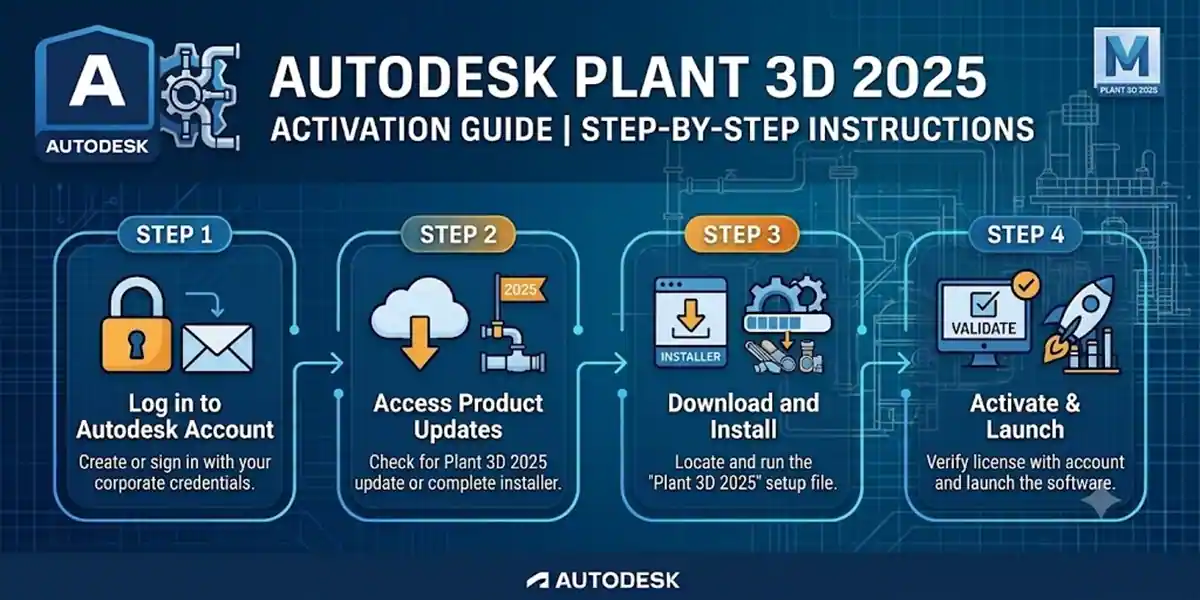
Follow this guide to install Autodesk Plant 3D 2025 and activate it using an eligible Autodesk license. For a secure installation, download the software from an official Autodesk source and follow the applicable licensing terms.
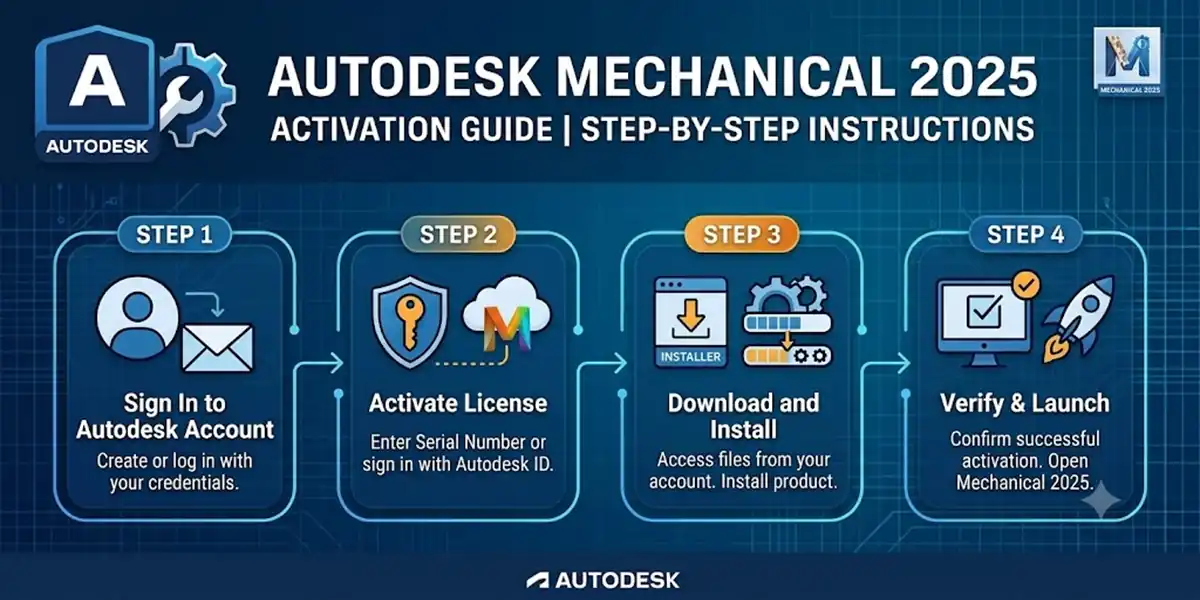
Learn how to install and activate Autodesk Mechanical 2025 with this complete guide. Explore installation steps, license options, activation troubleshooting, and essential tips for mechanical design.