

Microsoft Office 365 Personal Subscription: Cost and Value

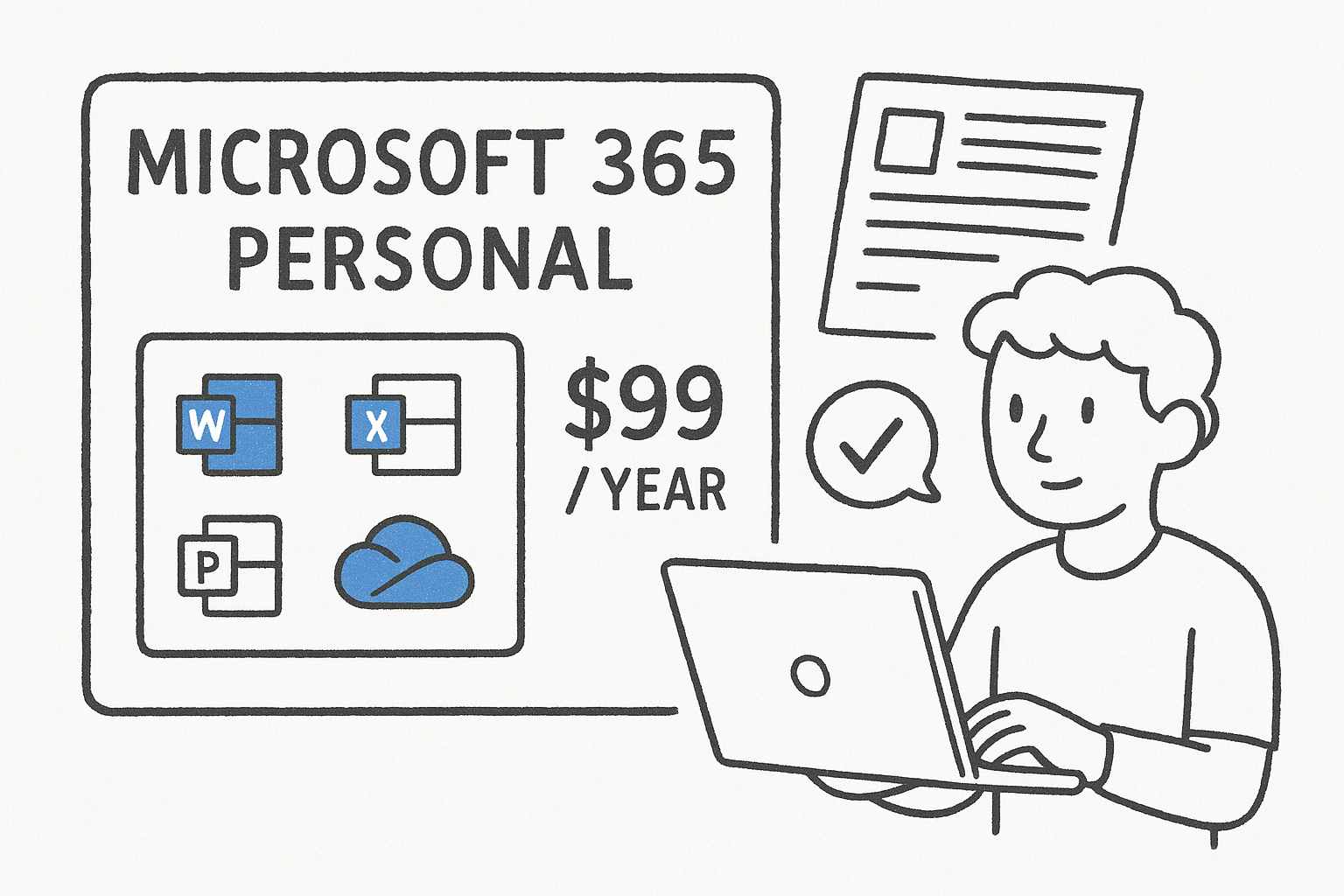
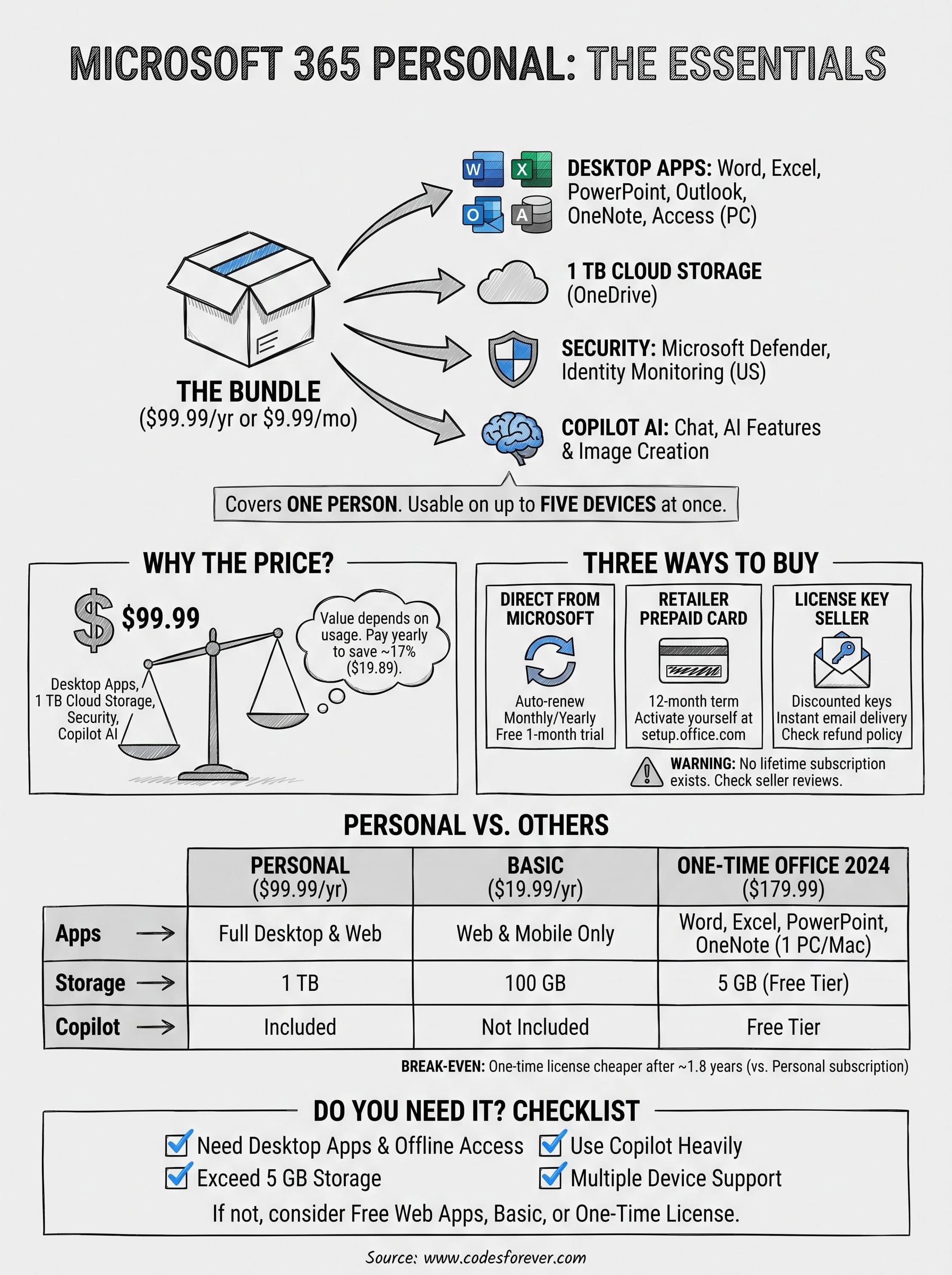
The Microsoft Office 365 Personal subscription is what Microsoft now sells as Microsoft 365 Personal. It covers one person and costs $99.99 a year. For that price you get desktop Word, Excel, PowerPoint, Outlook and OneNote, 1 TB of OneDrive storage, Microsoft Defender security tools and Copilot AI features, usable on up to five devices at once. Microsoft dropped the Office 365 name for consumer plans in 2020, but many people still search under the old name.
This guide explains what that price buys, how to buy and activate the plan, and how to pay less. You will also see how Personal compares with Basic, Family, Premium and Pro, whether a lifetime version exists, and whether the free web apps could do the job instead.
Codesforever sells discounted Microsoft Office and Office 365 license keys, so we know how buyers weigh a subscription against a one-time license. We cover those trade-offs plainly, including the cases where you should skip a subscription altogether.
Why Microsoft 365 Personal costs what it does
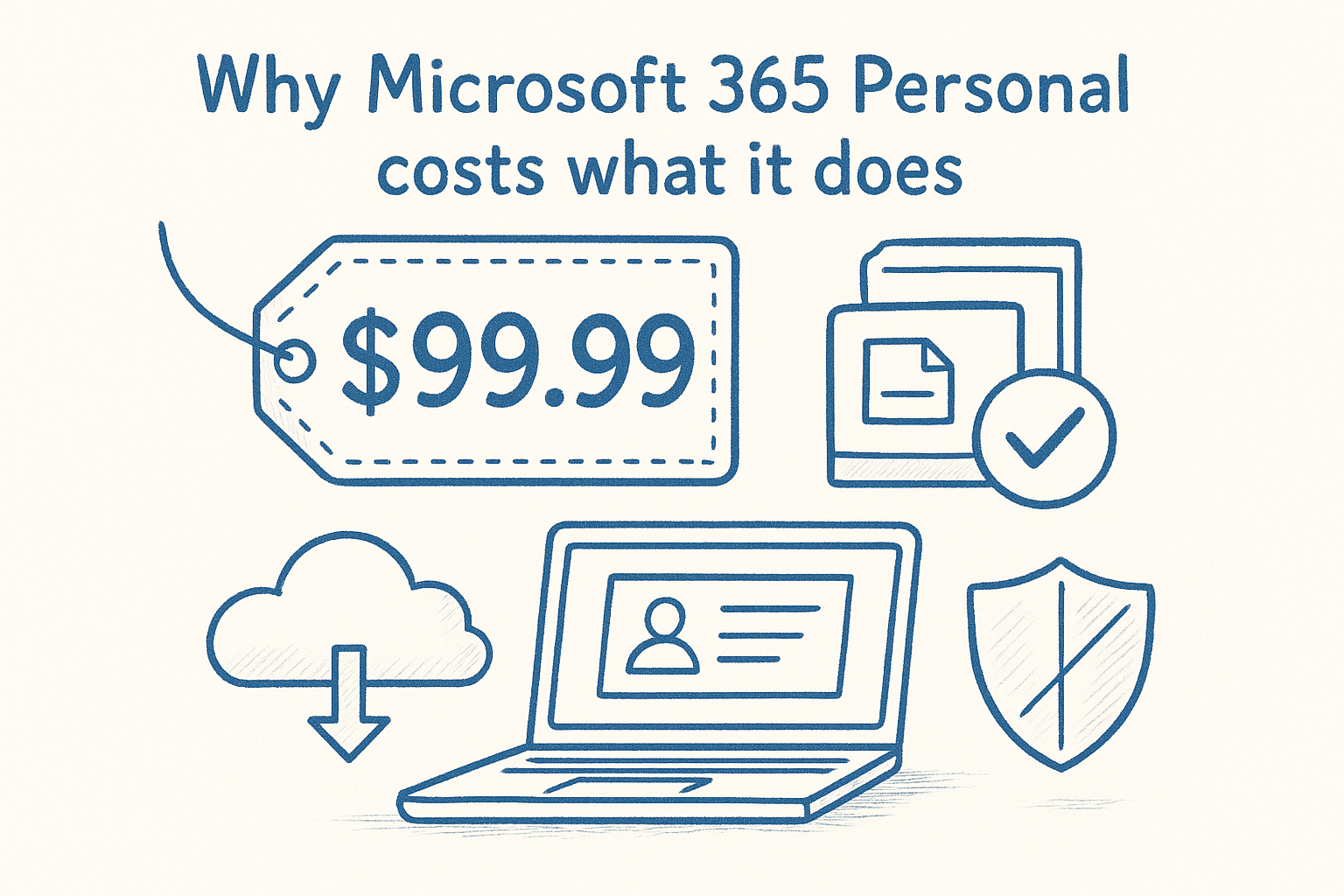
Microsoft 365 Personal costs $99.99 a year, because it bundles desktop apps, 1 TB of cloud storage, security software and AI tools into one plan for a single user. Whether that is a fair price depends on how many of those pieces you actually use.
The current price in the US
Microsoft lists four individual plans at these prices. The last column shows what you save by paying for a year up front instead of paying monthly. Prices change, so confirm the figure on Microsoft’s plan comparison page before you pay.
| Plan | Yearly | 12 months paid monthly | ||
|---|---|---|---|---|
| Microsoft 365 Personal | $99.99 | $119.88 | ||
| Microsoft 365 Family | $129.99 | $155.88 | ||
| Microsoft 365 Premium | $199.99 | $239.88 |
Paying yearly is the simplest saving, worth about 17% on Personal. The only reason to choose monthly billing is a short project where you plan to cancel after a few weeks.
Pay yearly and you keep $19.89 that the monthly plan would charge you for identical Personal features.
What the price pays for
Personal is a bundle, so the useful way to judge it is item by item. Here is what the $99.99 covers:
- Desktop apps: Word, Excel, PowerPoint, Outlook and OneNote for Windows and Mac, plus Access on PC only.
- Cloud storage: 1 TB (1,000 GB) in OneDrive, with ransomware detection and file recovery for up to 30 days after an attack, corruption or accidental deletion.
- Copilot: AI chat and AI features inside the apps, with higher usage limits than the free version, plus AI image creation.
- Security: Microsoft Defender on Windows, Mac, iOS and Android. Identity theft monitoring is limited to the US and its territories.
- Teams: group video calls of up to 30 hours with up to 300 people.
- Devices and support: sign in on five devices at once, get ongoing updates, and reach Microsoft technical support.
The Copilot features are tied to the account owner and have usage limits. Those limits matter if you plan to lean on AI all day.
Why the price rose from $69.99
If you have seen $69.99 quoted in forums, that was Microsoft’s earlier US price for Personal. The plan now costs $99.99 because Microsoft folded Copilot into consumer subscriptions.
That shift changes the value question. If you never touch AI, you are paying about $30 a year more than before for features you will not use. If you write, analyze data or build slides regularly, the AI tools may save more than that in time. Decide by usage, not by habit.
How to buy, activate and install Microsoft 365 Personal
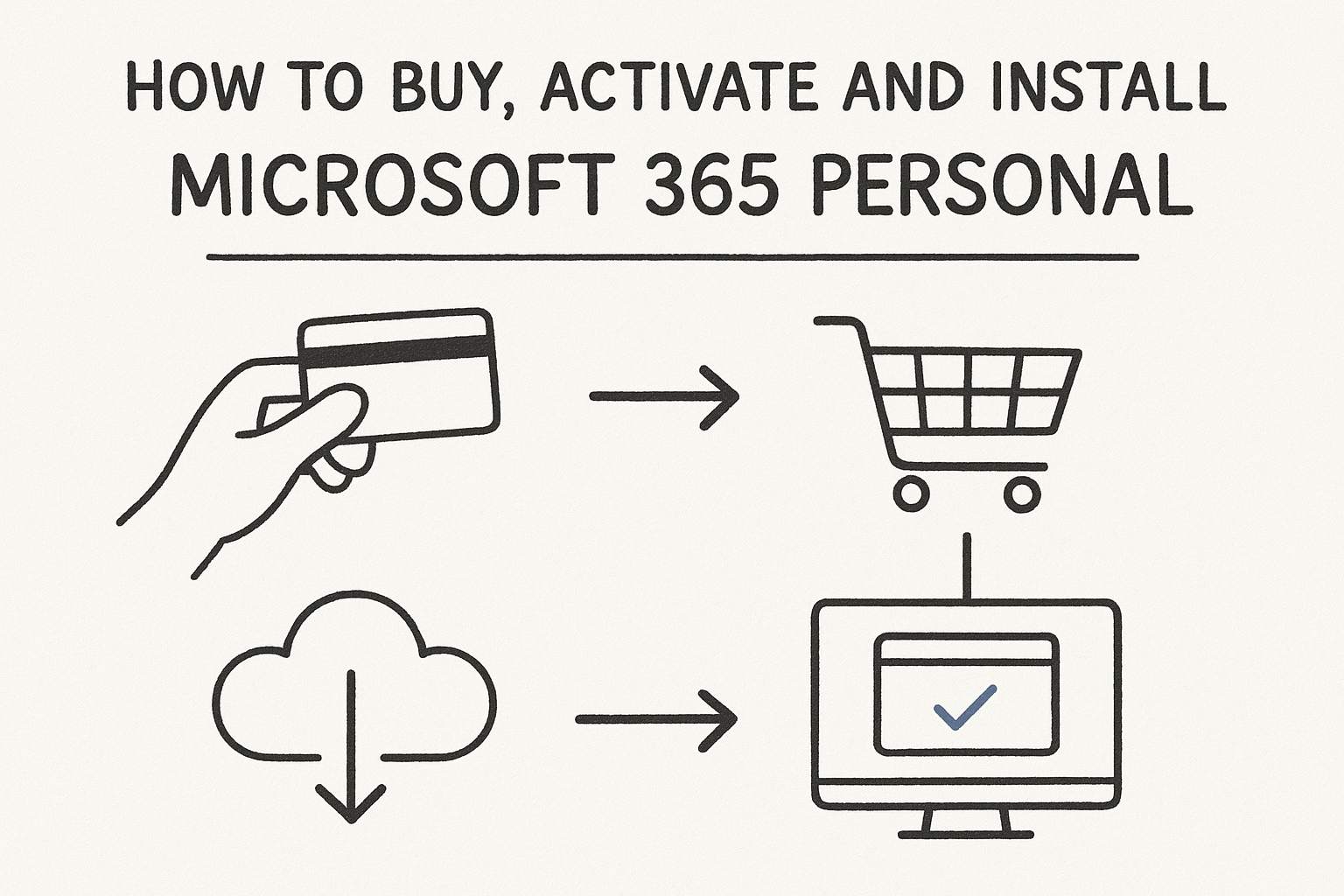
You buy the plan, attach it to a Microsoft account, then download the apps and sign in. The process takes a few minutes plus the download time. The part that deserves thought is where you buy, because the same subscription reaches you through different routes.
Three ways to buy
Every route ends with one Microsoft account holding the subscription. Only the payment method and the price differ.
- Direct from Microsoft: recurring billing, monthly or yearly, renewing automatically at the regular price. New subscribers can try the plan free for one month.
- Prepaid card from a retailer: a 12-month term that you activate yourself at setup.office.com.
- License key from a key seller: the same activation process as a prepaid card, usually at a lower price, delivered by email.
- System generated : user id and password given for login
The route you buy through changes your price and your renewal terms, not the software you end up with.
Activation and installation steps
Follow these steps whichever route you chose:
- Sign in to the Microsoft account you want to own the subscription, or create one. Use a personal address, not a work or school login.
- If you bought a card or key, go to setup.office.com and enter the 25-character code. If you bought direct, the subscription attaches itself.
- Open your Microsoft account’s services and subscriptions page and choose to install the apps.
- Run the installer, open Word or Excel, and sign in with the same account.
- Repeat on your other devices. You can be signed in on five at once.
- OR directly login to Microsoft account using system generated user id and password
If you ever buy a new computer, sign in with the same account and download the apps again. Your documents belong to you, and you can store them on OneDrive or locally.
Settings worth checking after setup
Two quick settings are worth a few minutes. In OneDrive, move sensitive files into the Personal Vault folder, which uses two-step identity verification. On your phones and Mac, install the Microsoft Defender app from the app store, since it requires a Personal or Family subscription and does not install itself.
One rule catches people out. The Office apps run offline, but you must connect to the internet at least every 31 days. If you do not, the apps drop into reduced functionality mode, where you can view and print documents but not edit them. Reconnecting restores everything. If Copilot does not appear, update the apps and restart them.
How to pay less for Microsoft Office 365 Personal
The cheapest legitimate routes are to pay yearly, buy a discounted prepaid license from a seller with a refund policy, or step down to a plan that fits what you really use. Which one wins depends on whether you need desktop apps or only a place to write and edit.
Savings that need no discount code
Start with the options Microsoft itself gives you. Several of them cost nothing, and a few can cut the bill sharply.
- Pay yearly: saves amount against twelve monthly payments.
- Choose Basic: buy a year it gives 100 GB of storage and ad-free Outlook, but only web and mobile apps with no AI. It suits people who mostly need cloud storage.
- Split a Family plan: buy for up to six people, two users pay about $65 each. AI features stay with the owner.
- Check your employer: Microsoft’s Workplace Discount Program offers savings on select subscriptions through eligible employers with a valid work email.
- Check student pricing: Microsoft runs a separate college student offer.
The cheapest Personal subscription is sometimes not Personal at all, so match the plan to your real usage first.
Where discounted keys and prepaid cards fit
Large retailers such as Amazon, Costco and Best Buy list 12-month Microsoft 365 Personal cards. Their prices often sit close to Microsoft’s own, though they sometimes add a bonus like a gift card. These are safe, familiar options, but the saving is usually small.
Key stores go further. Codesforever sells Microsoft Office and Office 365 license keys at discounts that often run 60% to 98% off list price across its catalog. The key arrives by email within moments, and you activate it yourself. Support is available by live chat and WhatsApp around the clock, and invalid or defective keys are covered by a money-back or replacement policy. Discount depth varies by product, so read the listing for the exact edition and term.
Checklist before you buy a discounted key
Discounts are worth taking only from a seller you can hold accountable.
- You never hand over your Microsoft password. Offers to add you to someone else’s account are a warning sign.
- Payment runs through a protected payment method.
- The listing does not promise a "lifetime Microsoft 365" subscription, which Microsoft does not sell.
Personal vs Basic, Family, Premium and Pro
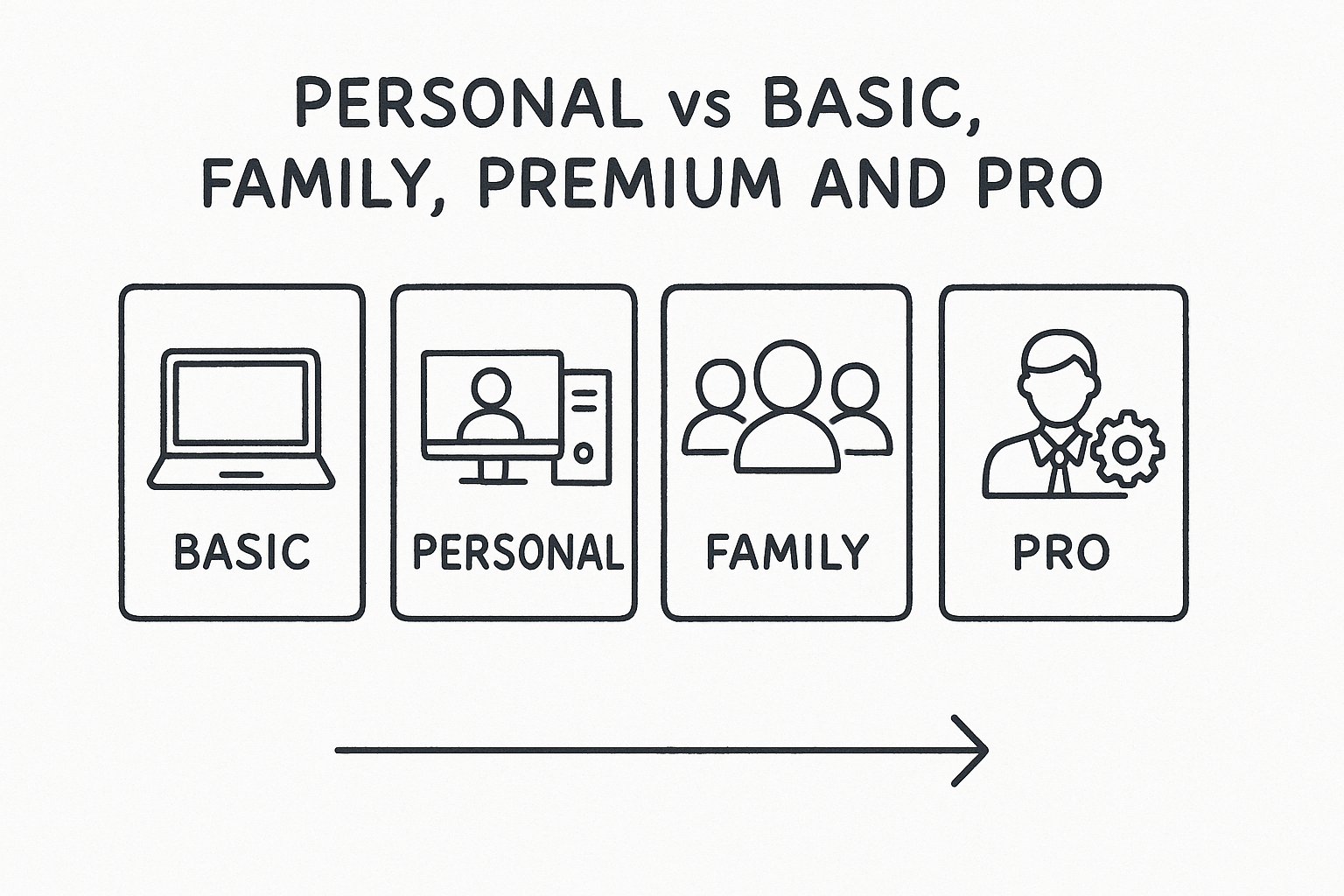
Personal is the right middle ground for one person who wants desktop apps and 1 TB of storage. Basic is a storage-and-web plan, Family adds people, and Premium and Pro add more AI. Picking among them mostly comes down to people and AI usage.
Basic vs Personal
The main difference is the apps. Basic works on the web, iOS and Android, while Personal installs full desktop apps. Here is the side-by-side comparison:
| Basic | Personal | |
|---|---|---|
| Yearly price | $99.99 | $149.99 |
| Cloud storage | yes | yes |
| Word, Excel, PowerPoint | Web and mobile only | Full desktop apps |
| Copilot AI | Not included | Included with higher usage than free |
| Security | OneDrive ransomware protection | Defender and identity monitoring (US) |
| Ad-free Outlook email | Yes | Yes |
If you only need to open and edit documents occasionally, Basic plus the free web apps may be enough. If you work in desktop Excel or Word daily, you need Personal.
Personal vs Family
Family is the home subscription in Microsoft’s lineup, built for one to six people. It adds 2 TB of shared storage and lets each person sign in on up to five devices. The catch is that AI features are available to the subscription owner only.
The per-person math favors Family quickly. Six people paying $199.99, and even two people pay about $65 each. A single user gains nothing from Family and should stay on Personal.
Premium and Pro
Premium costs $199.99 a year and includes everything in Family plus extensive AI usage and agentic features for research and analytics. Pro goes further, with the highest AI limits for individuals and 5 TB of storage. Check Microsoft’s plans page for the current Pro price.
My position is simple. Most people do not need either. Pay for Premium only if you hit Personal’s AI usage limits regularly, for example while analyzing data or producing presentations every day. Otherwise, the extra $100 a year buys capacity you will not use.
Subscription vs lifetime one-time purchase
Microsoft does not sell a lifetime Microsoft 365 Personal subscription. A subscription is recurring by definition. The nearest thing is a one-time Office license, which you pay for once and keep, but it comes without the cloud and AI extras.
Is there a lifetime Microsoft 365 Personal?
No. When a listing says "lifetime Office 365 Personal", it is either a one-time license for a specific Office version, such as Office 2021 or 2024, or something to avoid. A genuine one-time license has no monthly fee, but it is tied to one device and does not receive new features.
Microsoft’s own one-time product is Office Home 2024 at $179.99. It covers one PC or Mac and has no upgrade path, so moving to the next major release means buying again at full price. Office Home & Business 2024 adds the full Outlook desktop app.
Break-even math
The one-time license pays for itself after a little under two years. $179.99 divided by $99.99 a year is about 1.8 years. After that, the one-time purchase is the cheaper option:
| Years of use | Personal subscription | Office Home 2024 | Cheaper |
|---|---|---|---|
| 1 year | $99.99 | $179.99 | Personal |
| 2 years | $199.98 | $179.99 | Office Home 2024 |
| 3 years | $299.97 | $179.99 | Office Home 2024 |
| 5 years | $499.95 | $179.99 | Office Home 2024 |
If you will use Office on one computer for more than two years, a one-time license costs less than renting.
What you give up with a one-time license
The price gap exists because Office Home 2024 leaves things out. It includes Word, Excel, PowerPoint and OneNote for one device, and Outlook only in its free version with ads. You get 5 GB of free OneDrive storage instead of 1 TB, free-tier Copilot, no Defender and no five-device sign-in.
Choose the subscription if you move between a laptop, phone and tablet or want cloud storage. Choose a one-time license if you use one desktop and never touch the extras. Codesforever stocks both kinds, including one-time Office keys from 2016 through 2024, so you can compare prices for the same budget.
Do you really need a Microsoft 365 subscription?
You need a Microsoft 365 Personal subscription only if you rely on the desktop apps, 1 TB of storage or the Copilot features. If your needs are lighter, the free tools may be enough, and paying $99.99 would be a waste.
What the free version covers
With a free Microsoft account you can use web and mobile versions of Word, Excel, PowerPoint and Outlook, plus 5 GB of OneDrive storage. Microsoft describes its free productivity apps on its free apps page, and notes that free functionality is subject to change.
For a student writing papers, or an occasional user editing a resume, these cover most needs. Limitations show up in heavy spreadsheet work, offline editing and large files.
Signs you should subscribe
Pay for Personal when at least one of these is true:
- You work in desktop Excel or Word and need offline access or advanced features.
- Your photos and files already exceed 5 GB and you want one place for them.
- You use Copilot enough that free usage limits slow you down.
- You want one subscription across a PC, a Mac and your phone.
If none apply, stay on the free apps. If only the storage applies, Basic does the job for a fifth of the cost.
Renewals, cancellation and what happens when it lapses
Your Personal subscription renews automatically at the regular price unless you turn off recurring billing in your Microsoft account. Canceling stops future charges, and your access continues until the paid term ends.
How renewals and billing work
On an annual plan, Microsoft notifies you before it charges you for another year. On a monthly plan, the payment is debited each month with no advance notice, so set a calendar reminder if you only want a few months. Each Microsoft account can hold only one active consumer subscription, so a second purchase must wait for expiry, or you can convert a Family plan to Personal.
If you pay early on the same plan, the extra time adds to your existing term. That is useful when you buy a discounted prepaid license before the current term ends.
What happens when you cancel or let it lapse
Turn off recurring billing in your Microsoft account and the subscription runs out on its end date. To cancel immediately, contact Microsoft support. If you bought from another retailer, you may need to cancel through them.
After expiry, the desktop apps drop to view-and-print mode. Your files stay in OneDrive, but if the account exceeds the free 5 GB quota you will need to save files elsewhere or buy more storage. Download your important files before the date passes.
Making the right call on Personal
Microsoft 365 Personal is $99.99 a year for one person. It earns that price if you use desktop apps, 1 TB of OneDrive storage and Copilot. If you do not, Basic, the free web apps, or a one-time Office license will cost you less. Pay yearly, never expect a lifetime Microsoft 365 plan, and check every seller’s refund terms before you buy.
If you want the same software at a lower price, you can browse discounted Microsoft Office and Office 365 license keys at Codesforever. You get instant email delivery, activation support around the clock and a money-back or replacement policy for invalid keys.