

Windows 10 Product Key: 5 Ways to Find, Buy, or Install One

Your key product Windows 10 options come down to five routes. Buy a genuine license key if you are doing a clean install or your PC has no key. Pull the key already stored on your PC if you are reinstalling on the same machine. Check your email or order history if you bought Windows yourself. Reuse a digital license if you upgraded for free. Use a generic key only to install now and activate later.
Most pages that rank for this search paste a list of keys, and those keys rarely do what readers hope. A 25-character code can install Windows 10 and still never activate it. What matters is the type of key you hold and whether it matches your edition, Home or Pro.
We sell Windows license keys at Codesforever, so that route comes first. The other four are free and often the better choice if you already own a license. Each section shows how the route works, who it suits, and what to watch for, with activation steps for Windows 10 Pro.
1. Buy a genuine Windows 10 key from Codesforever
Buying a license key is the fastest fix when you have no key and no digital license. You pay once, receive the key by email, and enter it in Windows.
How it works
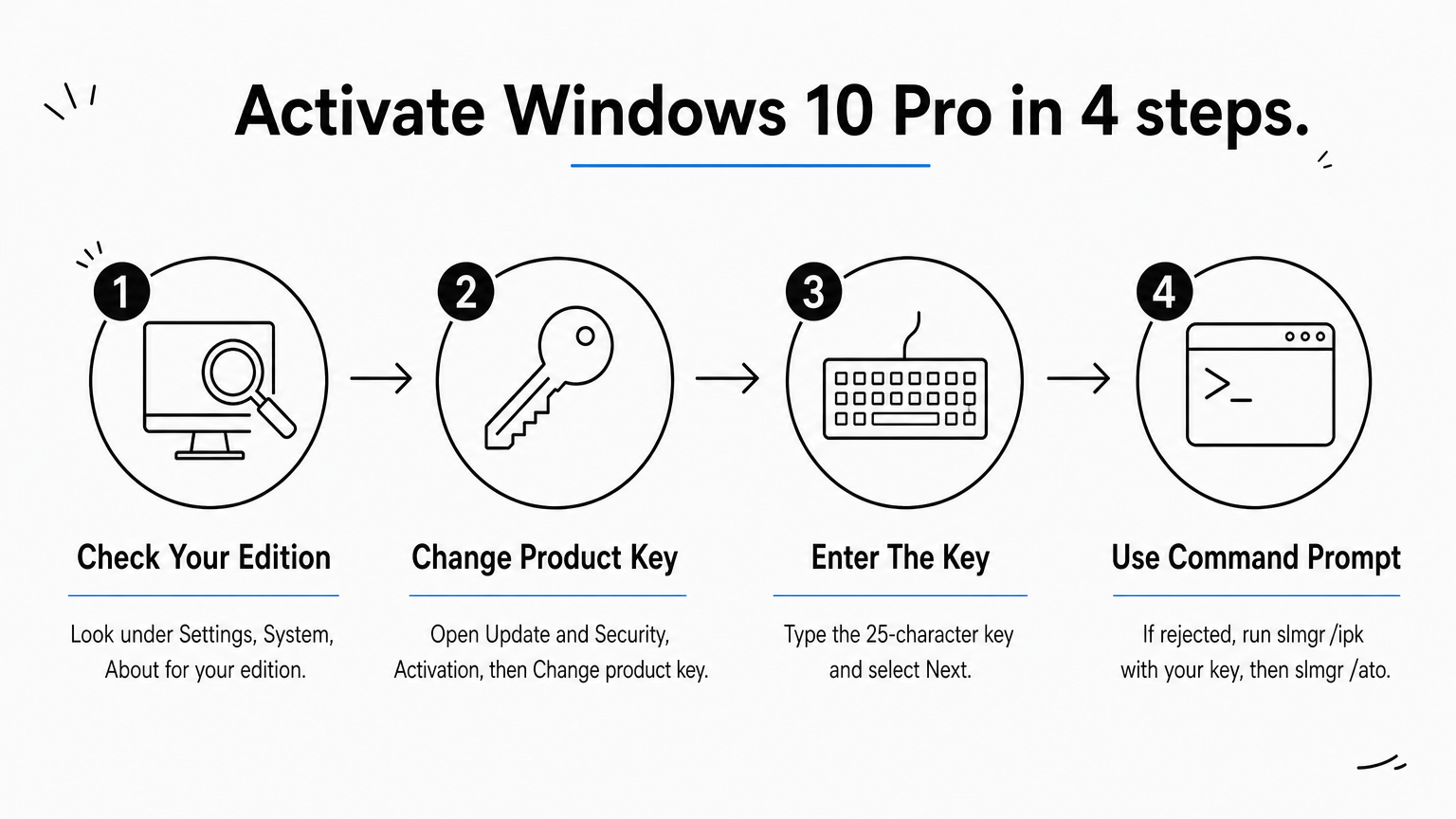
Codesforever sells Windows 10 Professional, Pro N, Home and Enterprise as lifetime keys for one user and one PC. Each order includes a download guide and a software key by email. Most orders arrive within 5 minutes, and a few take up to 24 hours. To use key activation on Windows 10 Pro, follow these steps:
- Check your edition under Settings > System > About.
- Open Settings > Update & Security > Activation > Change product key.
- Enter the 25-character key and select Next.
- If Settings rejects it, open Command Prompt as administrator and run the commands below.
slmgr /ipk XXXXX-XXXXX-XXXXX-XXXXX-XXXXX
slmgr /ato
A license key activates Windows only when it matches the edition you installed.
Who it suits and what it costs
This route suits new builds, replaced drives and PCs with no sticker. Pro is the pick if you want BitLocker, Remote Desktop or Hyper-V. Home covers everyday use.
Microsoft’s retail price was roughly $139 for Home and $199 for Pro. Codesforever lists prices often 60 to 98% below list, and the product page shows the current price. Problems reported within 7 days get troubleshooting, then a replacement key or refund under the money-back guarantee.
One catch: Windows 10 reached end of support on October 14, 2025, so it no longer gets free security updates. If your PC qualifies for Windows 11, a Windows 11 Pro lifetime key at US$14 is about 93% below a $199 retail Pro price.
2. Find the key already on your PC
Many PCs sold with Windows 10 store the key in firmware, and you can read it in seconds. Check here before you spend anything.
How it works
Open PowerShell and run the command below. It returns the key embedded in your motherboard firmware, if one exists. Older PCs may also carry a Certificate of Authenticity sticker on the case or under the battery.
(Get-CimInstance -ClassName SoftwareLicensingService).OA3xOriginalProductKey
Running slmgr /dli in Command Prompt shows only the last five characters, which is enough to confirm which key is installed.
If PowerShell prints nothing, your PC has no firmware key, and that is normal.
Who it suits and what to watch for
This route suits anyone reinstalling Windows 10 on the same machine that shipped with it. It costs nothing.
A blank result usually means you upgraded for free, built the PC yourself, or run on a digital license. An OEM key is also locked to that motherboard, so you cannot move it to another PC.
3. Look in your email, order history, or retail box
If you bought Windows yourself, the key is probably in a receipt, a box, or an account. Where you look depends on how you bought it.
How it works
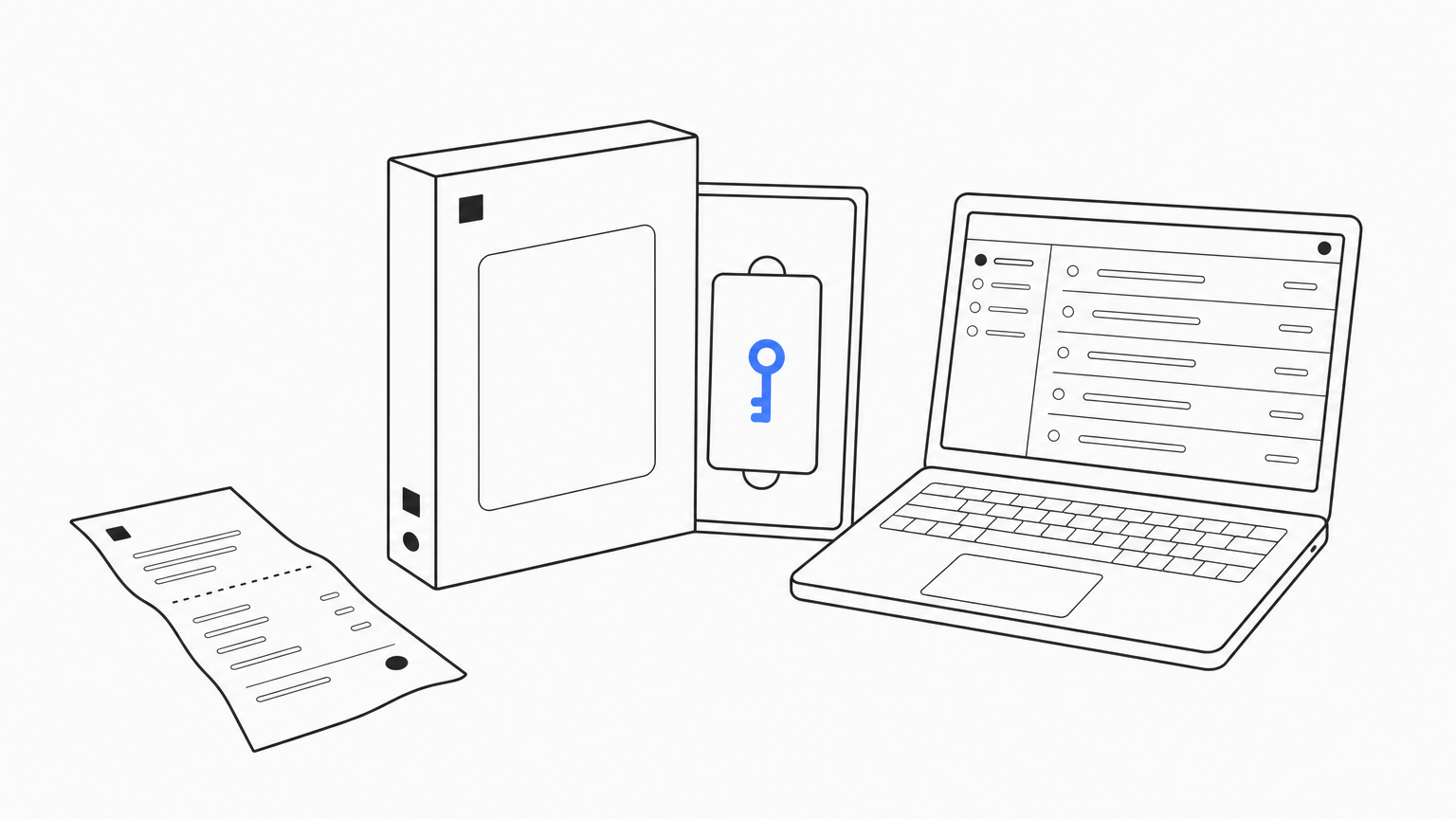
Microsoft’s own guidance maps each purchase type to a location. Search your inbox for "Windows 10" and "product key" first. For Microsoft online store orders, sign in to your Microsoft account and open Order history, because Microsoft only keeps key records for purchases made there.
| How you got Windows | Where the key is |
|---|---|
| Boxed copy from a retailer | Label or card inside the box |
| New PC | Sticker, packaging, or preinstalled in firmware |
| Digital copy from a retailer | Confirmation email or the retailer’s digital locker |
| Microsoft online store | Confirmation email and Microsoft account Order history |
| Volume Licensing or MSDN | Web portal of your program |
Your purchase record is the most reliable proof of a key you already own.
Who it suits and what to watch for
This route suits anyone who paid for a retail or digital copy of Windows 10 in the past. It is free.
One exception: a Windows 10 Pro upgrade bought in the Microsoft Store app gives you a digital license instead of a key. If the email shows no 25-character code, move to the next route.
4. Reuse a digital license, no key needed
A digital license activates Windows through your hardware and Microsoft account, so you never type a key. It is the least known way to get Windows 10 running again.
How it works
Microsoft issues a digital license when you upgrade to Windows 10 for free from Windows 7 or 8.1, or when you buy a Pro upgrade in the Microsoft Store app. During a reinstall, choose "I don’t have a product key" and pick the same edition you had before. Windows then activates itself once you connect to the internet.
You can confirm it under Settings > Update & Security > Activation. The page should read that Windows is activated with a digital license, ideally linked to your Microsoft account.
If Windows 10 was activated before, a reinstall on the same hardware usually needs no key.
Who it suits and what to watch for
This route suits anyone who upgraded for free or whose PC already showed as activated. It costs nothing.
The catch is hardware. A major change, such as a new motherboard, can break the license. Go to Activation > Troubleshoot and select the option for a recent hardware change, signing in with the Microsoft account tied to the license. Link your account before you reinstall, not after.
5. Install with a generic key, activate later
A generic key lets you install Windows 10 and choose an edition, but it does not activate Windows. Treat it as a setup tool.
How it works
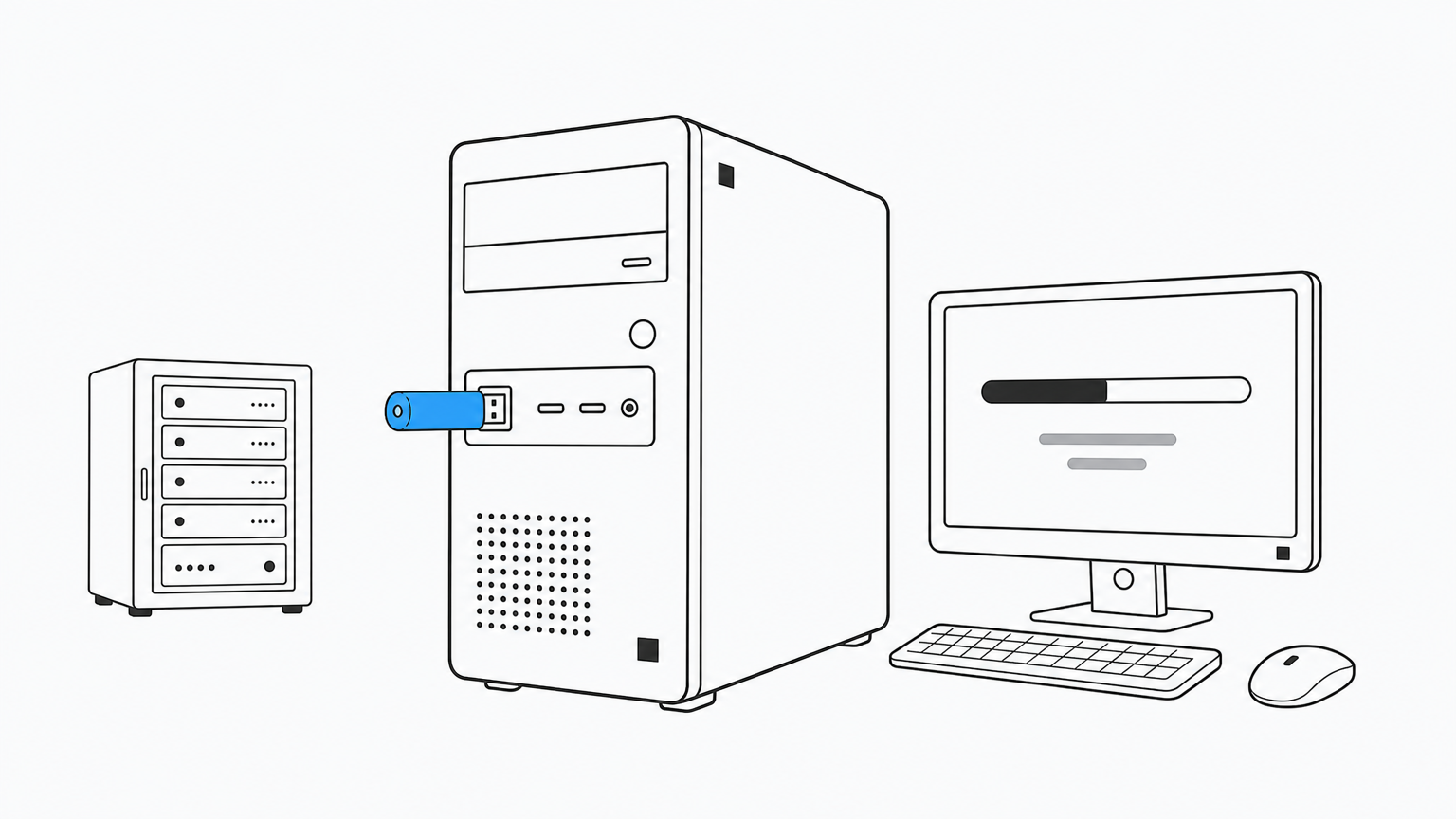
You do not need to hunt for one. During setup, select "I don’t have a product key" and choose Home or Pro. Microsoft also publishes KMS client keys (generic volume license keys) for organizations that run their own activation server. You install one with slmgr /ipk.
| Windows 10 edition | Microsoft KMS client key |
|---|---|
| Pro | W269N-WFGWX-YVC9B-4J6C9-T83GX |
| Pro N | MH37W-N47XK-V7XM9-C7227-GCQG9 |
| Education | NW6C2-QMPVW-D7KKK-3GKT6-VCFB2 |
| Enterprise | NPPR9-FWDCX-D2C8J-H872K-2YT43 |
A generic key installs Windows 10. Only a valid license activates it.
Who it suits and what to watch for
This route suits IT admins with a KMS host on their network, and anyone setting up a PC before buying a license. These keys won’t activate a retail copy on a home PC.
Is there a free way to activate Windows 10 permanently? Not through lists of shared keys. Those get blocked, and unofficial activators carry malware risk. Unactivated Windows 10 still runs, but you get an "Activate Windows" watermark and locked personalization. For lasting activation, use routes 1 to 4.
Pick the route that matches your situation
Start with the free routes. Check your firmware, your email and your Microsoft account, then see whether a digital license already covers you. If none of them turns up a key, buy a genuine license key that matches your edition. Use a generic key only to install while you sort out activation.
Whatever you choose, match the key to the edition, confirm it under Settings > System > About, and keep your purchase email. Windows 10 no longer receives free security updates, so decide whether your PC should move to Windows 11.
If you need a license, you can browse genuine Windows license keys at Codesforever and get activation help by chat or WhatsApp.